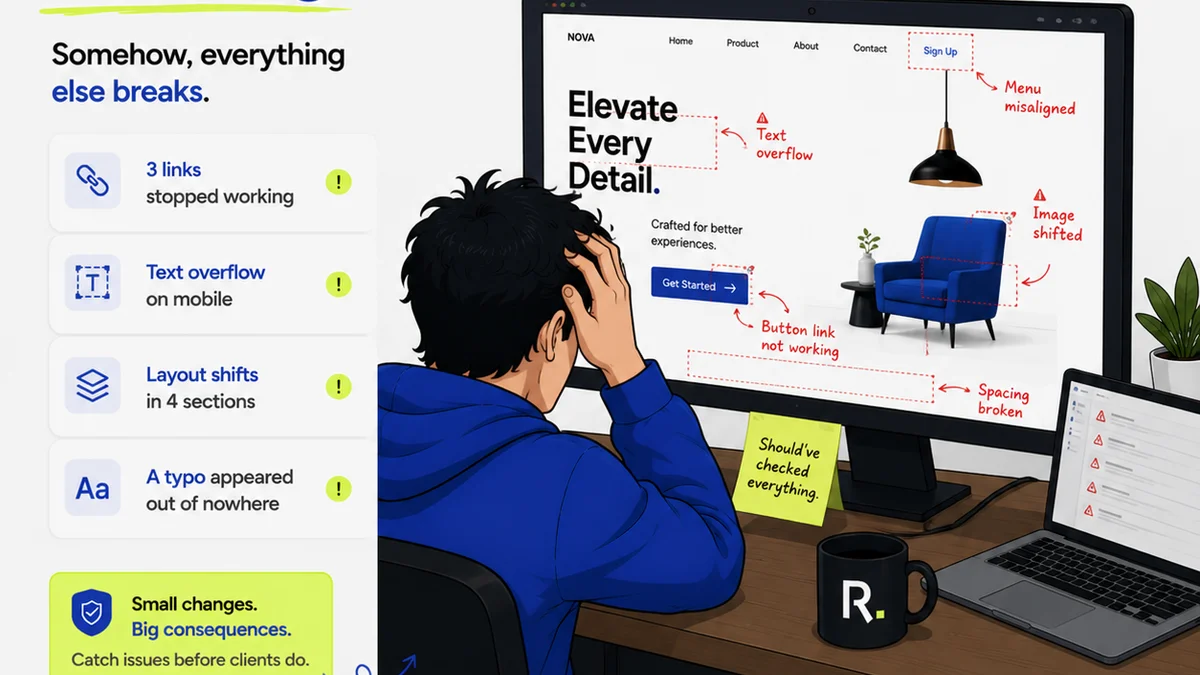
Everyone thinks they have a creative handoff process down. You’ve got your files, your specs, maybe a style guide. It’s all there, right?
None of that is wrong. But it’s incomplete.
The hard truth? A truly effective creative handoff isn’t just about delivering assets. It’s about setting up the next team for success, minimizing friction, and protecting your creative vision through production. It’s an operational discipline, not just a file dump.
1. The Illusion of 'Done'
Creative work feels done when the design is approved. But from a production standpoint, it’s just beginning. This is where most agencies and in-house teams stumble. They treat the handoff as an administrative task, an afterthought to the 'real' creative work.
This is a critical mistake.
A sloppy handoff leads to:
- Endless clarification questions.
- Costly rework.
- Missed deadlines.
- Compromised design integrity.
- Frustrated teams (yours and theirs).
The goal isn't just to pass files; it's to transfer knowledge and intent seamlessly.
2. Defining the Handoff Scope
What *is* a creative handoff, really? It’s the formal transfer of approved creative assets and all necessary information from the creative team to the production, development, or implementation team.
This transfer must be:
- Complete: All necessary files, specs, and context.
- Accurate: Information is up-to-date and correct.
- Accessible: Easily found and understood by the receiving team.
- Actionable: The receiving team can immediately start work.
Think of it as the blueprint for execution. If the blueprint is smudged, incomplete, or uses the wrong scale, the final build will suffer.
3. Essential Components of a Robust Handoff
Beyond the obvious design files, what truly makes a handoff bulletproof? It’s the details that prevent assumptions and misinterpretations.
3.1. Asset Organization and Naming Conventions
This sounds basic, but it’s often overlooked. A disorganized folder structure is a nightmare.
- Use a clear, logical folder structure (e.g., by platform, by feature, by asset type).
- Implement consistent naming conventions for all files. Think `projectname_platform_version_assettype_state.ext` (e.g., `revue_web_v1.2_hero-banner_final.jpg`).
- Include a `README.txt` file in the root folder explaining the structure and naming conventions.
3.2. Comprehensive Style Guides and Design Systems
If you have one, great. If not, create one for the project. This is non-negotiable for any significant project.
- Color Palettes: Define primary, secondary, and accent colors with HEX, RGB, and CMYK values.
- Typography: Specify fonts, weights, sizes, line heights, and letter spacing for all uses (headings, body text, captions, etc.).
- Spacing and Layout: Define grid systems, margins, padding, and common spacing units. Material Design offers great guidance here.
- Iconography: Provide a library of all icons, with clear usage guidelines.
- Imagery: Specify image dimensions, aspect ratios, and any specific style or treatment requirements.
- Components: For UI projects, document reusable components (buttons, forms, cards) with their states and variations.
A well-documented design system is the ultimate tool for consistency and efficient handoff.
3.3. Detailed Specifications
This is where many handoffs fall apart. Don’t assume the developer knows how a spacing value or a border radius should be interpreted.
- Dimensions: Clearly label width, height, and positioning for all elements.
- Spacing: Specify margins and padding in pixels, REMs, or percentages, depending on your project’s needs.
- Colors: Provide exact color values (HEX, RGB, HSL).
- Typography: Reiterate font families, sizes, weights, and line heights.
- Interactions and Animations: Document hover states, click actions, transitions, and micro-interactions. Use short video clips or animated GIFs where helpful.
- Accessibility Notes: Specify focus states, color contrast ratios, and ARIA labels where applicable. Adhering to standards like WCAG is crucial.
Tools like Figma and Sketch have built-in spec generation, but always double-check and augment with custom notes.
3.4. Context and Rationale
Why are certain decisions made? Understanding the 'why' prevents the production team from making uninformed changes that undermine the original intent.
- Briefly explain the user problem the design solves.
- Outline key user flows or journeys.
- Note any specific brand or business requirements that influenced the design.
- Provide links to relevant research or strategy documents.
This context helps the production team make better judgment calls if unexpected issues arise.
3.5. Deliverables List and Sign-off
A clear list of exactly what is being delivered, and confirmation that it has been received and understood.
- A checklist of all files and specifications included in the handoff package.
- A designated point of contact on the creative side for questions.
- A formal sign-off process, confirming receipt and initial understanding by the production team.
This creates accountability.
4. The Development-Specific Layer
If your handoff is to a development team, there are additional layers of detail required.
- Code Snippets: For reusable components or complex styles, providing basic snippets can speed things up.
- Platform Considerations: Are there specific guidelines for web, iOS, or Android? Note these explicitly.
- Performance Budgets: If there are constraints on image file sizes or loading times, state them upfront.
- Third-Party Integrations: Any specific requirements for integrating with analytics, marketing automation, or other tools.
This level of detail bridges the gap between design and code.
5. Where Revue Fits In
Managing all these moving parts—assets, feedback, revisions, specs, sign-offs—can quickly become chaotic. This is where a centralized platform like Revue becomes invaluable.
Instead of scattered emails and siloed tools, Revue provides a single source of truth for your creative projects.
- Centralized Feedback: All client and stakeholder feedback lives in one place, linked directly to the relevant design versions. No more hunting for the latest comments.
- Revision and Approval Visibility: Track the entire revision history and see exactly who approved what and when. This clarity is essential for a smooth handoff, ensuring the team is working from the final, approved version.
- Quality Checks: Use Revue to ensure all required assets are present and correctly annotated before initiating the handoff. Build your handoff checklist directly into your workflow.
By streamlining the feedback and approval loop, Revue ensures that what gets handed off is precisely what was intended and approved, significantly reducing ambiguity and rework.
6. Building Your Creative Handoff Checklist
No two projects are identical, but a solid checklist ensures you never miss a critical step. Adapt this framework to your team’s needs.
6.1. Pre-Handoff Audit
Before you even think about sending files:
- Are all assets finalized and approved?
- Are file names and folder structures correct?
- Is the style guide complete and accessible?
- Are all specifications clearly documented?
- Are interaction notes included where necessary?
- Is accessibility considered and documented?
- Has the receiving team confirmed readiness to receive?
6.2. Handoff Package Contents
What goes into the final delivery:
- Link to organized asset library (e.g., Figma, cloud storage).
- Link to comprehensive style guide/design system documentation.
- Link to detailed specifications document or platform.
- Any necessary code snippets or platform-specific notes.
- A README file with overview and contact info.
- Formal sign-off document/confirmation.
6.3. Post-Handoff Follow-up
The process doesn’t end when you hit send.
- Schedule a brief handoff meeting to walk through the deliverables and answer initial questions.
- Be available for clarification during the initial production phase.
- Establish clear communication channels for any emergent issues.
This proactive approach minimizes surprises.
7. Final Thought
Is your creative handoff process a source of friction or a catalyst for efficient production? The difference lies in treating it as a critical operational stage, not just a file transfer. By focusing on clarity, completeness, and context, you empower the next team, protect your creative work, and ultimately deliver better results.
What’s the biggest hurdle you face in your creative handoffs?
Frequently asked questions
What are the key components of a creative handoff?
A robust creative handoff includes organized and clearly named assets, comprehensive style guides or design system documentation, detailed specifications (dimensions, spacing, typography, colors), notes on interactions and animations, accessibility considerations, and a clear deliverables list with sign-off confirmation.
How can I ensure my creative handoff is complete?
Use a detailed checklist covering all necessary files, specifications, and contextual information. Before sending, conduct a pre-handoff audit. After sending, schedule a brief walkthrough meeting and remain available for clarification.
What is the role of a style guide in a creative handoff?
A style guide or design system is crucial. It provides the receiving team with clear definitions for colors, typography, spacing, iconography, and components, ensuring consistency and preventing assumptions about design elements.
How does a platform like Revue help with creative handoffs?
Revue centralizes feedback and approvals, creating a clear, documented history of the design process. This ensures the production team receives the final, approved assets and specifications, minimizing ambiguity and rework.