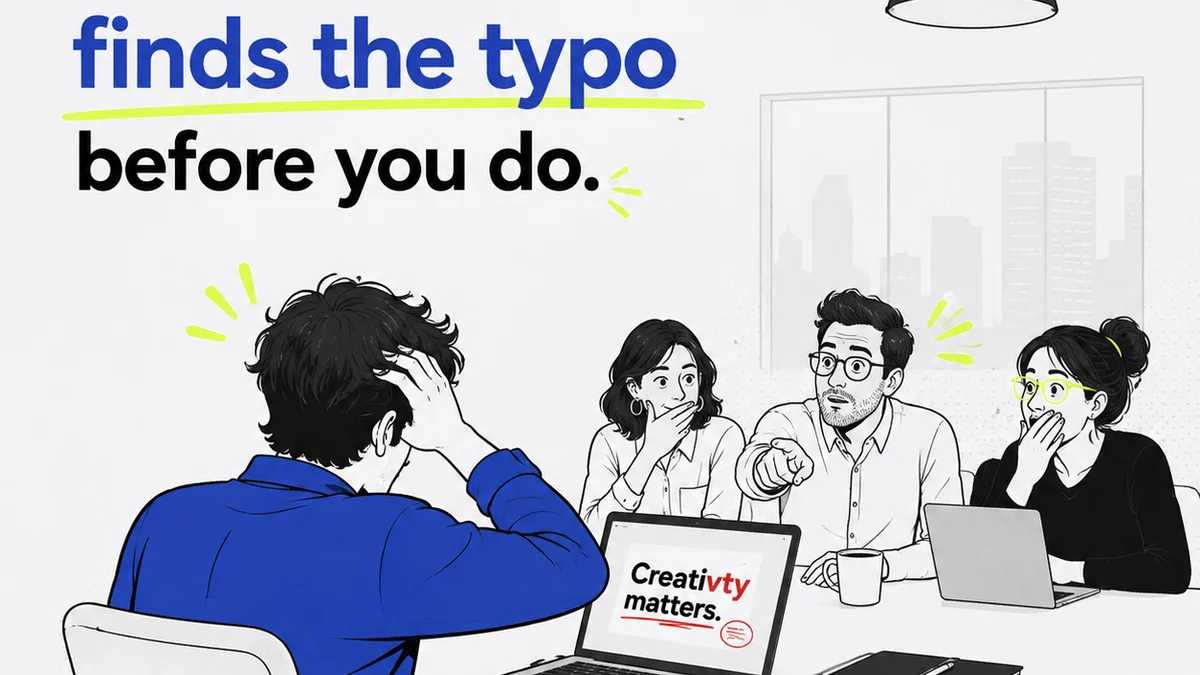
Everyone thinks a creative handoff is about passing files. A folder full of JPEGs, maybe a link to a Dropbox. That’s it. That’s the whole process.
None of that is wrong. But it’s incomplete. Massively incomplete.
For enterprise teams, the real challenge isn't just passing assets. It's about ensuring those assets are correct, on-brand, and ready for their next life—whether that’s a global ad campaign, a product update, or a marketing automation workflow. It’s about mitigating risk and maintaining brand integrity at scale.
The hard truth? A flimsy checklist won't cut it. You need a robust process, a system built for complexity, and tools that enforce consistency. You need a creative handoff strategy, not just a task list.
1. Beyond the File Dump: Defining Deliverables
The assumption is that everyone knows what ‘done’ looks like. For creative handoff, 'done' means more than just a final design file.
Enterprise projects involve numerous stakeholders, multiple platforms, and complex technical requirements. A simple asset list isn't enough. You need granular definitions.
Asset Specifications
What are the exact dimensions? File formats? Color profiles? Resolution?
For digital assets:
- Web banners: dimensions, file size limits, animation duration, interactivity specs.
- Social media assets: platform-specific aspect ratios, character limits for accompanying text, recommended file types.
- Video: codecs, frame rates, aspect ratios, audio specifications, duration.
For print assets:
- Bleed and trim requirements.
- Color modes (CMYK, Pantone).
- Font embedding rules.
- Paper stock specifications.
Metadata and Naming Conventions
How will assets be named? What metadata is required for search and retrieval?
A clear, consistent naming convention is non-negotiable. Think: `Client_Project_Asset-Type_Version_Date.ext`.
Metadata might include:
- Usage rights and restrictions.
- Campaign or product association.
- Target audience or region.
- Legal disclaimers or required callouts.
Technical Requirements
What are the functional requirements for the delivered asset?
- For interactive elements: required frameworks, browser compatibility.
- For code snippets: version control, dependencies, build instructions.
- For data visualization: data source format, refresh rate.
Getting this wrong means wasted developer time, costly rework, or assets that simply don't function as intended.
2. The Quality Assurance Gauntlet
Many teams treat QA as an afterthought. A quick look-over before sending. This is a recipe for disaster in enterprise environments.
Quality assurance for creative handoff must be systematic. It’s about catching errors *before* they impact production, marketing, or legal compliance.
Brand Governance Checks
Is the asset compliant with brand guidelines?
- Logo usage: clear space, minimum size, correct variations.
- Color palette: adherence to primary and secondary colors.
- Typography: correct fonts, weights, and hierarchy.
- Imagery: style, tone, and content appropriateness.
This isn't just about aesthetics; it's about brand consistency across thousands of touchpoints.
Functional Testing
Does the asset work as intended?
- Interactive elements: test on target devices and browsers.
- Links: verify all hyperlinks are correct and lead to the intended destinations.
- Forms: ensure all form fields function and data is captured correctly.
- Animations: check timing, flow, and absence of glitches.
Accessibility Compliance
Is the asset accessible to all users?
For digital assets, this is critical. Think about:
- Color contrast ratios.
- Alt text for images.
- Keyboard navigation for interactive elements.
- Captions and transcripts for video/audio.
Adhering to standards like the Web Content Accessibility Guidelines (WCAG) isn't just good practice; it's often a legal requirement.
Legal and Compliance Review
Are there any legal or regulatory red flags?
- Image rights and licensing.
- Trademark usage.
- Disclaimers and required legal text.
- Industry-specific regulations (e.g., finance, healthcare).
A single compliance miss can lead to significant fines and reputational damage.
3. Version Control and Revision History
The
Frequently asked questions
What is the most crucial element of an enterprise creative handoff?
Clarity. This means precisely defined deliverables, clear specifications, and a documented process that leaves no room for ambiguity. For enterprise, this clarity prevents costly downstream errors and ensures brand consistency across vast operations.
How does version control impact creative handoff?
Version control is essential for tracking changes, preventing the use of outdated assets, and facilitating rollback if necessary. It provides an auditable trail of revisions, crucial for complex projects with multiple iterations and stakeholders.
Why is accessibility a key part of creative handoff for enterprise?
Enterprise organizations serve diverse audiences and face increasing legal requirements. Ensuring creative assets meet accessibility standards (like WCAG) broadens reach, enhances user experience, and mitigates legal risk. It's a non-negotiable aspect of responsible design.
Can a simple checklist truly manage enterprise creative handoffs?
A simple checklist is a starting point, but insufficient for enterprise complexity. A robust handoff requires a comprehensive system encompassing detailed specifications, rigorous QA, clear versioning, and integrated tooling to manage feedback and approvals at scale.