Everyone wants the best creative review software. They look for features: annotation tools, version control, client portals, approval workflows. They compare spec sheets like they’re buying a car.
None of that is wrong. But it’s incomplete.
The hard truth is, the best creative review software isn’t about the features you *see*. It’s about the operational friction it eliminates and the clarity it injects into your most critical processes.
1. Beyond Annotations: The Real Problem is Context Collapse
Sure, drawing boxes and leaving comments directly on a design is useful. It beats endless email threads asking “which version is this?” or “what did Sarah mean by ‘make it pop’?”
But true context collapse happens deeper.
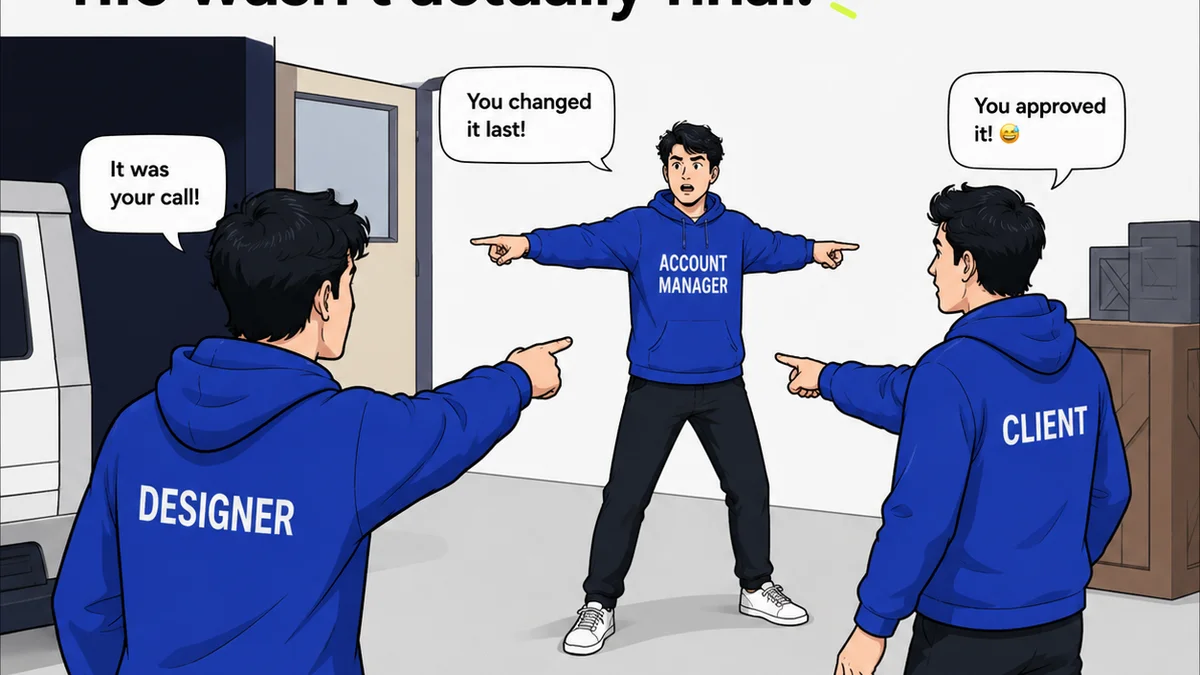
It’s when designers don’t fully understand the client’s strategic goals behind a request. It’s when account managers can’t easily track the history of feedback and revisions. It’s when a client approves something, then later claims they never saw the final version that way.
Good software provides a digital whiteboard. Great software provides a shared understanding.
The Symptoms of Context Collapse
- Endless clarification emails after feedback is given.
- “Did we ever get approval on THIS specific version?”
- Designers guessing at client intent instead of knowing it.
- Clients feeling blindsided by final deliverables.
- Account managers drowning in status update requests.
These aren’t minor annoyances. They are workflow killers that drain time, erode trust, and impact the quality of the creative work itself.
2. Version Control: More Than Just Numbers
You’ve seen it. “Final_v3_REALLY_FINAL.ai”. Or maybe a shared drive with dozens of similarly named files, each a slight variation.
This chaos is a symptom of a deeper issue: a lack of a single, authoritative source of truth for creative assets and their iterations.
Software that just numbers versions isn’t solving the problem. It’s just organizing the mess.
The real win is when the system makes it crystal clear:
- What is the current, approved version?
- What feedback led to this version?
- Who provided that feedback and when?
- What was the feedback on previous versions?
This visibility prevents rework and keeps everyone aligned. It means your team isn’t wasting hours deciphering history or re-doing work that was already signed off.
3. Client Collaboration: It’s Not Just About Access, It’s About Guidance
Many tools offer client portals. They allow clients to log in, view assets, and leave comments. That’s the baseline.
But are you *guiding* their feedback? Are you making it easy for them to provide the *right kind* of feedback?
The best platforms don’t just give clients a login; they structure the review process:
- Clear calls to action: “Approve,” “Request Changes,” “Ask a Question.”
- Contextual feedback tied directly to the asset.
- A clear path for providing feedback that the creative team can act on immediately.
- Automated notifications so clients know when there’s something for them.
When clients are guided, their feedback is more focused and actionable. This reduces the back-and-forth and speeds up approvals. It transforms client collaboration from a potential bottleneck into a streamlined process.
4. The Hidden Cost of Disconnected Workflows
Think about your current process. Where does feedback live?
Is it in Slack? Email? Google Docs? A project management tool? A separate proofing tool?
Each of these silos creates drag.
Designers have to hunt for information. Account managers spend time consolidating notes. Approvals get lost in the shuffle.
This isn’t just inefficient; it’s expensive.
Every minute spent searching for context, clarifying feedback, or chasing down approvals is a minute not spent on high-value creative work or client strategy.
The true cost of review software isn’t the subscription fee. It’s the cost of *not* having a centralized, streamlined system.
Where Revue Fits In
This is why we built Revue. We saw agencies drowning in the operational chaos of creative feedback and approvals.
Revue isn’t just another annotation tool. It’s a system designed to bring clarity and control to your entire creative review cycle.
- Centralized Feedback Hub: All client comments, internal discussions, and stakeholder feedback live in one place, directly linked to the specific asset version. No more hunting through emails or Slack threads.
- Clear Revision & Approval Trails: Every change, every comment, every approval is logged and timestamped. You can easily see the history, understand what led to the current version, and confirm who signed off on what.
- Streamlined Quality Assurance: Before anything goes to the client, your internal team can conduct thorough reviews. Catch errors, ensure brand consistency, and verify that all requirements are met within the same platform.
- Actionable Insights: Understand common feedback patterns, identify bottlenecks in your review process, and measure the time it takes to get from first draft to final approval.
Revue helps you move beyond simply managing feedback to mastering the entire review and approval workflow. It’s about reducing friction, increasing speed, and ultimately, elevating the quality of the creative output.
Final Thought
The tools you choose shape your team’s behavior and your client’s experience. Are you optimizing for features, or for flow? For checking boxes, or for building better creative, faster, with happier clients?
The best review software doesn't just manage comments; it transforms your entire creative process.
Frequently asked questions
What is the main problem creative review software should solve?
Beyond basic annotation, the core problem is context collapse – the lack of clear understanding, history, and alignment between clients, account managers, and creative teams regarding feedback and approvals. Effective software eliminates this friction.
How does version control in review software go beyond simple numbering?
True version control in review software ensures a single source of truth. It clearly links each version to the specific feedback that prompted it, who provided it, and when. This prevents confusion and rework by making the entire revision history transparent.
What makes client collaboration tools effective?
Effective tools guide clients through the feedback process with clear calls to action and contextual commenting. They ensure feedback is actionable and integrated, rather than scattered across multiple channels, speeding up approvals and reducing back-and-forth.
What is the hidden cost of using disconnected review tools?
The hidden cost is operational drag and inefficiency. Time spent searching for feedback across emails, Slack, and documents, clarifying requests, or chasing approvals is time lost from high-value creative work and client strategy. This inefficiency is expensive.