Everyone thinks scaling means hiring more people. More designers, more account managers, more strategists. More bodies in seats.
It’s the default assumption. The easy answer.
None of that is wrong. But it’s incomplete.
Here’s the hard truth: True creative scaling isn’t about adding more hands. It’s about making the hands you have infinitely more effective.
It’s about stripping away the friction. The wasted time. The duplicated effort. The endless back-and-forth that kills productivity and morale.
If you’re constantly struggling to keep up, and your first thought is “we need more people,” you’re likely missing a more fundamental problem. You’re treating a symptom, not the disease.
Let’s talk about how to unlock real scaling power without the headcount headache.
1. Audit Your Bottlenecks
Before you even think about adding headcount, you need to understand where your time is actually going. Most agencies operate under a cloud of assumed efficiency. We *feel* busy, so we assume we’re productive.
But where are the actual choke points?
- Is it client feedback? Is it slow to come in, unclear, or contradictory?
- Is it internal reviews? Are approvals getting stuck on someone’s desk?
- Is it asset management? Are people hunting for the latest versions or brand guidelines?
- Is it administrative overhead? Are designers spending too much time on status updates or admin tasks?
A thorough audit means tracking tasks, identifying delays, and pinpointing the exact moments work stalls. Don’t guess. Measure.
The Hidden Cost of “Waiting”
A designer waiting for feedback isn't just idle. They’re losing momentum. Their creative flow is broken. When they finally get the feedback, they have to re-engage, re-think, re-build. This cycle is incredibly expensive.
It’s also demoralizing. Nobody got into creative work to wait around for approvals.
2. Streamline Client Feedback Loops
Client feedback is often cited as the number one source of delay and frustration. It’s also the most complex to control.
Why? Because it’s external. You can’t dictate how your clients work. But you *can* dictate how you receive and manage their input.
The old way: endless email chains, scattered Slack messages, scribbled notes on PDFs. It’s a recipe for misinterpretation and missed revisions.
Centralize Everything
Your clients don’t need to learn a new system. You need a system that works for *them* and makes *your* life easier.
This means a single source of truth for all feedback. Every comment, every annotation, every approval, logged against the specific creative asset. No more digging through inboxes.
When feedback is clear, contextual, and easily accessible, clients can provide it faster. And your team can act on it faster.
Set Clear Expectations
This isn't just about tools. It's about process. Define:
- When feedback is due.
- Who needs to provide feedback.
- What level of detail is expected.
- How revisions will be tracked.
Communicate these expectations *upfront*. Make them part of your SOW. This manages client expectations and reduces ambiguity.
3. Master Internal Revisions and Approvals
Internal bottlenecks are often the easiest to fix, but they’re also the most insidious because they feel normal.
Is your Creative Director getting bogged down in minor tweaks? Are project managers spending hours chasing down sign-offs? Are you relying on tribal knowledge to know who the final approver is?
Define Clear Sign-Off Paths
Every project, every deliverable, needs a defined approval workflow. Who needs to see it? In what order? What constitutes a final sign-off?
This isn’t just about efficiency; it’s about quality control. A clear path ensures critical eyes are on the work at the right stages.
Leverage Technology for Visibility
Spreadsheets are not a workflow tool. Email chains are not a project management system. You need a centralized platform where:
- Assets can be shared easily.
- Comments and revisions can be logged directly on the asset.
- Status is updated automatically.
- Approvals can be tracked and managed efficiently.
This visibility reduces the “who’s got it?” game and speeds up the entire internal process.
4. Standardize Your Quality Assurance
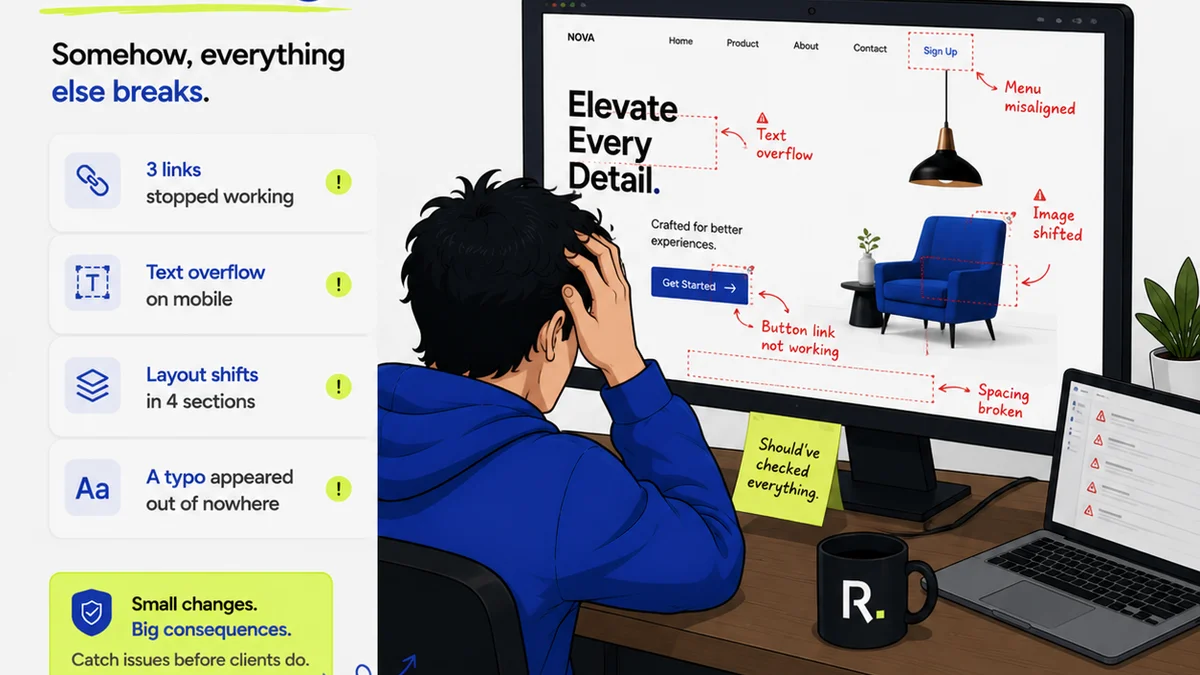
Scaling output without scaling quality is a death spiral. You’ll end up producing more mediocre work, which damages your reputation and client relationships.
Quality assurance often gets squeezed when deadlines loom and teams are stretched thin. It becomes an afterthought, or worse, skipped entirely.
Build Checklists, Not Hope
What are the non-negotiables for every deliverable? Brand guidelines? Legal disclaimers? Technical specs? Accessibility standards?
Create standardized QA checklists for different asset types. Make them mandatory. This ensures consistency and catches errors before they reach the client.
Integrate QA into the Workflow
QA shouldn’t be a separate, final step. It should be embedded. Define stages where specific checks happen.
For example:
- Copy review after first draft.
- Design review against brief after mockups.
- Technical QA before final export.
This proactive approach prevents major rework later.
5. Optimize Your Asset Management
How much time does your team spend searching for files? For the *right* files? For the latest versions?
Poor asset management is a silent killer of productivity. It leads to:
- Using outdated logos or imagery.
- Recreating assets that already exist.
- Confusion about which version is final.
- Wasted hours in file searches.
A Single Source of Truth for Assets
Invest in a robust digital asset management (DAM) system or a well-organized cloud storage solution with strong version control.
Tagging, categorization, and searchability are key. Everyone on the team should know exactly where to find what they need, and be confident it’s the correct version.
Establish Clear Naming Conventions
It sounds basic, but consistent file naming conventions are crucial. Without them, even the best-organized folders become a mess.
Define a standard: `ProjectName_AssetName_Version_Date.ext` or similar. Enforce it.
Where Revue Fits In
This is where the rubber meets the road. You can have the best designers and the most organized clients, but if the communication and approval process is chaotic, you’ll never scale efficiently.
Revue is built to eliminate that chaos.
Centralized Feedback: All client comments and annotations live in one place, directly on the creative asset. No more digging through emails or Slack.
Revision & Approval Visibility: Track every version, every change, and every sign-off. Know exactly where a project stands at any moment. This streamlines internal handoffs and client approvals.
Quality Checks: Build your QA checklists directly into the workflow. Ensure every deliverable meets your standards before it goes out the door.
By streamlining these critical steps, Revue empowers your existing team to do more, faster, and with less friction. It’s not about adding people; it’s about amplifying the talent you already have.
Final Thought
Scaling a creative agency or team is fundamentally a problem of process and technology, not just people. The true test of leadership is not how many people you can hire, but how effectively you can enable the team you have.
Are you building a team that’s waiting for more resources, or a team that’s optimized for maximum impact with the resources it already possesses?
Frequently asked questions
What's the biggest mistake agencies make when trying to scale?
The biggest mistake is assuming scaling only means hiring more people. This ignores critical inefficiencies in workflows, communication, and feedback processes that drain existing resources and prevent true scaling.
How can I improve client feedback without frustrating clients?
Centralize feedback in a single platform, set clear expectations for turnaround times and required detail, and use contextual annotation tools. This makes it easier for clients to provide clear, actionable feedback and for your team to process it.
What are the key areas to audit for bottlenecks?
Key areas include client feedback loops, internal revision and approval processes, asset management and retrieval, and quality assurance steps. Identifying where work stalls is the first step to optimizing it.
How does technology help with creative scaling?
Technology, like centralized feedback and project management tools, reduces manual work, minimizes errors, improves communication clarity, and provides visibility into project status. This frees up your team's time and focus.
Is quality control important for scaling?
Absolutely. Scaling output without maintaining or improving quality leads to a damaged reputation and client dissatisfaction. Integrated, standardized quality assurance is crucial for sustainable scaling.