Everyone talks about creative workflow software. They say it’s about speed. Or efficiency. Or collaboration. None of that is wrong. But it’s incomplete. The real reason you need the right software isn't just to go faster. It's to go deeper. To unlock better creative work.
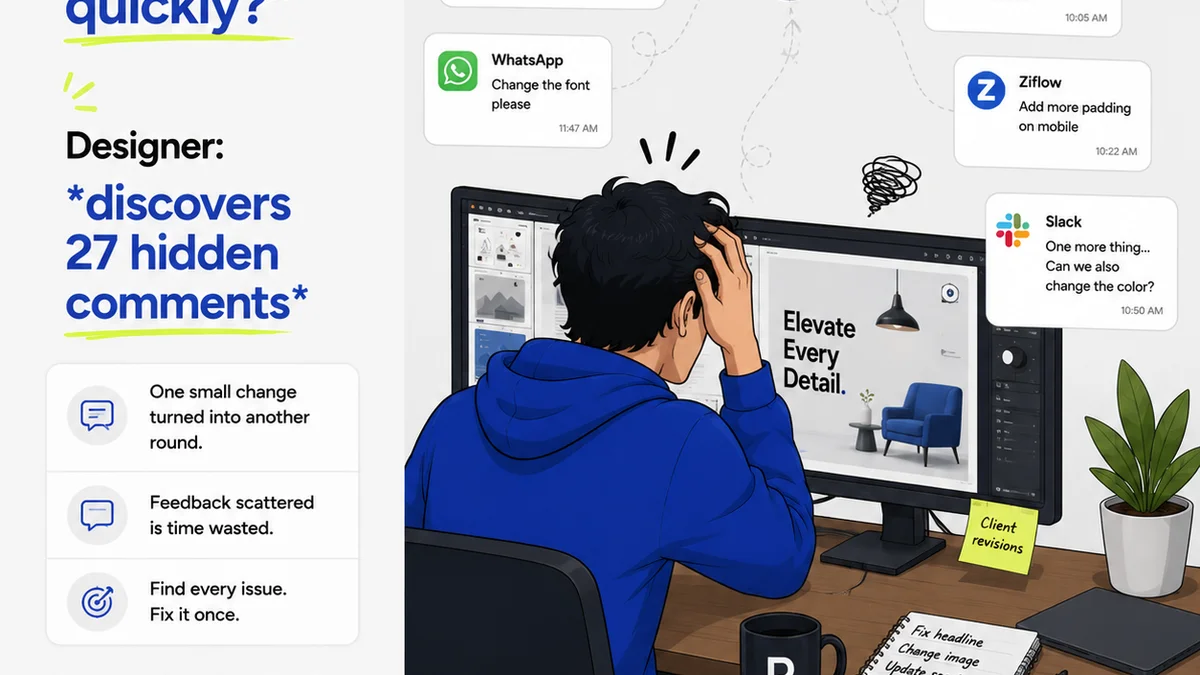
The hard truth? Most creative teams are drowning in tools. Email for feedback. Slack for quick chats. Dropbox for files. A project management tool that doesn't quite fit. Maybe a separate tool for approvals. It's a mess. And a mess kills creativity. It buries good ideas under admin. It frustrates your team. It delays projects. It makes clients crazy.
1. The Myth of the All-in-One Magic Bullet
You’ve seen the ads. Software promising to do it all. Centralized feedback. Version control. Client approvals. Automated reporting. It sounds perfect. But it’s a fantasy. No single tool can perfectly serve every niche need of a creative agency. Trying to force one platform to do everything often means it does nothing exceptionally well. You end up with clunky workarounds and frustrated users.
The reality is more nuanced.
Your workflow has distinct phases. Each needs specific capabilities. You need a system that connects these phases, not just one tool that pretends they’re all the same.
2. Understanding Core Workflow Components
Before you look for software, break down your actual workflow. What are the critical stages? What are the pain points in each?
A. Intake and Briefing
This is where it all begins. A clear brief is the foundation of good work. Poorly defined requirements lead to scope creep and endless revisions. Software here should facilitate structured information capture.
- Client questionnaires.
- Project kickoff meeting notes.
- Scope definition documents.
- Initial asset collection.
B. Creative Development and Internal Review
This is the messy, creative part. Your team needs space to iterate. Internal reviews should be structured but not stifling. Version control is crucial here. You need to track changes and ensure everyone is working from the latest file.
- Wireframing and mockups.
- Content creation.
- Design iterations.
- Developer handoff.
C. Client Feedback and Revisions
This is where chaos often erupts. Unstructured feedback via email or random Slack messages is a killer. You need a system that captures feedback directly on the creative asset, with clear context.
- Annotation tools.
- Timestamped comments.
- Clear revision requests.
- Consolidated feedback.
D. Approvals and Handoff
Getting a formal sign-off is critical. Vague
Frequently asked questions
What is creative workflow software?
Creative workflow software is a tool designed to manage and streamline the process of creating and delivering creative assets. It helps teams organize tasks, gather feedback, manage revisions, and obtain approvals, ultimately improving efficiency and the quality of creative output.
What are the key features to look for in creative workflow software?
Key features include centralized feedback and annotation tools, version control, clear revision tracking, client approval workflows, project management capabilities, and integrations with other creative tools like Adobe Creative Cloud or Figma.
How can creative workflow software improve client communication?
By providing a single, clear platform for feedback and approvals, it reduces miscommunication. Clients can leave specific comments directly on assets, and teams can track revisions, ensuring everyone is on the same page and reducing back-and-forth.
Is creative workflow software only for large agencies?
No. Creative workflow software benefits agencies of all sizes, from freelancers to large firms. Smaller teams can gain significant efficiency and professionalism, while larger agencies can manage complex projects and multiple client streams more effectively.