Everyone says you need a CRM. And that’s not wrong. A good CRM helps you track leads, manage client communication, and close deals. But for creative agencies targeting enterprise clients, the standard advice falls short.
The real challenge isn't just having a CRM; it's having the right CRM. One that handles the complexity, the longer sales cycles, and the high stakes of enterprise business.
1. Beyond Basic Contact Management
Enterprise sales aren’t about quick wins. They’re marathons. You’re dealing with multiple stakeholders, complex approval chains, and often, rigorous procurement processes.
Your CRM needs to reflect this reality. It’s not just a rolodex for names and emails. It’s a central nervous system for your entire enterprise sales operation.
The Enterprise Complexity Factor
Think about it:
- Multiple Decision-Makers: You’re not just selling to one person. You’re managing relationships with procurement, legal, marketing VPs, and technical leads.
- Longer Sales Cycles: Enterprise deals can take 6, 12, or even 18 months to close. Your CRM must support this extended timeline without losing context.
- Customized Solutions: Enterprise clients rarely buy off-the-shelf. They need tailored proposals, bespoke pricing, and custom SOWs.
- Integration Needs: Large organizations have existing tech stacks. Your CRM might need to talk to their systems, or at least provide data that integrates easily.
A basic CRM might handle a single contact and a simple deal stage. It buckles under the weight of enterprise demands.
2. Pipeline Management That Reflects Reality
Enterprise pipelines aren't linear. They twist, turn, and sometimes, stop dead. Your CRM needs to visualize and manage this complexity, not oversimplify it.
This means moving beyond generic stages like 'Prospecting,' 'Proposal,' 'Negotiation.' You need customizable stages that mirror your agency’s actual sales process for large accounts.
Key Pipeline Features for Enterprise
- Customizable Deal Stages: Map out every step, from initial contact with a large account to contract signing. Include stages like 'Internal Champion Identified,' 'Budget Approval Pending,' 'Legal Review,' 'Pilot Program,' etc.
- Activity Tracking: Log every call, email, meeting, and proposal related to an enterprise opportunity. This history is crucial for understanding progress and identifying roadblocks.
- Forecasting Accuracy: With long sales cycles, accurate forecasting is vital for resource planning. Your CRM should allow for weighted probabilities based on deal stage and historical data.
- Cross-Team Visibility: Enterprise deals often involve multiple people from your agency – sales, account management, strategy, even creative leads. Everyone needs visibility into the status and next steps.
If your CRM forces you into a rigid, one-size-fits-all pipeline, it’s actively hindering your enterprise sales efforts.
3. Proposal and Contract Management
Enterprise deals involve significant paperwork. Proposals can be dozens of pages long, with detailed scopes, pricing, and legal terms. Your CRM should facilitate, not fight, this process.
Look for CRMs that integrate with or offer robust tools for managing proposals and contracts.
What to Look For
- Document Generation: The ability to generate proposals and SOWs from templates, pre-populating client data and deal specifics.
- Version Control: Track different versions of proposals and contracts as they go through revisions and negotiations.
- Approval Workflows: For internal approvals before sending to the client, and for tracking client sign-offs.
- Integration with e-Signature: Seamless connection to tools like DocuSign or Adobe Sign.
Trying to manage these documents via email and spreadsheets is a recipe for errors and delays. It’s unprofessional and incredibly inefficient for high-value deals.
4. Understanding Client Needs and History
Enterprise clients expect you to know them – intimately. They don’t want to repeat their story every time they interact with a new person at your agency.
Your CRM is the best tool for building and maintaining this deep client knowledge base.
Building the Client Dossier
- Centralized Communication Log: Every email, call summary, and meeting note should be in one place, linked to the client account.
- Past Project History: If your CRM integrates with project management or billing, you can see past projects, budgets, and outcomes.
- Stakeholder Mapping: Visualize the org chart of your client’s company, noting key influencers, decision-makers, and potential champions.
- Notes and Insights: A dedicated space for qualitative notes – client pain points, strategic objectives, personal preferences of key contacts.
This isn't just about remembering birthdays. It's about understanding the client's business, their challenges, and how your agency can provide ongoing strategic value. That’s how you build long-term enterprise partnerships.
5. Scalability and Integrations
As your agency grows and lands bigger enterprise clients, your CRM must grow with you. It needs to handle increased data volume, more users, and more complex workflows without breaking a sweat.
Crucially, it needs to play nice with your other essential tools.
Essential Integrations
- Marketing Automation: For nurturing enterprise leads and maintaining engagement.
- Project Management Software: To link sales opportunities to project delivery and track client satisfaction post-sale.
- Accounting Software: For seamless invoicing and financial tracking.
- Communication Tools: Like Slack or Microsoft Teams for internal collaboration around deals.
- Business Intelligence Tools: For deeper analysis of sales performance and client trends.
A CRM that operates in a silo is a productivity killer. It forces double-entry and creates data inconsistencies. The best CRMs for enterprise agencies are platforms that connect your entire business ecosystem.
Where Revue Fits In
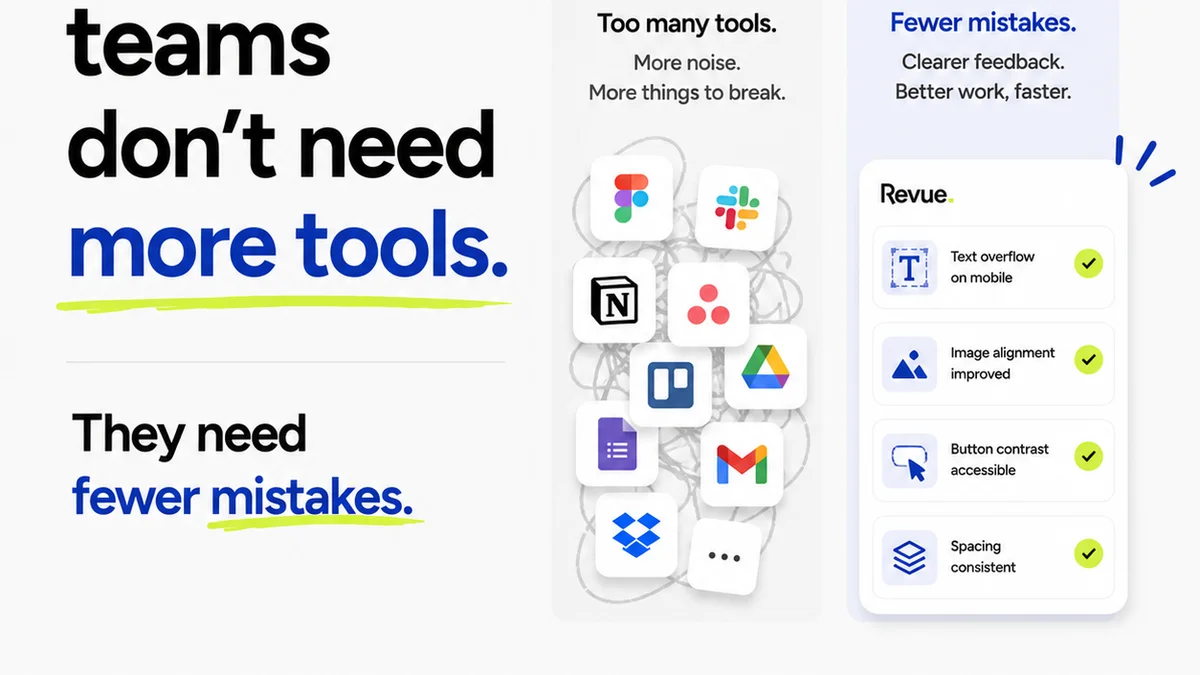
While a CRM manages the sales pipeline and client relationships, the actual creative work and feedback loop happen elsewhere. This is where Revue excels.
Managing enterprise client feedback is notoriously complex. Multiple stakeholders, conflicting opinions, and endless revision rounds can derail projects and strain client relationships. Revue centralizes this chaos.
Streamlining Creative Approvals
- Centralized Feedback: All client comments, annotations, and markups live in one place, attached to specific project assets. No more hunting through email chains.
- Clear Revision History: Track every version of a creative asset and the feedback associated with it. This provides a clear audit trail for what was requested, what was changed, and why.
- Streamlined Approvals: Formalize the sign-off process. Clients can approve or reject versions directly within Revue, providing clear, documented agreement.
- Quality Control Checks: Use Revue’s features to conduct internal quality checks before assets are sent to the client, ensuring brand consistency and adherence to brief.
By integrating Revue into your workflow, you ensure that the critical phase of creative delivery aligns seamlessly with the client relationship managed in your CRM. This holistic approach prevents miscommunication and ensures both sales and delivery teams are working from the same playbook.
Final Thought
Choosing a CRM for enterprise clients isn't about picking the flashiest interface. It's about selecting a tool that can handle depth, complexity, and long-term relationships.
It’s about investing in a system that supports your agency’s ambition to scale and serve the largest, most demanding clients effectively.
Are you using a CRM that truly supports your enterprise ambitions, or is it just another piece of software?
Frequently asked questions
What makes a CRM suitable for enterprise clients vs. small clients?
CRMs for enterprise clients need to handle multi-stakeholder management, long sales cycles, complex deal stages, detailed proposal/contract tracking, and robust historical data logging. Standard CRMs often lack the depth and customization required for these high-stakes, complex relationships.
Can a CRM help shorten enterprise sales cycles?
While a CRM doesn't magically shorten cycles, it can make them more efficient. By centralizing information, streamlining communication, automating tasks, and providing clear visibility into deal progress, a good CRM helps teams move opportunities forward more effectively and reduces delays caused by disorganization.
What are the most important integrations for an agency CRM?
For creative agencies targeting enterprise clients, key integrations include marketing automation, project management software, accounting/billing systems, communication tools (like Slack), and e-signature platforms. These integrations create a connected workflow, reduce manual data entry, and provide a holistic view of the client.
How does a CRM relate to project management tools like Revue?
A CRM manages the sales process and client relationship from lead to close. Project management and feedback tools like Revue manage the delivery phase – the actual creative work, revisions, and approvals. They are complementary: the CRM tracks the deal, and Revue ensures successful project execution and client satisfaction post-sale.