Everyone’s looking for the best CRM for creative agencies. They pore over feature lists, compare pricing, and chase the elusive “all-in-one” solution that promises to streamline client communication, manage projects, and boost sales. None of that is wrong. But it’s incomplete.
The hard truth? The “best” CRM isn’t a single piece of software. It’s a system built around your agency’s specific needs, processes, and people. Focusing solely on features misses the bigger picture: how a CRM actually integrates into your daily operations.
1. Beyond Lead Tracking: The True Purpose of Agency CRM
It’s Not Just About Sales
Many agencies think of CRM purely as a sales tool. A digital Rolodex for tracking leads and follow-ups. That’s a narrow view.
For a creative agency, a CRM should be the central nervous system for client relationships. This means tracking not just new business, but also existing client interactions, project history, communication logs, and even support requests.
The Client Lifecycle is Everything
Your client journey isn’t linear. It’s a cycle: initial contact, proposal, onboarding, project delivery, ongoing support, upsell opportunities, and potentially, churn. A good CRM helps you navigate every stage.
It should provide context for every interaction, ensuring no client feels like they’re starting from scratch with each new person they talk to at your agency.
Key CRM Functions for Creatives:
- Lead and opportunity management
- Contact and account management
- Project history and status tracking
- Communication logging (emails, calls, meetings)
- Task and activity management
- Reporting and analytics
- Integration with other tools (marketing automation, project management)
2. Decoding Your Agency's Workflow: The Foundation of CRM Success
Assumption: All Agencies Are the Same
This is where most CRM advice falls apart. It assumes a generic business process. But creative agencies are unique beasts.
Are you a full-service shop with distinct departments? A niche digital studio focused on one service? A small, agile team wearing multiple hats? Your workflow dictates your CRM needs.
Mapping Your Client Journey
Before you even look at software, map out your ideal client journey. Document every touchpoint, every handover, every potential bottleneck.
This exercise reveals what data is critical to capture and where communication can break down. It’s the blueprint for selecting and configuring any CRM.
Essential Workflow Considerations:
- Onboarding: How do you bring new clients into the fold? What information do you need from them upfront?
- Project Handoffs: Who is involved when a project moves from sales to account management, and then to the creative team?
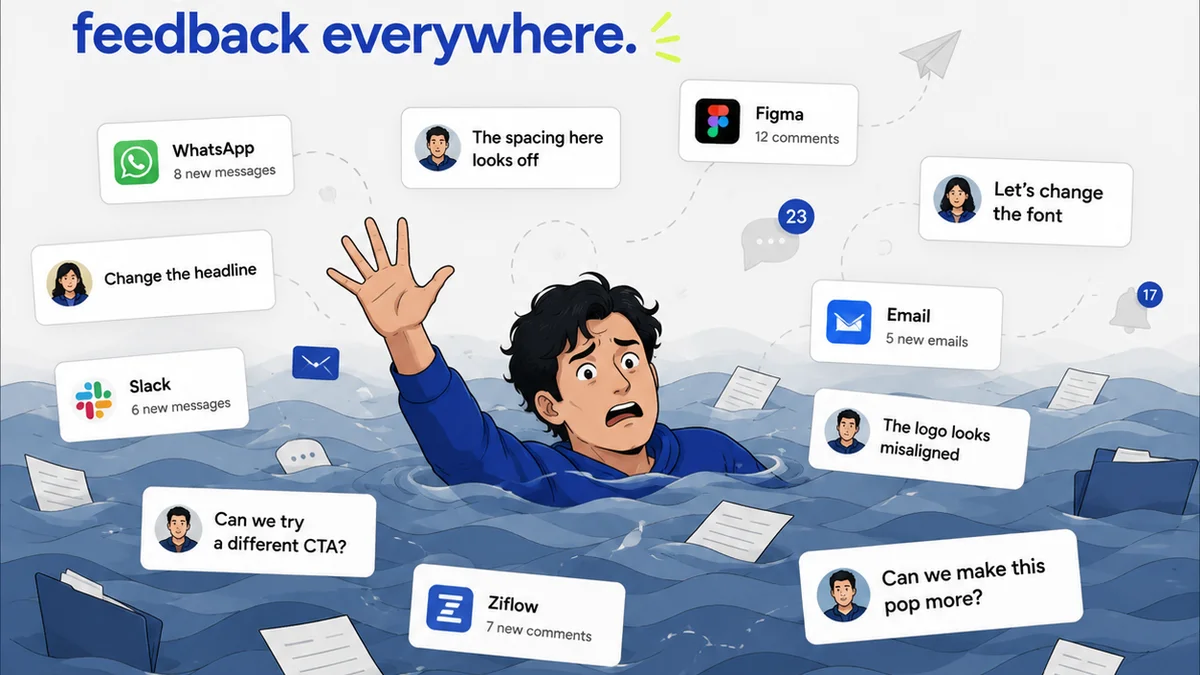
- Feedback Loops: How are client revisions managed? Who approves what?
- Reporting: What insights do you need about client satisfaction, project profitability, and account health?
- Offboarding/Retainers: How do you manage the end of a project or the transition to a retainer model?
3. Feature Overload vs. Workflow Fit: Choosing the Right CRM
The Shiny Object Syndrome
It’s easy to get seduced by CRMs packed with every conceivable feature. More buttons, more dashboards, more integrations. But do you actually *need* all that?
Often, a CRM with fewer, more focused features that perfectly match your workflow is far more valuable than a bloated behemoth.
Prioritize Integration, Not Isolation
Your CRM shouldn’t exist in a vacuum. It needs to talk to your other essential tools. Think about how it connects with:
- Project Management Software: For seamless transition from sales to project execution.
- Email Marketing Tools: To nurture leads and communicate with existing clients.
- Accounting Software: For invoicing and financial tracking.
- Design Collaboration Tools: To keep client feedback centralized.
If a CRM doesn’t integrate well, you’re creating more manual work, not less.
Key CRM Evaluation Criteria for Agencies:
- Ease of Use: Can your team adopt it quickly without extensive training?
- Customization: Can you tailor fields, workflows, and dashboards to your agency?
- Scalability: Will it grow with your agency?
- Mobile Access: Can your team access client info on the go?
- Support: Is reliable customer support available when you need it?
4. Common Misconceptions About CRM Implementation
Misconception: It’s a One-Time Setup
Implementing a CRM is not like flipping a switch. It’s an ongoing process. Your agency evolves, and your CRM strategy must evolve with it.
Regularly review your processes, gather team feedback, and make adjustments. A CRM is a living tool, not a static installation.
Misconception: Adoption Happens Automatically
Your team needs to buy into the system. If they don’t see the value or find it cumbersome, they’ll revert to old habits.
Invest in training. Clearly communicate the benefits. Assign CRM champions within the team. Make it easy for them to use and see the payoff.
Misconception: More Data is Always Better
While data is crucial, collecting irrelevant information is a waste of time and can clutter your system. Focus on capturing data that directly informs decisions and improves client relationships.
What metrics truly matter for your agency's growth and client satisfaction?
Where Revue Fits In
You might be thinking, “This sounds like a lot. Where does feedback and revision management fit into my CRM strategy?”
That’s precisely the gap many CRMs don’t effectively fill for creative teams. While a CRM can log that a client approved a design, it doesn’t inherently manage the nuanced feedback process or the revision history itself.
Tools like Revue are built to centralize client feedback and manage revisions directly within the creative workflow. This means:
- Consolidated Feedback: All client comments, annotations, and markups in one place, linked directly to the creative asset.
- Clear Revision History: Easily track versions, understand changes requested, and see who approved what at each stage.
- Streamlined Approvals: A clear, auditable trail for client sign-offs, reducing ambiguity and disputes.
By integrating a tool like Revue with your CRM, you create a powerful ecosystem. Your CRM handles the client relationship and project overview, while Revue dives deep into the creative specifics, ensuring clarity and efficiency during the most critical phase: creation and approval.
5. Evaluating CRM Options: Beyond the Big Names
Generic CRMs vs. Industry-Specific
Many CRMs are built for sales teams or general business. They might have templates for agencies, but they often lack the granular features needed for creative project lifecycles.
Look for CRMs that understand the nuances of service-based businesses, particularly those that deal with iterative creative work.
Must-Have Features for Creative Agencies:
- Visual Asset Management: Ability to link or store creative files.
- Customizable Workflows: To mirror your unique project stages.
- Integration Capabilities: Connecting with tools you already use.
- Robust Reporting: Insights into project profitability, client satisfaction, and team performance.
- Collaboration Features: Facilitating internal team communication around client accounts.
Examples of CRM Philosophies (Not Endorsements):
- Sales-Focused: Strong on lead nurturing, pipeline management, and closing deals. Good if new business is your primary challenge.
- Customer Service Focused: Excellent for managing ongoing client support and communication. Ideal for retainer-based businesses.
- All-in-One (with caveats): Attempt to cover sales, marketing, and service. Can be powerful but often requires significant customization or compromise.
- Project Management Hybrid: CRMs that lean heavily into project tracking and task management. Useful for agencies where project delivery is tightly integrated with client management.
The key is to match the *philosophy* of the CRM to your agency's primary pain points.
Final Thought
The quest for the “best CRM for creative agencies” often leads agencies down a rabbit hole of features and demos. But the most effective CRM isn’t a product you buy off the shelf; it’s a system you build, tailored to your agency’s unique rhythm.
Are you optimizing for lead acquisition, client retention, project efficiency, or a blend of all three? Your answer will define your CRM strategy, not the other way around.
Frequently asked questions
What is the most important factor when choosing a CRM for a creative agency?
The most important factor is how well the CRM fits your agency's specific workflow and integrates with your existing tools. A CRM that matches your processes will be adopted more easily and provide greater value than one with more features but a poor fit.
Can a CRM help with project management in a creative agency?
While some CRMs have project management capabilities, their primary strength is in managing client relationships and sales pipelines. For creative agencies, it's often best to integrate a CRM with dedicated project management or feedback tools to handle the nuances of creative workflows.
How important is team adoption for a CRM?
Team adoption is critical. A CRM is only effective if your team uses it consistently. Without buy-in, training, and clear communication of its benefits, adoption will fail, rendering the investment useless.
Should I look for a CRM specifically designed for creative agencies?
While CRMs designed for agencies can be a good starting point, don't limit yourself. Evaluate CRMs based on their customization, integration capabilities, and how well they can be adapted to your unique agency workflow, regardless of their stated industry focus.