Everyone says you need a CRM. They tell you it’s essential for sales, for tracking leads, for closing deals. None of that is wrong.
But it’s incomplete.
For marketing teams, a CRM is about more than just lead capture. It’s the central nervous system for client communication, project tracking, and delivering exceptional creative work. The real power of a CRM for marketers isn't just in sales enablement; it's in operational clarity and client satisfaction.
1. Beyond Lead Tracking: The Marketing CRM's True Value
Most discussions about CRMs focus on the sales funnel. This is a mistake for creative agencies and in-house teams.
Your marketing team isn't just passing leads over the fence. You're managing entire client relationships, projects, feedback loops, and deliverables. Your CRM needs to support this entire lifecycle, not just the initial contact.
The hard truth? A CRM that only tracks leads is a half-measure. It becomes another silo, another tool that doesn't quite fit the unique workflow of creative production.
What a Marketing-Centric CRM Does
- Centralizes client communication history.
- Tracks project status and client feedback in one place.
- Manages revision rounds and approval workflows.
- Provides visibility into client engagement and project progress.
- Helps identify bottlenecks in the creative delivery process.
This isn't just about efficiency; it's about building better client relationships through transparency and consistent delivery.
2. Key Features for Creative Marketing Teams
When selecting a CRM, look beyond standard sales features. Focus on what your team actually needs to deliver great creative work.
Client Communication Hub
Your CRM should be the single source of truth for all client interactions. This means integrating email, calls, and meeting notes.
- Unified Inbox: See all client communications in one place.
- Contact Management: Detailed profiles for every client contact.
- Activity Logging: Automatically track interactions and manual notes.
Project Management Integration
Marketing is project-based. Your CRM should reflect this, or integrate seamlessly with your project management tools.
- Task Tracking: Assign tasks and deadlines related to client projects.
- Status Updates: Easily see where each project stands.
- Milestone Tracking: Mark key project phases and deliverables.
Feedback and Approval Workflows
This is where many CRMs fall short for creative teams. You need a system that handles the back-and-forth of creative feedback.
- Centralized Feedback: Collect feedback directly within the CRM or via integrated tools.
- Revision Tracking: Log each round of revisions and who approved what.
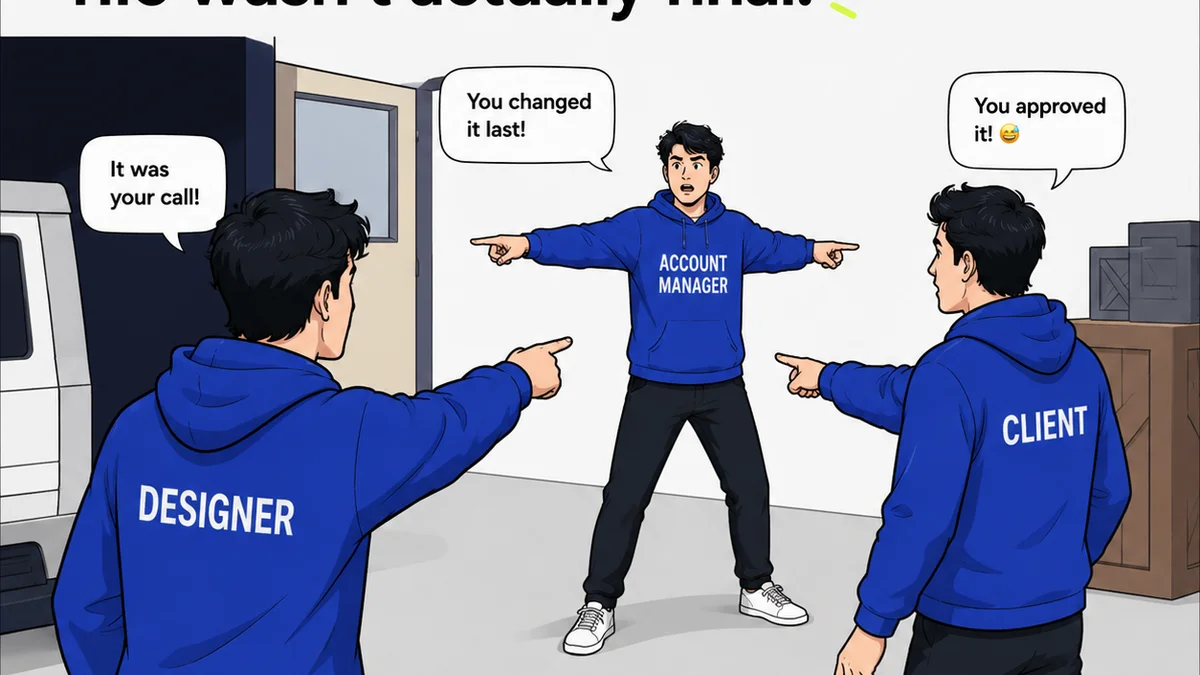
- Approval Sign-offs: Formalize client approvals to avoid disputes.
Reporting and Analytics
Understand your team's performance and client satisfaction.
- Project Timelines: Analyze how long projects actually take.
- Client Engagement: Track how clients interact with your communications and deliverables.
- Bottleneck Identification: Pinpoint where projects get stuck.
3. Choosing the Right CRM: Pitfalls to Avoid
The CRM market is crowded. Many tools are built for traditional sales teams, not creative agencies.
Here’s what to watch out for:
Overly Complex Sales Funnels
If the primary interface looks like a sales pipeline with dozens of stages, it’s probably not designed for your workflow. You’ll end up fighting the tool instead of using it.
Lack of Integration
A CRM that doesn't play well with your existing tools (email, project management, design software) creates more work, not less. Look for robust API support or native integrations.
Poor User Experience (UX)
If your team finds the CRM clunky, slow, or confusing, they won’t use it. Adoption is key. The best CRM is the one your team actually uses consistently.
Limited Customization
Creative workflows are unique. You need a CRM that can adapt to your processes, not force you into its rigid structure.
Focus Solely on Lead Scoring
While lead scoring has its place, it shouldn't be the core function for a marketing team focused on ongoing client delivery and relationship management.
4. Where Revue Fits In
Your CRM handles the client relationship and project overview. But managing the actual creative assets, feedback, and revisions requires specialized tools.
Revue acts as the crucial bridge between your CRM's client management and your team's creative output.
Instead of drowning in email threads or scattered cloud storage links, Revue centralizes all client feedback directly on your creative assets. This means:
- Organized Feedback: Clients can comment directly on images, videos, and documents.
- Version Control: Keep track of every revision round and who approved what.
- Quality Assurance: Run through checklists and ensure all client requests are met before final delivery.
- Streamlined Approvals: Get clear sign-offs, reducing ambiguity and back-and-forth.
By integrating Revue with your CRM, you create a seamless workflow. Your CRM provides the client context and project status, while Revue manages the detailed creative delivery and approval process.
This combination ensures your marketing team stays aligned with clients, delivers high-quality work efficiently, and maintains clear visibility throughout the entire project lifecycle.
5. Implementing Your New CRM Strategy
Getting a CRM is easy. Making it work for your marketing team is the challenge.
Define Your Core Needs
Before you even look at software, map out your essential workflows. What problems are you trying to solve?
- Client onboarding?
- Feedback collection?
- Project status tracking?
- Internal team collaboration?
- Post-project analysis?
Phased Rollout
Don't try to implement everything at once. Start with the most critical features and gradually introduce more functionality.
Training and Support
Invest time in training your team. Provide clear documentation and ongoing support.
Integrate, Don't Duplicate
Ensure your CRM works with your other tools. Avoid creating new data silos.
Iterate and Optimize
Your CRM strategy isn't static. Regularly review what's working and what's not, and make adjustments.
Final Thought
A CRM is more than just a sales tool; it's a strategic asset for marketing teams. It’s the backbone of efficient client management and consistent creative delivery.
But the tool itself is only part of the equation. The real impact comes from how well it’s integrated into your team's daily operations and how effectively it supports the unique demands of creative workflows.
Are you using your CRM to truly manage client relationships and streamline creative delivery, or is it just another contact list?
Frequently asked questions
What's the difference between a sales CRM and a marketing CRM?
A sales CRM primarily focuses on lead tracking, pipeline management, and closing deals. A marketing CRM, especially for creative agencies, expands this to include client communication history, project tracking, feedback management, and revision control, supporting the entire client lifecycle beyond just lead conversion.
Can a CRM help manage creative feedback?
While some CRMs offer basic note-taking, they often lack dedicated features for managing creative feedback directly on assets. Tools like Revue are designed for this, allowing clients to comment on specific parts of designs, videos, or documents. Integrating such a tool with your CRM provides a comprehensive solution.
How important are integrations for a marketing CRM?
Integrations are crucial. A CRM that connects with your email, project management software, and asset management tools prevents data silos and reduces manual data entry. This creates a more efficient and unified workflow for your marketing team.
What are the biggest mistakes agencies make when choosing a CRM?
Common mistakes include choosing a CRM designed solely for sales, overlooking user experience, opting for tools with poor integration capabilities, and selecting overly complex systems that don't align with creative workflows. The best CRM is one your team will actually use consistently.