Growing an agency means more clients, more projects, and a whole lot more creative assets. You’ve probably heard that Digital Asset Management (DAM) is the key to keeping it all organized. That it’s about having a central place to store files, track versions, and avoid that frantic search for the latest logo.
None of that is wrong. But it’s incomplete.
The real hard truth? Most agencies treat DAM like a glorified hard drive. They focus on *storage* when they should be obsessing over *workflow*. This mistake is why your team is drowning in endless email threads, struggling with version control, and missing deadlines – even with a DAM system in place.
1. Treating DAM as Just Storage, Not a Workflow Engine
This is the cardinal sin. You buy a DAM because you’re drowning in files. You dump everything in. Done. Except it’s not done. It’s just the beginning. A DAM is only as good as the processes you build around it.
Think of it this way: a Ferrari is a powerful car. But if you only ever drive it in first gear, you’re not getting its full potential. You need to know *how* to drive it – how to shift gears, when to brake, how to navigate the roads.
Your DAM needs the same. It needs to be integrated into how your team actually works, from brief to final delivery.
The Symptoms of Storage-Only Thinking
- Endless “Where is…?” emails and Slack messages.
- Clients asking for files you “definitely sent last week.”
- Designers working on outdated versions because they couldn’t find the latest.
- Confusion over final vs. draft assets.
- Wasted hours spent searching for assets that should be instantly accessible.
These aren’t signs of a bad DAM. They’re signs of a DAM being used incorrectly. As a filing cabinet, not a workflow tool.
2. Neglecting Metadata and Taxonomy
This is where searchability dies. You wouldn’t put books on a shelf without organizing them by genre or author, right? Yet, agencies often dump assets into a DAM with minimal, inconsistent, or no metadata.
A robust taxonomy and consistent metadata tagging are the engines of your DAM. Without them, your “centralized library” becomes a black hole.
Every asset needs context. Who is it for? What project? What campaign? What’s the usage rights? What’s the file type? The more relevant tags, the easier it is to find what you need, when you need it.
Why Metadata Matters More Than You Think
- Findability: The primary benefit. Good metadata means fast, accurate searches.
- Reusability: Easily find existing assets for new campaigns, saving time and money.
- Rights Management: Track licensing and usage rights to avoid costly legal issues.
- Automation: Enables automated workflows and integrations with other tools.
- Analytics: Understand which assets are used most, informing future creative strategy.
Getting this right from the start is crucial. Retrofitting a bad taxonomy is a nightmare.
3. Ignoring Version Control and Approval Workflows
This is pure chaos. You’ve got multiple rounds of revisions, feedback scattered across email chains, and no clear way to know which version is the *actual* final one.
A DAM should be the single source of truth for asset versions. It needs to clearly track changes, approvals, and rejections.
Without this, you’re inviting errors. A designer might start a new revision based on an old approved version. A client might see an older draft and think it’s the final product. The potential for costly mistakes is enormous.
The Cost of Poor Version Control
- Reputational Damage: Sending the wrong asset to a client or, worse, to publication.
- Wasted Creative Hours: Redoing work that was already approved or based on old files.
- Client Frustration: Constantly clarifying which version is current.
- Scope Creep: Uncontrolled revisions leading to missed deadlines and budget overruns.
Your DAM needs to make it crystal clear: this is the current version, this was approved on X date, this is the previous version.
4. Failing to Integrate with Other Tools
Your DAM shouldn’t live in a silo. It needs to talk to your project management software, your creative tools, and your client communication platforms.
If your team has to manually download assets from the DAM and upload them elsewhere, you’re not leveraging the full power of your system. You’re creating extra steps and increasing the chance of errors.
True DAM efficiency comes from seamless integration. Think Adobe Creative Cloud plugins, direct uploads to project management tools, or automated transfers to staging servers.
Integration Gaps Create Bottlenecks
- Manual Uploads/Downloads: Time-consuming and error-prone.
- Data Silos: Information about assets isn’t shared across platforms.
- Disjointed Workflows: Teams have to switch between multiple disconnected tools.
- Delayed Feedback: Assets can’t be easily accessed or reviewed in context within other tools.
A well-integrated DAM becomes the connective tissue of your entire creative operation.
5. Not Establishing Clear Access and Permissions
Who can see what? Who can download, edit, or delete assets? If you don’t have clear roles and permissions set up in your DAM, you’re leaving the door open for accidental or intentional misuse.
This isn’t just about security; it’s about workflow efficiency and brand consistency.
Imagine a junior designer accidentally deleting a key marketing image. Or a client downloading a high-res version of a draft they shouldn’t have access to. These scenarios kill productivity and can lead to brand dilution.
Permissions: More Than Just Security
- Brand Consistency: Ensures only approved brand assets are used.
- Workflow Streamlining: Restricts access to relevant users, reducing clutter and confusion.
- Risk Mitigation: Prevents unauthorized use or modification of sensitive assets.
- Team Efficiency: Users only see what they need, making their tasks simpler.
Define roles clearly: administrators, editors, viewers, external collaborators. Then, assign permissions accordingly.
Where Revue Fits In
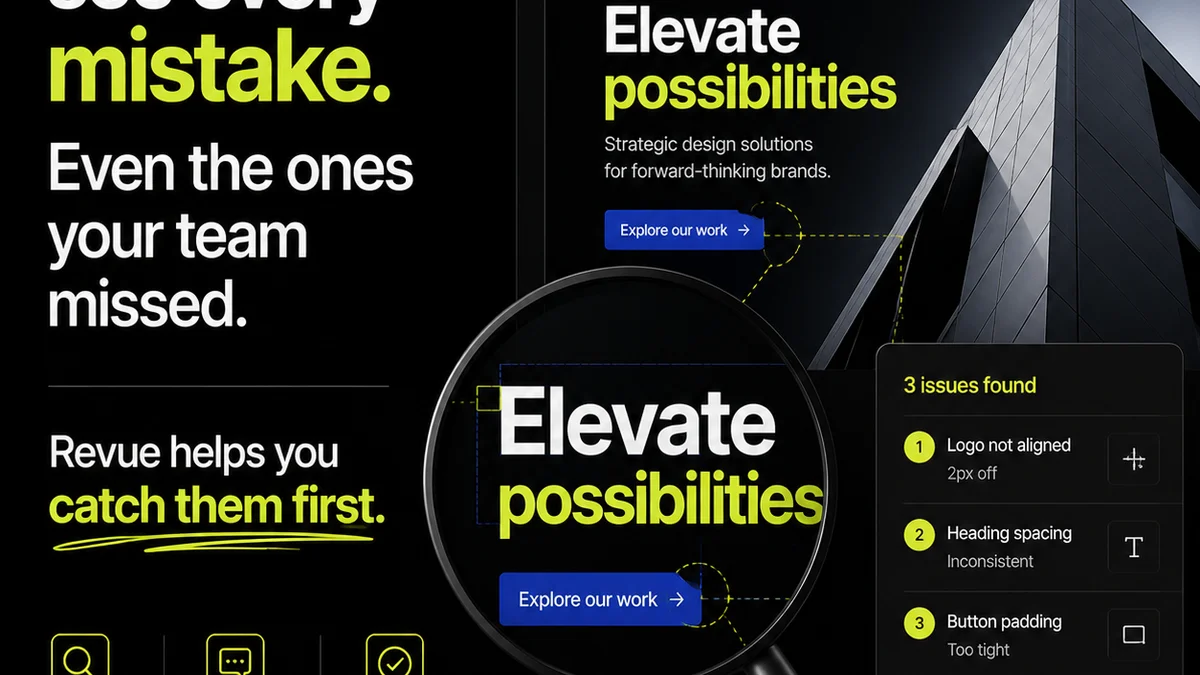
Many of these DAM mistakes boil down to a lack of centralized control over the feedback and approval process. Files get lost, versions get confused, and communication breaks down – not because the DAM is bad, but because the *workflow* around asset review is broken.
Revue provides that missing piece. It’s built to centralize client feedback directly on creative assets, making it clear what needs to be changed and what has been approved.
When feedback is consolidated in one place, linked directly to the asset, and tracked through revisions, your DAM becomes a much more powerful tool. You know exactly which version to update, which feedback is actionable, and when an asset is truly final. This visibility streamlines the entire revision and approval cycle, reducing the confusion that often leads to DAM misuse.
Final Thought
Your digital assets are some of your agency’s most valuable inventory. Treating their management as a simple storage problem is a fast track to operational chaos. The real value of a DAM isn’t in its capacity, but in its ability to power a smooth, efficient, and error-free creative workflow. Is your DAM truly working for you, or are you working for it?
Frequently asked questions
What is the biggest mistake agencies make with DAM?
The biggest mistake is treating Digital Asset Management (DAM) as just a storage solution. Agencies often focus on where to put files rather than how the DAM system will integrate into and streamline their entire creative workflow, from brief to final delivery and beyond.
Why is metadata so important for a DAM?
Metadata is crucial because it makes assets searchable and understandable. Without consistent and comprehensive metadata (like project name, client, usage rights, file type), finding the right asset quickly becomes nearly impossible, turning your DAM into a digital black hole.
How does poor version control impact an agency?
Poor version control in asset management leads to significant problems. Teams might work on outdated files, leading to wasted creative hours and rework. Clients can get confused by seeing incorrect drafts, damaging trust. Ultimately, it can result in sending the wrong asset to print or publication, causing costly errors and reputational damage.
Can a DAM system help with client feedback?
While a DAM system stores assets, it doesn't inherently manage the feedback loop. However, by integrating with tools like Revue that centralize feedback and approvals directly on assets, your DAM becomes more effective. Knowing exactly what feedback is approved on which version streamlines revisions and ensures your DAM reflects the true final asset.