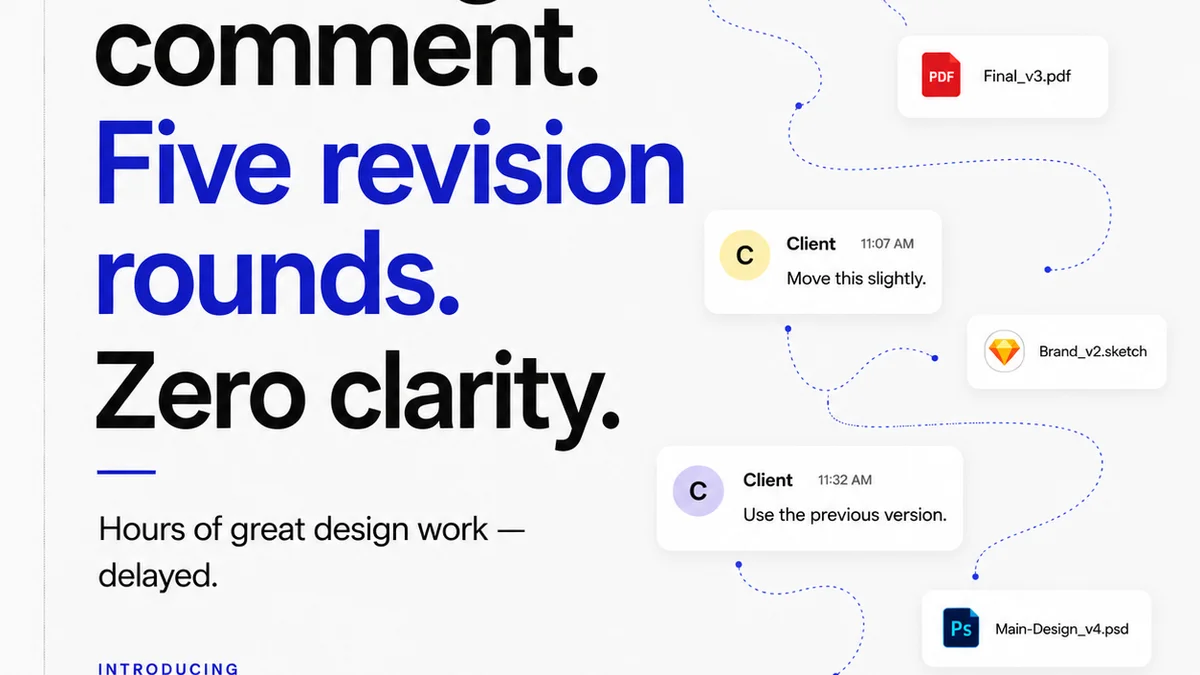
You think the hardest part of the design process is the creative work itself. Or maybe it’s wrangling client feedback. Both are tough, sure.
But the real bottleneck? It's sending work out the door without a final, sanity-checking once-over.
This isn't about catching typos. This is about ensuring your creative output is strategically sound, technically perfect, and genuinely ready for client eyes.
1. The Strategic Alignment Check
Before any pixel is placed, does the design actually solve the problem? This sounds obvious, but it’s where many projects go sideways.
Is it on Brief?
Go back to the original brief. Every single element should tie back to the core objectives. If a stakeholder can’t articulate how a design choice supports the brief, it’s a red flag.
Does it Meet the User's Needs?
Who is this for? Does the design speak their language? Is it accessible? Does it account for their journey and potential pain points?
Is it Delivering the Client's Business Goal?
Ultimately, the client hired you to achieve something. Is the design demonstrably moving the needle towards that goal? Think brand awareness, lead generation, sales, engagement – whatever the KPI is.
2. The Creative Quality Assurance
This goes beyond aesthetics. It's about the craft and the polish that signals professionalism.
Brand Consistency
Are you using the correct logos, colors, fonts, and tone of voice? Even a slight deviation can dilute brand perception.
Visual Hierarchy & Readability
Is the most important information immediately apparent? Can users scan and understand the content effortlessly? Is body copy legible at intended sizes?
User Interface (UI) Polish
For digital work, this means:
- Consistent spacing and alignment.
- Appropriate use of interactive elements (buttons, links, forms).
- Clear states for interactive elements (hover, active, disabled).
- No orphaned elements or widows/orphans in typography.
Visual Design Integrity
Are images high-resolution and properly licensed? Are graphics clean and well-executed? Is the overall composition balanced and appealing?
3. The Technical Readiness Audit
This is where many agencies trip up, especially with digital assets or complex print jobs. Technical errors are often the most frustrating and costly to fix post-approval.
File Format and Specifications
Is the file in the correct format (e.g., JPG, PNG, PDF, SVG)? Does it meet resolution, color mode (RGB/CMYK), and bleed requirements?
Cross-Browser/Device Compatibility (for Web/App)
Has it been tested on major browsers and devices? Does it break on any common screen sizes? Are there any rendering issues?
Functionality Testing (for Web/App)
Do all links work? Do forms submit correctly? Do interactive elements behave as expected? Is the responsiveness seamless?
Accessibility Compliance
Are color contrast ratios sufficient? Is the tab order logical? Are images properly alt-tagged? Is it navigable via keyboard?
Print-Specific Checks
- Are all fonts embedded?
- Are color profiles correct?
- Are bleeds and trim marks set up properly?
- Are there any overprint issues?
4. The Client Experience Layer
How you present the work matters as much as the work itself. This is about managing expectations and facilitating smooth communication.
Clear Context and Rationale
Don’t just send a link. Provide a brief overview of what’s being presented, how it addresses the brief, and what specific feedback you’re looking for.
Organized Presentation
Is the work presented logically? For websites, is it in a clear user flow? For campaigns, is it grouped by asset type?
Defined Feedback Channels
Make it crystal clear *how* and *where* you want feedback. Avoid a free-for-all email chain or a chaotic Slack thread.
Manageable Scope of Feedback
Are you presenting too many options at once? Sometimes, narrowing down to 2-3 strong concepts is more effective than overwhelming the client.
5. Where Revue Fits In
This rigorous checklist process can feel like a lot to manage. That’s precisely the problem Revue was built to solve.
Instead of juggling multiple tools, spreadsheets, and email threads, Revue provides a single source of truth for creative feedback and approvals.
Imagine:
- Centralizing all client feedback directly on the design assets.
- Tracking every revision, comment, and approval with clear version history.
- Running automated quality checks for common technical and brand standard issues.
Revue streamlines the entire review cycle, ensuring that your work is not only creatively excellent but also operationally sound before it ever reaches the client. It transforms the approval process from a point of friction into a frictionless, transparent workflow.
Final Thought
The rush to get designs in front of clients is understandable. We want to show progress, get sign-off, and move on. But cutting corners on the pre-approval checklist isn't saving time; it's borrowing it from future, more stressful, and more expensive revisions.
What if the most efficient path forward is actually the one that demands a little more diligence upfront?
Frequently asked questions
What are the key areas to check before client approval?
The key areas are strategic alignment (does it solve the problem?), creative quality assurance (is it well-crafted?), technical readiness (are files correct and functional?), and client experience (is it presented clearly?).
How can I ensure brand consistency before approval?
Always cross-reference the design against brand guidelines. Check for correct logo usage, approved color palettes, specified fonts, and consistent tone of voice.
What technical checks are crucial for digital designs?
For digital, crucial checks include file format, cross-browser/device compatibility, functionality testing (links, forms), and accessibility compliance (color contrast, keyboard navigation).
How does a checklist prevent endless revisions?
A thorough checklist catches issues *before* they reach the client. This means fewer errors, less confusion, and more focused feedback, leading to fewer rounds of revisions and faster approvals.
Can a checklist really save that much time?
Yes. While it takes a few extra minutes upfront, it prevents hours of rework, clarifying confused feedback, and fixing costly technical errors discovered late in the process. It's about proactive problem-solving.