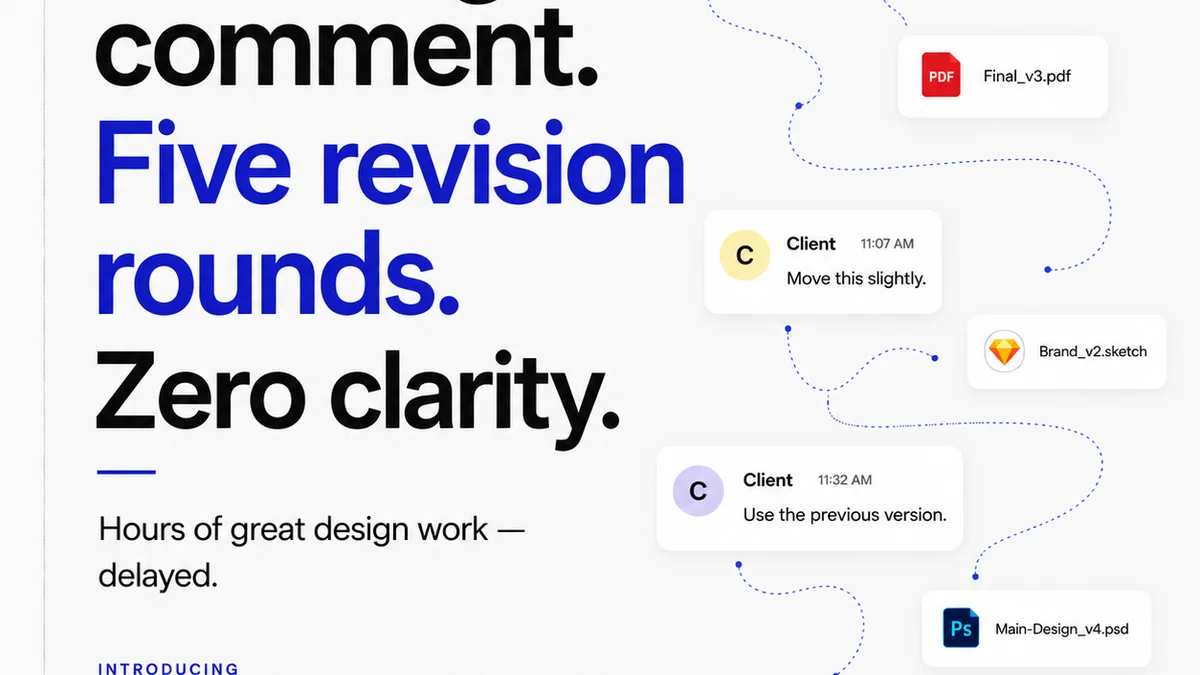
Everyone’s looking for the *next big thing* in design collaboration. The tool that will magically make feedback clear, revisions smooth, and clients happy. You see the ads, the feature lists, the glowing testimonials.
None of that is wrong. But it’s incomplete.
The hard truth? The best design collaboration tools aren't about the *features* they boast. They’re about how seamlessly they integrate into your actual, messy, human workflow.
1. The Illusion of 'All-in-One'
The market is flooded with platforms promising to be your single source of truth. Project management, asset storage, client feedback, approvals – all under one roof. Sounds great, right?
But often, these tools try to do too much, too poorly. They bolt on features that feel tacked on, clunky, and ultimately, a distraction.
The Symptom: Feature Bloat
- Your team spends more time navigating the tool than actually designing.
- Client feedback gets buried under layers of features they don't need or understand.
- Integrations feel like afterthoughts, breaking more often than they work.
- You’re paying for a dozen features you’ll never use.
The goal isn't to find a tool that *does everything*. It’s to find tools that do the *critical things* exceptionally well, and connect them intelligently.
2. Feedback is a Process, Not a Button
This is where most platforms fall short. They offer a comment box, a markup tool, maybe a version history. And yes, these are table stakes.
But real feedback isn't just about marking up a pixel. It's about context. It's about understanding the 'why' behind the 'what'. It's about ensuring clarity and preventing endless back-and-forth.
The Problem: Context Collapse
- Clients leave vague comments like “I don’t like it” or “Make it pop.”
- Designers struggle to understand the intent behind the feedback, leading to rework.
- Crucial conversations happen in email threads or Slack, disconnected from the visual asset.
- There’s no clear audit trail of decisions and approvals.
Your collaboration tool should facilitate a *dialogue*, not just collect notes. It needs to capture the nuances, the revisions, and the final sign-off in a way that’s visible and defensible.
3. Revision Management: The Unsung Hero
Think about your revision process. How many times have you seen a client approve a version, only for them to come back days later with feedback that should have been caught earlier?
This isn't just frustrating; it’s a drain on your resources and your profitability. It’s a sign that your revision management is broken.
The Reality: Version Chaos
- Endless file naming conventions (v1, v2, final, final_really, final_final_this_time).
- Confusion over which version is the current, approved one.
- Difficulty tracking the history of changes and who made them.
- Scope creep disguised as
Frequently asked questions
What's the biggest mistake agencies make when choosing collaboration tools?
Focusing solely on feature lists and flashy interfaces, rather than how well a tool integrates into their existing, real-world workflow and facilitates clear communication.
How can I ensure client feedback is actionable?
Use tools that provide context, allow for threaded discussions directly on the asset, and clearly distinguish between different versions and approvals. Train clients on how to provide specific, constructive feedback.
Is it better to have one all-in-one tool or multiple specialized tools?
It depends on your team and workflow. Often, a few specialized tools that integrate well are more effective than a single 'do-it-all' platform that does many things poorly. The key is seamless integration and minimal friction.
How do I prevent scope creep with client revisions?
Implement a clear revision management process. Use tools that track every version and approval, making it obvious when a request falls outside the agreed-upon scope or initial brief.