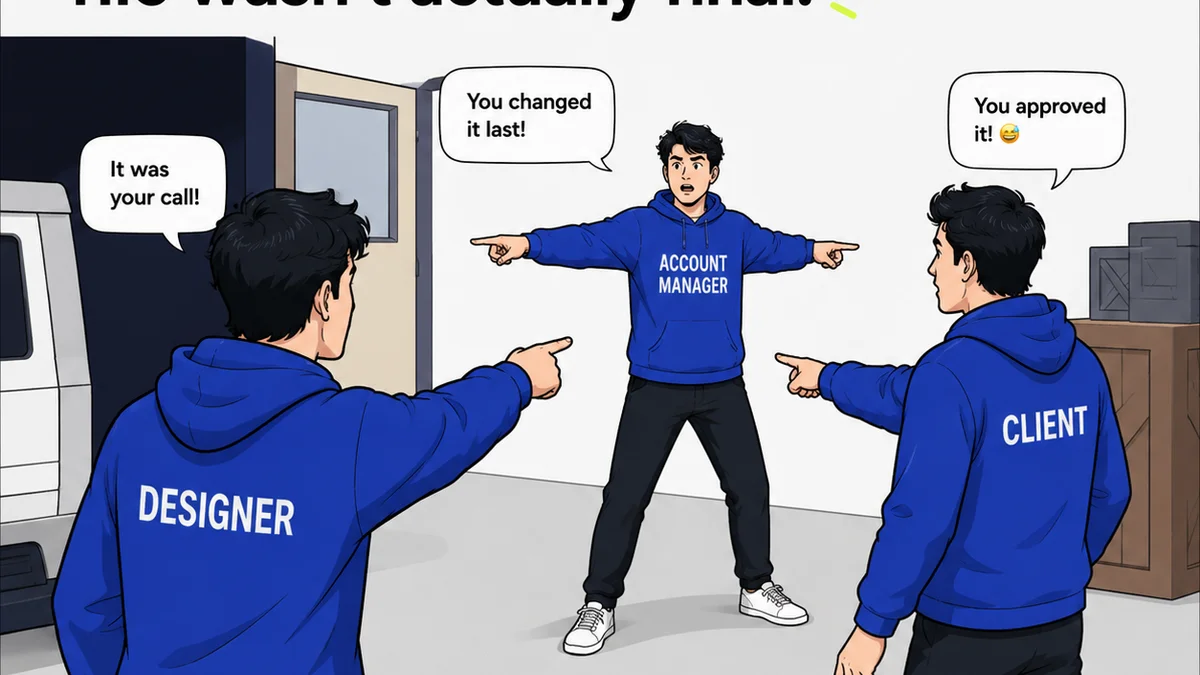
Everyone thinks design handoff is just about delivering files. You finish the design, you export JPEGs or PDFs, you zip ‘em up, and you send them off. Easy, right?
None of that is wrong. But it’s incomplete.
The hard truth is, design handoff is where a massive amount of creative work goes to die. It’s a critical project phase that’s often rushed, misunderstood, or just plain ignored. And when it goes wrong, it’s not just a headache for developers; it’s a direct hit to your agency’s reputation and profitability.
1. Handoff Isn't the End of Design—It's the Start of Production
Most teams see handoff as the final step in the design process. A moment of relief before moving on to the next brief. This mindset is fundamentally flawed.
Think of it this way: the design is the blueprint. The developers are the builders. A blueprint is useless if it's unclear, incomplete, or missing critical details about materials, measurements, or structural integrity.
Your handoff document or process is that detailed explanation. It’s not just about showing what the final product looks like; it’s about explaining *how* it’s supposed to function, *why* certain decisions were made, and *what* constraints exist.
The Problem with 'Just Send the Files'
When you treat handoff as an afterthought, you create:
- Endless rounds of clarification emails.
- Developers guessing at functionality or interactions.
- Inconsistent implementation that doesn't match the design intent.
- Missed deadlines and budget overruns.
- Frustrated clients who see their vision mangled.
This isn't just inefficient; it erodes trust. Clients and developers start to see your design team as disconnected from the reality of building a product.
2. Define Your Handoff Process *Before* You Start Designing
This is where most agencies drop the ball. They're too busy designing to think about how they'll hand it off.
You need a standardized, repeatable process. Not a one-off, ad-hoc scramble for every project.
What does your ideal handoff look like? Who is involved? What assets are needed? What information is crucial?
By defining this early, you bake it into your project scope and timelines. This isn’t just good practice; it’s essential for managing client expectations and internal resources.
Key Components of a Defined Handoff Process
- Clear Deliverables List: What exactly are you providing? (e.g., final mockups, style guides, asset libraries, interactive prototypes).
- File Naming Conventions: Consistent, logical naming prevents confusion.
- Asset Organization: How are assets structured in folders? (e.g., by screen, by component, by type).
- Interaction & Animation Specs: How should elements behave? What are the transition timings?
- Style Guide Integration: Links to or embedded brand guidelines, typography, color palettes, and spacing rules.
- Accessibility Considerations: Color contrast ratios, focus states, ARIA labels.
- Review & Approval Workflow: Who signs off on the design *before* it’s handed off?
This isn't about creating a massive, unwieldy document. It's about having a clear checklist and a consistent method.
3. Centralize Everything: The Single Source of Truth
Scattered files, outdated links, and buried comments are the enemy of smooth handoff.
Your design files live in Figma, Sketch, or Adobe XD. Your client feedback is in email, Slack, or a shared doc. Your developer notes are on a sticky note somewhere. This is a recipe for disaster.
Everything related to the design and its intended implementation needs to live in one place. That place should be accessible to all relevant stakeholders.
Why Centralization Matters
- Reduces Ambiguity: Everyone sees the same approved designs and specifications.
- Improves Efficiency: Developers don't waste time hunting for assets or information.
- Enhances Collaboration: Designers, developers, and clients are on the same page.
- Creates an Audit Trail: Track feedback, revisions, and approvals for accountability.
When information is siloed, misinterpretations are inevitable. Developers might build based on an early concept, or a client might reference feedback from an email thread that was superseded.
4. Detail Over Deluge: Focus on What Matters
You don't need to document every single pixel’s RGB value if it's already clear from the design file. The goal is clarity, not encyclopedic detail.
Focus on the elements that require explanation:
- Interactive states: Hover, active, disabled, focused.
- Micro-interactions and animations: What triggers them? How do they look and feel?
- Complex layouts and responsive behavior: How does the design adapt across different screen sizes?
- Edge cases and error states: What happens when something goes wrong?
- Specific brand guidelines: Are there any nuances not immediately obvious in the UI?
Use annotations directly within your design tools where possible. Tools like Figma, Sketch, and Adobe XD have built-in features for this. But don't stop there.
A comprehensive style guide or a dedicated handoff document can capture the overarching principles and more complex requirements.
5. Communication is Key: Talk to Your Developers Early and Often
This might sound obvious, but it’s often overlooked. The best design handoffs happen when designers and developers are talking *throughout* the project, not just at the end.
Schedule a pre-handoff meeting. Walk through the designs. Answer questions in real-time. Get their input on feasibility.
Developers often have invaluable insights into technical constraints and best practices that can save you from designing something that’s impossible or prohibitively expensive to build.
Proactive Communication Benefits
- Identifies Potential Issues Early: Catch technical limitations before they become major roadblocks.
- Builds Rapport: Fosters a collaborative relationship between design and development.
- Ensures Shared Understanding: Minimizes assumptions and guesswork.
- Streamlines the Handoff Itself: Developers are already familiar with the designs.
Don't let your design team operate in a vacuum. Integrate them with the development process from the outset.
6. Where Revue Fits In
The chaos of design handoff often stems from fragmented communication and a lack of centralized oversight. Feedback gets lost, revisions are tracked inconsistently, and final approvals can be a guessing game.
Revue is built to bring order to this chaos.
By centralizing client feedback and managing revisions within a single platform, you create a clear, undeniable record of decisions. When it’s time for handoff, all stakeholders can access the final, approved designs and the complete history of feedback and changes.
This means developers get a definitive source of truth, reducing ambiguity and the need for constant clarification. You can confidently sign off on designs knowing that every iteration and approval has been logged and is easily accessible.
Ultimately, Revue helps ensure that the creative vision isn't lost in translation between design and development, leading to smoother production and a higher-quality final product.
7. Final Thought
Is your design handoff process a well-oiled machine, or a frantic scramble?
If it’s the latter, you’re not alone. But it’s a problem you can, and must, solve.
Treating handoff as a critical phase, defining your process, centralizing information, and fostering open communication with your development team will not only save you time and money but will elevate the perceived value of your creative work.
What’s one small change you can make to your handoff process this week?
Frequently asked questions
What is design handoff?
Design handoff is the critical phase where final design assets, specifications, and documentation are transferred from the design team to the development team for implementation. It's more than just sending files; it involves clear communication about functionality, interactions, and visual details.
Why is a defined design handoff process important?
A defined process prevents misinterpretations, reduces clarification cycles, ensures consistent implementation, and avoids costly delays or budget overruns. It establishes a clear, repeatable method for transferring creative work to production.
What are the essential components of a good design handoff?
Key components include clear deliverables, consistent file naming, organized assets, detailed interaction and animation specs, integrated style guides, accessibility considerations, and a defined review/approval workflow.
How can I improve communication during design handoff?
Schedule pre-handoff meetings with developers to walk through designs, discuss feasibility, and answer questions in real-time. Foster an ongoing dialogue throughout the project, not just at the end.
How does a tool like Revue help with design handoff?
Revue centralizes feedback and manages revisions, creating a single source of truth for approved designs. This reduces ambiguity for developers, provides an audit trail of decisions, and ensures everyone is working from the final, agreed-upon specifications.