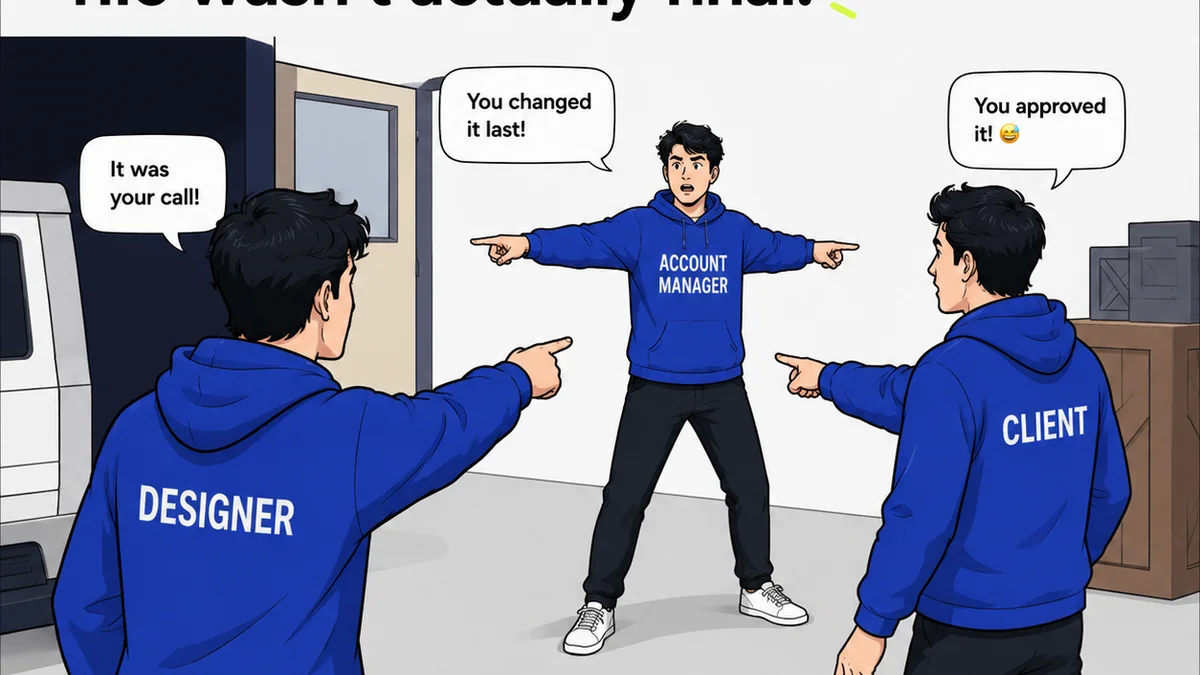
Everyone knows design handoff is critical. It’s the moment the creative vision meets the engineering reality. The bridge between what looks good and what works. You’ve probably heard that good design handoff is about clear communication, detailed specs, and well-organized files. None of that is wrong. But it’s incomplete.
The hard truth? Most companies fail at design handoff not because of a lack of detail, but because of a fundamental misunderstanding of what ‘handoff’ truly entails. It’s not a single event; it’s a continuous process that starts long before the final design is approved.
1. The Assumption: Handoff is a Final Step
The most common misconception is that design handoff is the final act of the design phase. A designer throws the baton over the wall to the development team, and their job is done.
This is where things break down. Handoff isn’t an event; it’s a phase. It begins with early collaboration and continues through development and beyond.
When handoff is treated as an afterthought, crucial context gets lost.
The Reality: Handoff is an Ongoing Collaboration
Effective design handoff requires constant communication and shared understanding. It’s a dialogue, not a monologue.
- Developers need to understand the *why* behind design decisions, not just the *what*.
- Designers need to be available for questions and adjustments throughout the development cycle.
- Cross-functional teams need to be aligned on goals and constraints from the outset.
This collaborative approach prevents misunderstandings and ensures the final product aligns with the original vision.
2. The Assumption: Detailed Specs are Enough
You’ve got your meticulously crafted style guides, redlines, and asset exports. Surely, that’s all developers need, right?
Wrong.
Specs are essential, but they’re only one piece of the puzzle. They describe the static elements, the rules, the measurements. They don’t always capture the dynamic behavior, the micro-interactions, or the subtle user experience nuances that make a design truly sing.
The Reality: Context is King
Developers need more than just a set of instructions. They need the full picture.
- User Flows: How does a user navigate through this feature? What are the different states and transitions?
- Edge Cases: What happens when an error occurs? What if the user input is invalid?
- Interactions: How should animations and transitions feel? What are the hover states, click feedback, and loading indicators?
- Performance Considerations: Are there any specific technical constraints or performance goals that impact design choices?
Tools like Figma have made significant strides in providing interactive prototypes and design system components, but they still don’t replace the need for verbal and visual context shared throughout the project lifecycle.
3. The Assumption: The Design System Solves Everything
A well-defined design system is a powerful asset. It streamlines design and development, ensuring consistency and efficiency. Many teams believe that a robust design system makes the handoff process seamless.
A design system is a critical tool, but it’s not a magic bullet.
It provides the building blocks and the rules. It doesn’t, however, dictate how those blocks are assembled for a specific, novel feature or how to handle unique edge cases that fall outside the established patterns.
The Reality: Design Systems Need Interpretation
Even with a comprehensive design system, there’s still room for interpretation and the need for specific guidance.
- New Components: How should a brand-new component, not yet in the system, be implemented? What are the guidelines for creating it?
- Complex Interactions: How do existing components behave when combined in new, complex ways?
- Brand Nuances: How do the system’s guidelines translate to specific brand voice and tone, especially in error messages or empty states?
- Accessibility: While design systems often include accessibility considerations, ensuring adherence for every specific implementation requires verification. Adhering to standards like WCAG (Web Content Accessibility Guidelines) is paramount.
The design system is a framework, not a finished product. It requires human oversight and collaboration to apply effectively.
4. The Assumption: Handoff is Only About Visuals
It’s easy to get bogged down in the visual details: colors, typography, spacing, and iconography. These are, of course, vital.
But design handoff encompasses much more than just the pixels on the screen.
Neglecting other aspects leads to functional gaps and user frustration.
The Reality: Functionality and User Experience are Paramount
A beautiful design that doesn’t work correctly or provide a good user experience is a failed design.
- Information Architecture: Is the content structured logically? Is navigation intuitive?
- Interaction Design: How do users interact with elements? What are the expected responses?
- Performance: How quickly does the interface load and respond? Are there performance bottlenecks introduced by the design?
- Accessibility: Can users with disabilities effectively use the product? This includes keyboard navigation, screen reader compatibility, and sufficient color contrast.
These functional and experiential aspects are as critical as the visual ones and must be part of the handoff conversation.
5. The Assumption: The Handoff Document is the Final Word
Many teams rely on a single, comprehensive handoff document or a set of exported specifications. Once this document is delivered, the handoff is considered complete.
This creates a static snapshot in time.
Projects evolve. Requirements change. New insights emerge. A static document quickly becomes outdated.
The Reality: Handoff is an Iterative Process
The most successful handoffs are those that embrace iteration and adaptation.
- Living Style Guides: Instead of static documents, use tools that allow style guides to be updated and versioned.
- Prototyping Tools: Interactive prototypes are more effective than static mockups for conveying complex interactions and user flows.
- Feedback Loops: Establish clear channels for ongoing feedback and clarification between design and development.
- Regular Check-ins: Schedule regular meetings to review progress, address issues, and make necessary adjustments.
This iterative approach ensures that the final product remains aligned with both the design intent and the evolving project needs.
Where Revue Fits In
The challenges in design handoff often stem from a lack of centralized communication and a clear overview of progress and feedback. This is precisely where tools like Revue can make a significant difference.
Revue provides a single source of truth for creative assets and client feedback. Instead of relying on scattered email threads, endless Slack messages, or outdated documents, teams can manage all their project-related communication and approvals in one place.
- Centralized Feedback: All stakeholder feedback, from initial concepts to final revisions, is logged and visible. This eliminates the
Frequently asked questions
What is the biggest mistake companies make in design handoff?
The biggest mistake is treating design handoff as a single, final event rather than an ongoing, collaborative process that begins early in the project and continues through development.
Beyond specs, what context is crucial for developers during handoff?
Developers need context on user flows, edge cases, interaction details, and performance considerations. Understanding the 'why' behind design decisions is as important as understanding the 'what'.
How can a design system help with handoff?
A design system provides consistent building blocks and rules, streamlining the process. However, it requires interpretation for new components, complex interactions, and specific brand nuances, making continued collaboration essential.
Is design handoff only about visual elements?
No, design handoff must also encompass crucial functional aspects like information architecture, interaction design, performance, and accessibility to ensure the final product is usable and effective.
How can technology improve the design handoff process?
Tools that centralize feedback, manage revisions, provide version control, and facilitate clear communication—like Revue—can significantly improve clarity, reduce errors, and streamline the handoff process.