Everyone thinks proofreading is about hunting down typos and grammatical errors. And sure, that’s part of it. But for design work, that’s barely scratching the surface.
The real truth? Effective design proofreading is about spotting *everything* that could derail a project, confuse a client, or damage your agency’s reputation. It’s an operational safeguard.
1. The Obvious Stuff: Typos and Grammar
Let’s get the easy part out of the way. Yes, you need to catch spelling mistakes, punctuation errors, and awkward phrasing. These are the low-hanging fruit.
But here’s the contrarian take: relying *only* on this is a mistake. A perfectly spelled but completely wrong message is still a failure.
Consistency is Key
Beyond individual words, look for consistency:
- Is the brand name spelled the same way everywhere?
- Are product names consistent?
- Are legal disclaimers, terms, and conditions identical across all touchpoints?
Minor inconsistencies here can make you look sloppy. Major ones can lead to legal issues.
Tone and Voice
Does the copy sound like your client? Or does it sound like a robot wrote it? Proofreading should also check if the tone matches the brand guidelines and the intended audience.
2. Visual Proofing: More Than Just Aesthetics
This is where many teams fall down. Visual proofing isn’t just about whether the colors look good or the font is legible. It’s about accuracy and adherence to the brief.
Layout and Alignment
Are elements aligned correctly? Do text blocks sit neatly within their containers? Are margins consistent? These details matter for professionalism.
A misaligned button or a slightly crooked image can signal a lack of attention to detail.
Image and Asset Integrity
Are all images and graphics displaying correctly? Are they the right resolution and file format? Are they loading properly in different contexts (web, print, mobile)?
Check for:
- Pixelation or blurriness
- Incorrect cropping
- Missing images or broken links
- Outdated or incorrect versions of logos and assets
Color Accuracy
Especially critical for print. Is the CMYK color profile correct? Are the spot colors being used as specified? What looks good on screen might print differently.
3. Data and Information Accuracy
This is where things get serious. Incorrect data can have significant financial or legal repercussions. Treat this section with extreme prejudice.
Numbers and Figures
Are all statistics, prices, dates, and figures accurate? Cross-reference them against the source material or client-provided data. Double-check calculations.
A single wrong number in a financial report or a pricing table can destroy trust.
Contact Information
Phone numbers, email addresses, website URLs, physical addresses – are they all correct and up-to-date? Test links and phone numbers if possible.
Product/Service Details
Are feature lists, specifications, and descriptions accurate? Are they aligned with the latest product information from the client?
Legal and Compliance
This often falls to legal teams, but creative proofreaders should flag anything that *looks* like it might be a compliance issue. Are all required disclaimers present? Are there any potentially misleading claims?
4. Functionality and User Experience
For digital products, proofreading extends to how things *work*. This overlaps with QA, but there are proofing elements.
Links and Navigation
Do all links go to the correct destination? Is the navigation intuitive? Do buttons perform their intended action?
Test on different devices and browsers.
Forms and Inputs
Are form fields clearly labeled? Do they accept the correct input type? Are error messages clear and helpful?
Interactive Elements
Check hover states, animations, and transitions. Do they trigger correctly? Do they enhance or detract from the experience?
5. Brand and Client Alignment
This is about ensuring the final output perfectly matches the client’s vision and your agency’s execution.
Adherence to Brief
Did you deliver what was asked for? Are all the key requirements from the creative brief met? This is a crucial final check before client delivery.
Brand Guidelines
Is the design, tone, and messaging fully compliant with the client’s established brand guidelines? This includes logo usage, color palettes, typography, and voice.
Client-Specific Requirements
Did the client have any unique requests or stipulations? For example, specific calls to action, unique legal text, or particular imagery preferences. Ensure these are all incorporated correctly.
Where Revue Fits In
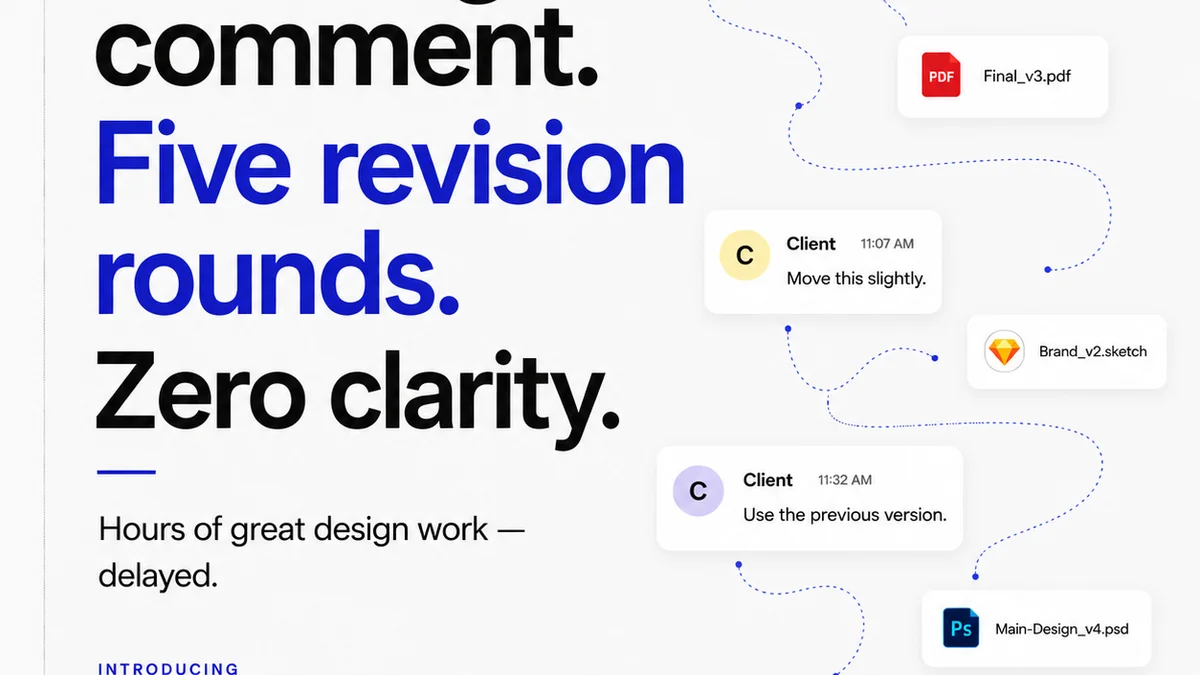
Managing all these proofing layers can feel like juggling chainsaws. Especially when feedback comes in through a dozen different channels.
Revue streamlines this. It acts as a central hub for all creative assets and client feedback.
Imagine this:
- All feedback, from typos to functional bugs, is logged against the specific version of the creative asset.
- Revisions are tracked, so you can see exactly what changed and why.
- Approvals are clear and documented, reducing ambiguity.
- The entire revision history is visible, making quality checks and final sign-offs much more robust.
This isn't about eliminating the proofreading checklist. It's about making the process more efficient, transparent, and less prone to human error by centralizing communication and version control.
Final Thought
Proofreading is often seen as a final, almost tedious step. A necessary evil before launch.
But what if we reframed it? What if it was an integrated part of the creative process, a continuous quality check that builds confidence and reduces risk at every stage?
When does your team shift from
Frequently asked questions
What's the difference between proofreading and editing?
Editing focuses on the overall structure, clarity, and flow of content. Proofreading is the final stage, focused on catching surface-level errors like typos, grammar mistakes, punctuation, and formatting inconsistencies before publication.
Who should be responsible for proofreading design work?
Ideally, it's a multi-stage process. A junior team member might do a first pass, followed by a project manager or creative lead. For critical elements, a dedicated QA specialist or even someone unfamiliar with the project can offer a fresh perspective. Client review is also crucial.
How can I make proofreading more efficient?
Use a checklist tailored to your project type. Leverage technology for grammar and spell-checking, but don't rely on it solely. Centralize feedback to avoid version confusion. Take breaks to refresh your eyes and mind.
What are the most common errors in design proofreading?
Beyond typos and grammar, common errors include inconsistent formatting, incorrect client data (prices, dates, contact info), broken links, misaligned elements, and incorrect use of brand assets like logos or colors.