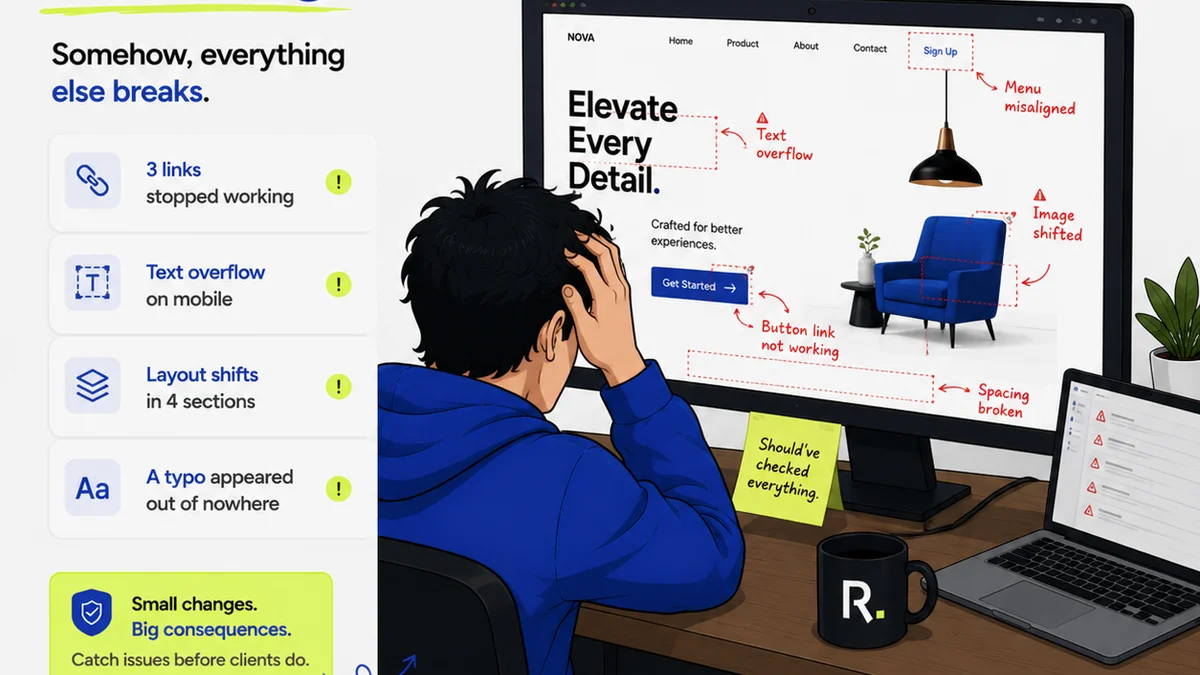
Everyone talks about design quality. And everyone agrees that a good design team needs a solid quality assurance process. It’s table stakes, right?
None of that is wrong. But it’s incomplete.
The hard truth is that a great design QA process isn’t about finding the occasional typo or misaligned element. It’s about building a predictable system that guarantees consistent, high-quality output, project after project. It's about operationalizing excellence.
1. The Flawed Assumption: QA is Just the Final Check
Most agencies treat design QA like a gatekeeper. The work is done, it’s handed off to someone (often a project manager or a junior designer), and they’re told to “check for errors.”
This is a recipe for chaos.
It assumes:
- Errors are only found at the end.
- The person checking understands the original brief and client expectations perfectly.
- The original designer isn’t available for clarification.
- The checker has the bandwidth and expertise to spot subtle issues.
This approach is reactive, inefficient, and frankly, insulting to the design team. It turns QA into a blame game, not a quality improvement engine.
2. The Hard Truth: QA is an Integrated System
Design QA isn’t a phase. It’s a continuous thread woven through the entire creative workflow.
It starts before the first pixel is placed and continues long after the final file is delivered.
2.1. Briefing as the First Line of Defense
You can’t check for quality if you don’t know what quality looks like for *this specific project*.
This means:
- Crystal-Clear Briefs: Are the objectives, target audience, key messages, and success metrics unambiguously defined?
- Defined Deliverables: What exactly is being produced? What are the file formats, specs, and technical requirements?
- Client Alignment: Has the client signed off on the brief? Are there any grey areas that need immediate clarification?
If the brief is fuzzy, your QA process is starting on shaky ground.
2.2. Design System Discipline
A robust design system is your QA team’s best friend. It provides a library of approved components, styles, and guidelines.
Using a design system:
- Reduces subjective decision-making.
- Ensures visual consistency across projects.
- Speeds up the design process itself.
- Makes QA significantly easier because you’re checking against established rules, not just arbitrary preferences.
If your agency doesn't have one, building one should be a top priority. If you do, enforce its use rigorously.
2.3. Iterative Internal Reviews
Don’t wait for the client to give feedback. Build in multiple internal review stages.
These aren’t just quick glances. They should be structured:
- Peer Reviews: Designers review each other’s work against the brief and system.
- Creative Director Reviews: Focused on strategic alignment and creative execution.
- Technical Reviews: Checking for usability, accessibility, and technical feasibility.
Each review should have a clear objective and documented feedback.
2.4. Pre-Client Handoff Checklist
Before any work is sent to a client, it must pass an internal checklist. This isn't optional.
Your checklist should cover:
- Brand guideline adherence.
- Consistency in typography, color, and spacing.
- Accuracy of copy and data.
- Functionality of interactive elements.
- File naming conventions and organization.
- Responsiveness across devices/viewports.
- Accessibility standards met.
- Deliverable format and specifications.
This checklist becomes your standardized QA scorecard.
3. Implementing Your QA Process: The Practical Steps
Building a system requires more than just good intentions. It needs structure and accountability.
3.1. Define Your QA Roles and Responsibilities
Who is responsible for what at each stage?
- The Designer: Responsible for initial quality and adherence to brief/system.
- Peers/Team Leads: Responsible for initial checks and constructive feedback.
- Creative Director: Responsible for strategic and creative integrity.
- Project Manager: Responsible for ensuring the process is followed, deliverables match specs, and client comms are clear.
- Dedicated QA Specialist (Optional but Recommended): For larger teams or complex projects, a dedicated role ensures a focused, unbiased review.
Clearly defined roles prevent tasks from falling through the cracks.
3.2. Standardize Your Feedback and Approval Workflow
Ambiguity breeds errors.
Your workflow should dictate:
- How feedback is given (e.g., using specific tools, structured comments).
- How feedback is consolidated and prioritized.
- How revisions are tracked.
- What constitutes a formal approval.
This is where a centralized platform becomes invaluable.
3.3. Document Everything
Your process, your checklists, your design system guidelines, your feedback logs — document it all.
This documentation serves multiple purposes:
- Onboarding new team members.
- Training existing staff.
- Providing a reference point for any disputes.
- Identifying areas for process improvement.
Make it accessible and keep it updated.
3.4. Train Your Team
A process is only as good as the people executing it.
Regular training sessions should cover:
- The importance of QA.
- How to use the standardized checklists.
- Best practices for giving and receiving feedback.
- Updates to the design system or process.
Make QA a shared responsibility, not a chore.
3.5. Measure and Iterate
Your QA process isn't static. It needs to evolve.
Track key metrics:
- Number of issues found post-client delivery.
- Time spent on internal QA vs. client-requested revisions.
- Client satisfaction with quality.
Use this data to identify bottlenecks and refine your system.
Where Revue Fits In
Managing feedback, revisions, and approvals across multiple projects and clients can quickly become a tangled mess. This is precisely where a tool like Revue can transform your QA process.
Revue provides a centralized hub for all creative assets and client feedback. Instead of sifting through endless email threads or scattered documents, your team can access everything in one place.
- Centralized Feedback: Clients and stakeholders can leave comments directly on the creative assets, eliminating ambiguity and ensuring all feedback is captured in context.
- Clear Revision Tracking: See exactly which versions were approved, which were rejected, and what changes were made at each step. This provides an auditable trail and prevents
Frequently asked questions
What is the most common mistake agencies make with design QA?
The most common mistake is treating design QA as a final, isolated step. Effective QA is an integrated system that starts with clear briefs and continues through iterative reviews, not just a last-minute check for errors.
How can a design system improve QA?
A design system provides a library of approved styles, components, and guidelines. This reduces subjective decision-making, ensures consistency, and makes QA checks more straightforward because you're verifying against established rules.
Who should be responsible for design QA?
Responsibility should be shared. Designers ensure initial quality, peers and leads provide early feedback, creative directors oversee strategic alignment, and project managers ensure process adherence. A dedicated QA specialist can also be beneficial for larger teams.
How can feedback tools help with QA?
Tools like Revue centralize feedback directly on creative assets, providing context and eliminating ambiguity. They offer clear revision tracking, creating an auditable trail and ensuring all feedback is captured and addressed systematically, which is crucial for QA.