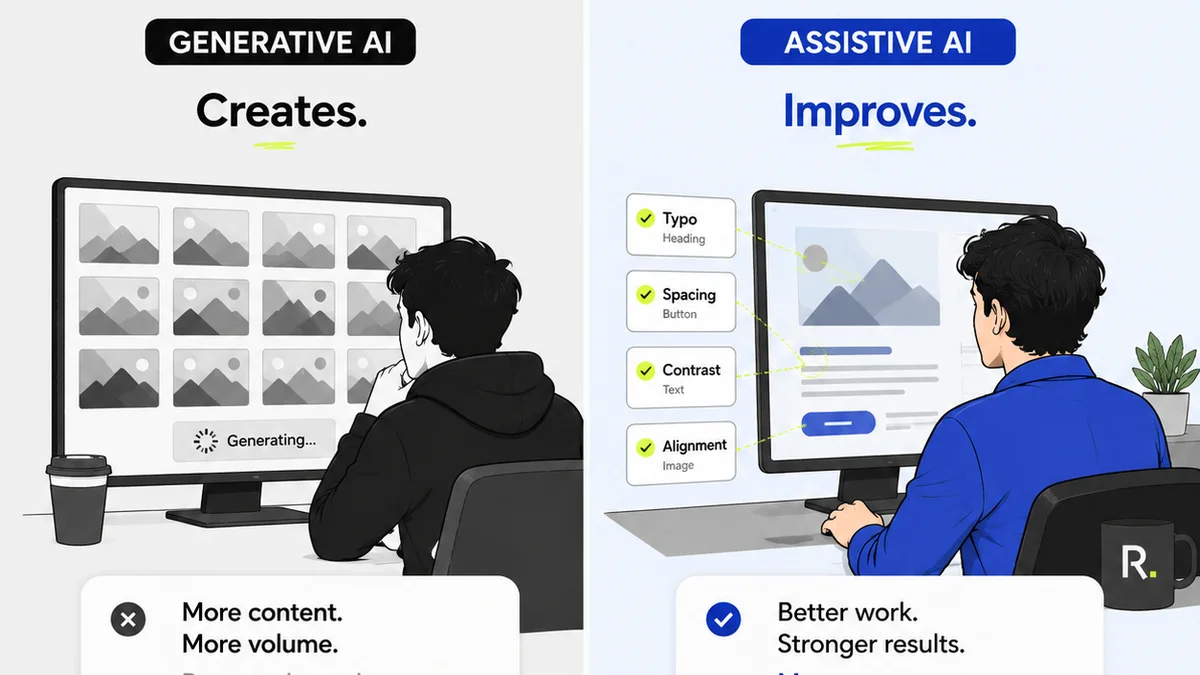
You think design QA software is just about catching typos. Maybe finding misaligned buttons. A quick sanity check before launch.
None of that is wrong. But it’s incomplete.
The real value of design QA tools isn't just in spotting surface-level errors. It’s in how they integrate into your entire creative workflow, streamlining feedback, clarifying revisions, and ultimately boosting client trust and project profitability. It’s about operational efficiency, not just pixel-perfect output.
1. Beyond Bug Tracking: The Feedback Loop
Many teams default to generic bug-tracking tools for design QA. They’re fine for software development, but design is different. Visuals, subjective feedback, multiple stakeholders — it’s a messy, iterative process.
Good design QA software needs to manage this mess. It should centralize communication, not scatter it across emails, Slack threads, and random cloud docs. Can stakeholders easily annotate directly on the design? Can you group comments by version? Can you assign action items clearly?
Centralized Feedback
Scattered feedback kills projects. It leads to:
- Missed comments
- Conflicting instructions
- Endless clarification emails
- Wasted time hunting for the
Frequently asked questions
What's the difference between design QA software and bug tracking software?
Bug trackers are typically for code defects. Design QA software is built for visual feedback, including subjective input, multiple stakeholders, and the iterative nature of creative work. It often integrates directly with design files.
Can design QA software help with client communication?
Absolutely. By centralizing feedback and revisions in one place, it reduces miscommunication, provides a clear audit trail, and makes the approval process more transparent for clients.
How does design QA software improve efficiency?
It streamlines the entire feedback and revision process. Instead of chasing emails or deciphering vague comments, you have clear, annotated feedback directly on the design, assigned to specific team members, and tracked through to approval.
What are the key features to look for in design QA software?
Look for features like direct annotation on designs, version control, clear comment threading, stakeholder roles, approval workflows, and integrations with your existing design tools.