Everyone agrees that quality assurance (QA) is crucial. You can’t ship sloppy work. Clients expect polish. Your reputation depends on it.
But ask any creative director or agency owner about QA, and you’ll hear the same complaints: It takes too long. It adds too many steps. It kills momentum. It feels like a necessary evil, a drag on productivity.
None of that is wrong. But it’s incomplete.
The hard truth is that traditional QA processes are often designed for software, not creative. They’re built around finding bugs, not refining creative execution. This mismatch is where the slowdowns happen.
The real goal of QA in a creative agency isn’t just to catch errors. It’s to ensure the work aligns with the brief, meets client expectations, and upholds the agency’s standards, all without grinding the creative engine to a halt.
Let’s get specific.
1. Rethink What QA Actually Is
Most teams think QA means one final, exhaustive check before delivery. A gatekeeper.
That’s a single point of failure. And it’s way too late in the process.
True QA should be woven into the fabric of your workflow, not tacked on at the end. It’s about building quality in, from the first sketch to the final pixel. This means shifting from a single, massive review to a series of smaller, more frequent checks.
Continuous, Iterative Checks
Think of it like building a bridge. You don’t just check the whole thing at the end. You inspect the foundation, the supports, the decking as you go.
Each stage of creative development should have its own mini-QA. Is this concept aligned with the brief? Are the visual elements on brand? Does this copy meet the tone of voice?
The Role of the Creative Team
Your designers and copywriters are the first line of defense. They should be empowered and trained to self-QA their work before handing it off for a formal review. This isn't about making them responsible for catching every typo, but for ensuring the core requirements are met.
This reduces the burden on dedicated QA roles or senior reviewers, freeing them up for more strategic tasks.
2. Define Clear, Actionable Checklists
Vague instructions lead to vague reviews. “Make it pop more” is useless. “Increase contrast on the CTA by 15% and ensure it’s legible at 24px” is actionable.
Checklists transform subjective feedback into objective tasks. They provide a common language and a shared understanding of what “done” looks like.
Project-Specific Checklists
Every project is different. A social media campaign requires different checks than a website redesign or a print ad.
Develop template checklists that can be adapted for each project type. These should cover:
- Brief Alignment: Does the creative meet the core objectives, target audience, and key message?
- Brand Consistency: Are logos, colors, fonts, and tone of voice used correctly and consistently?
- Technical Specifications: Are file formats, resolutions, dimensions, and delivery methods correct?
- Accessibility: Is the design usable for people with disabilities (e.g., alt text, color contrast, keyboard navigation)?
- Legal/Compliance: Are disclaimers, trademarks, and any regulatory requirements met?
- Copy Accuracy: Spelling, grammar, punctuation, factual correctness, and adherence to style guides.
Living Documents
Your checklists shouldn’t be static. Review and update them regularly based on project outcomes, client feedback, and lessons learned. What tripped you up last month? Add it to the checklist.
3. Integrate QA into Your Workflow Tools
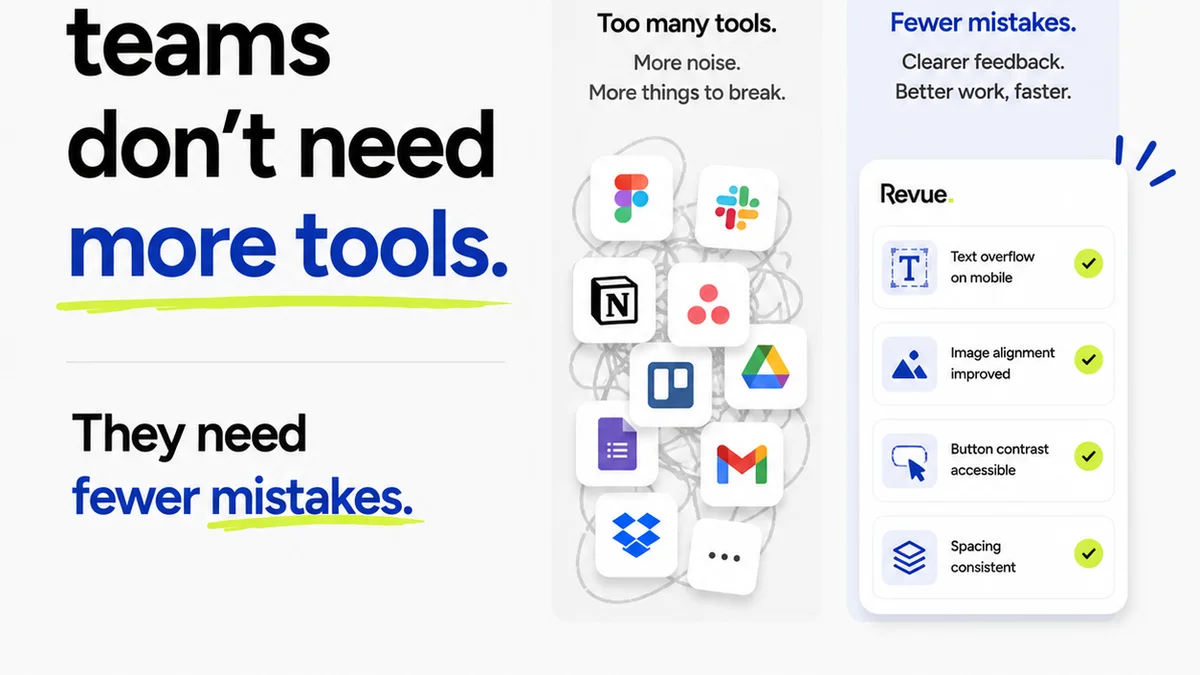
The biggest killer of QA momentum is context switching. Jumping between your design tool, your project management system, your email, and your feedback platform is inefficient and error-prone.
Your QA process needs to live where the work happens.
Centralized Feedback is Key
Scattered feedback—emails, Slack messages, scribbled notes—is a QA nightmare. It’s impossible to track. It’s easy to miss critical comments.
When feedback is centralized, every comment, every revision, and every approval is logged in one place. This creates a clear audit trail and ensures nothing falls through the cracks.
Automate Where Possible
While creative QA can’t be fully automated, some aspects can be. Think automated checks for file naming conventions, image compression, or broken links.
More importantly, leverage tools that automate the *process* of QA. This means streamlining how feedback is given, how revisions are tracked, and how approvals are managed.
4. Empower Your Reviewers (and Define Their Roles)
Who is responsible for QA? The answer is rarely just one person. It’s a shared responsibility.
But “shared” can quickly become “no one’s.”
Clear Roles and Responsibilities
Define who does what at each stage. Is it the junior designer self-checking? The art director providing creative direction? The project manager verifying against the brief? The client giving final sign-off?
Use a RACI matrix (Responsible, Accountable, Consulted, Informed) if necessary, but keep it simple. The goal is clarity, not bureaucracy.
Train Your Team
Reviewing creative work effectively is a skill. Not everyone is naturally good at it. Train your team on:
- How to give constructive, actionable feedback.
- How to use the QA checklists.
- How to identify common errors specific to your agency’s work.
- How to use your feedback and QA tools efficiently.
Better reviewers mean faster, more effective QA.
5. Make Client Approvals Part of QA
Client feedback is often the biggest wildcard. It can be vague, contradictory, or arrive late.
This isn’t the client’s fault. It’s often a failure of process on your end.
Structured Client Feedback
Don’t leave client feedback to ad-hoc emails. Use a system that guides them. Provide clear instructions on how and where to leave comments. Set expectations for the types of feedback you can action (e.g., feedback on execution vs. strategic direction).
Phased Approvals
Break down the approval process. Get sign-off on concepts before moving to detailed design. Get sign-off on drafts before final polish. This prevents massive rework late in the game.
Each approval stage is a QA checkpoint. It confirms alignment before you invest more time and resources.
Where Revue Fits In
This is where tools like Revue become essential. Trying to manage centralized feedback, track revisions, and ensure quality checks happen consistently with spreadsheets and emails is a recipe for disaster.
Revue is built to streamline these exact bottlenecks. It provides a single source of truth for all creative assets and client feedback. Everyone sees the same version, the same comments, the same approval status.
This means:
- Centralized Feedback: All comments are logged directly on the creative asset, eliminating confusion and missed notes.
- Revision Visibility: Easily track every version, compare changes, and see the history of revisions. No more “which version is this?”
- Streamlined Approvals: Clear workflows for submitting work for review and obtaining client sign-off, turning approvals into a predictable step, not a black hole.
- Integrated Quality Checks: Use the platform to apply your checklists and ensure all necessary QA steps are completed before moving forward.
By centralizing these critical functions, Revue helps integrate QA seamlessly into your workflow, reducing friction and speeding up delivery without sacrificing quality.
Final Thought
The assumption that QA inherently slows things down is a symptom of outdated processes. It’s a belief that QA is a separate, external force acting upon the creative work.
But what if QA isn’t a hurdle to clear, but a muscle to strengthen? What if it’s an integral part of the creative process itself, designed to elevate the work and protect your team’s time?
The agencies that are winning aren’t just talented; they’re efficient. They’ve figured out how to build quality in, not bolt it on. How are you building quality into your workflow?
Frequently asked questions
How can I make QA faster without cutting corners?
Integrate QA earlier and more frequently into your workflow. Use clear checklists and centralized feedback tools. Empower your team with defined roles and training so reviews are efficient and actionable, rather than subjective and time-consuming.
What's the difference between QA for software and creative work?
Software QA focuses on bug detection and functionality. Creative QA focuses on alignment with the brief, brand consistency, strategic goals, and aesthetic execution, in addition to technical accuracy. Creative QA is more iterative and often involves subjective elements that need clear guidelines.
Who should be responsible for QA in a creative agency?
QA is a shared responsibility. Designers and copywriters perform initial self-checks. Art directors and creative leads provide creative review. Project managers ensure alignment with the brief and technical specs. Clients provide final approval. Clear roles prevent confusion and ensure accountability.
How do checklists improve the QA process?
Checklists standardize the review process, ensuring all critical aspects are considered. They transform subjective feedback into objective, actionable items, reduce the chance of errors, and provide a clear reference point for both the reviewer and the creative team.
Can client feedback be managed more efficiently?
Yes. By using a centralized feedback platform, providing clear instructions, and structuring approval stages (e.g., concept approval before design), you can guide clients to provide more constructive and timely feedback, reducing last-minute surprises and rework.