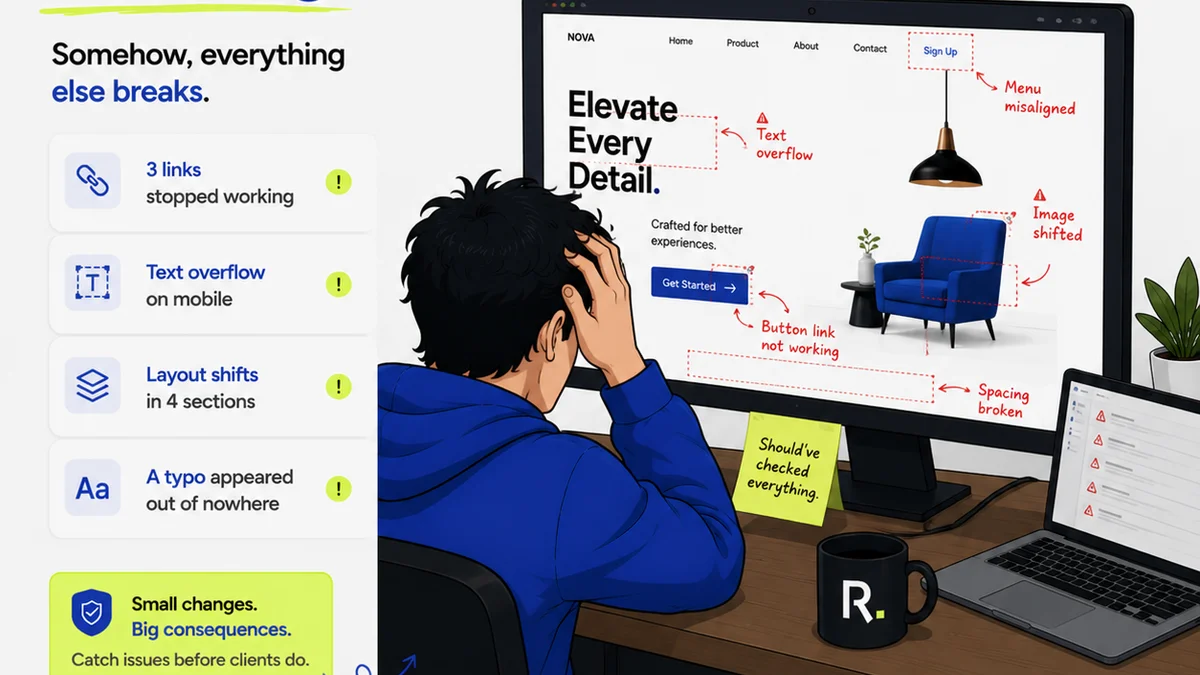
Most creative directors think design QA is just about catching typos or a misplaced logo. It’s about making sure the client’s final deliverable isn't embarrassing.
None of that is wrong. But it’s incomplete.
The hard truth? A truly effective design QA workflow is less about spotting superficial errors and more about safeguarding the entire client relationship and the agency’s bottom line. It’s a strategic process, not a last-minute check.
1. Beyond Pixel-Peeping: The Strategic Imperative of Design QA
The common assumption is that quality assurance in design is a technical chore, handled by junior designers or even the account manager right before delivery. This view fundamentally misunderstands the role of QA.
It's not just about the final polish. It’s about ensuring the design meets the strategic brief, aligns with brand guidelines, functions as intended, and ultimately, delivers value to the client.
A robust design QA process minimizes costly revisions, prevents client dissatisfaction, and builds trust. It’s a critical component of delivering successful projects, on time and on budget.
The High Cost of Skipping Steps
What happens when QA is an afterthought?
- Missed client requirements leading to scope creep.
- Inconsistent branding across deliverables.
- Functional bugs in interactive designs.
- A damaged agency reputation.
- Lost revenue due to extensive rework.
These aren't minor inconveniences; they are business-impacting problems.
2. Defining Your Design QA Framework
A structured approach is key. Your design QA framework should outline who is responsible, what criteria are being checked, and when these checks occur. It's not a one-size-fits-all solution; it must be tailored to your agency’s specific services and client needs.
Phased Quality Checks
Integrate QA throughout the design lifecycle, not just at the end.
- Concept Review: Does the initial concept align with the brief and strategic goals?
- Mid-Stage Review: Are we on track with the approved direction? Are there any emerging issues?
- Pre-Production Check: Before final handoff, is everything technically sound and compliant?
- Post-Launch Monitoring (if applicable): Are there any immediate issues in the live environment?
Key Areas to Cover in Your QA Checklist
Develop comprehensive checklists that cover all critical aspects of the design. These should be living documents, updated as technology and client needs evolve.
- Strategic Alignment: Does the design solve the problem outlined in the brief?
- Brand Compliance: Adherence to color palettes, typography, logo usage, and tone of voice.
- Usability & Accessibility: Is the design intuitive? Does it meet accessibility standards (e.g., WCAG)?
- Technical Specifications: Correct file formats, resolutions, color modes (RGB/CMYK), and bleed settings.
- Content Accuracy: Spelling, grammar, factual correctness, and correct placement of all copy and imagery.
- Functional Testing (for digital): Links work, forms submit, animations play as intended, responsiveness across devices.
- Consistency: Uniformity in spacing, alignment, and visual elements across all screens or pages.
These checklists are your first line of defense.
3. Roles and Responsibilities in Design QA
Who owns design QA? The default answer is often
Frequently asked questions
What is the primary goal of a design QA workflow?
The primary goal is to ensure the final design deliverable meets strategic objectives, aligns with brand guidelines, functions correctly, and satisfies client expectations, thereby minimizing costly revisions and protecting the agency's reputation.
When should design QA be performed?
Design QA should be integrated throughout the entire design process, from concept review to mid-stage checks, pre-production review, and even post-launch monitoring, rather than being a single step at the very end.
What are the essential components of a design QA checklist?
Key components include strategic alignment, brand compliance, usability and accessibility, technical specifications, content accuracy, functional testing for digital assets, and visual consistency.
How can technology help streamline design QA?
Tools like Revue can centralize feedback, provide clear revision histories, automate approval tracking, and ensure all stakeholders are working from the latest versions, significantly reducing errors and miscommunication.