Everyone thinks design review tools are about making feedback prettier. You upload a JPEG, add some red squiggles, and call it a day. None of that is wrong. But it’s incomplete.
The hard truth? Design review tools are less about the visuals and more about the workflow. They’re the operational heart of your creative process. Get them wrong, and you’re drowning in email chains and missed revisions. Get them right, and you’re shipping better work, faster.
1. Centralize Everything: Ditch the Scattered Feedback
The biggest sin in design reviews? Feedback living everywhere. Emails, Slack messages, random Word docs, scribbles on a napkin. It’s a recipe for chaos.
Your design review tool should be the single source of truth. Every comment, every revision request, every approval lives in one place. This isn't just about tidiness; it's about clarity and accountability.
The Symptoms of Scattered Feedback
- Endless email threads trying to find that one crucial comment.
- Misinterpretation of feedback because context is lost.
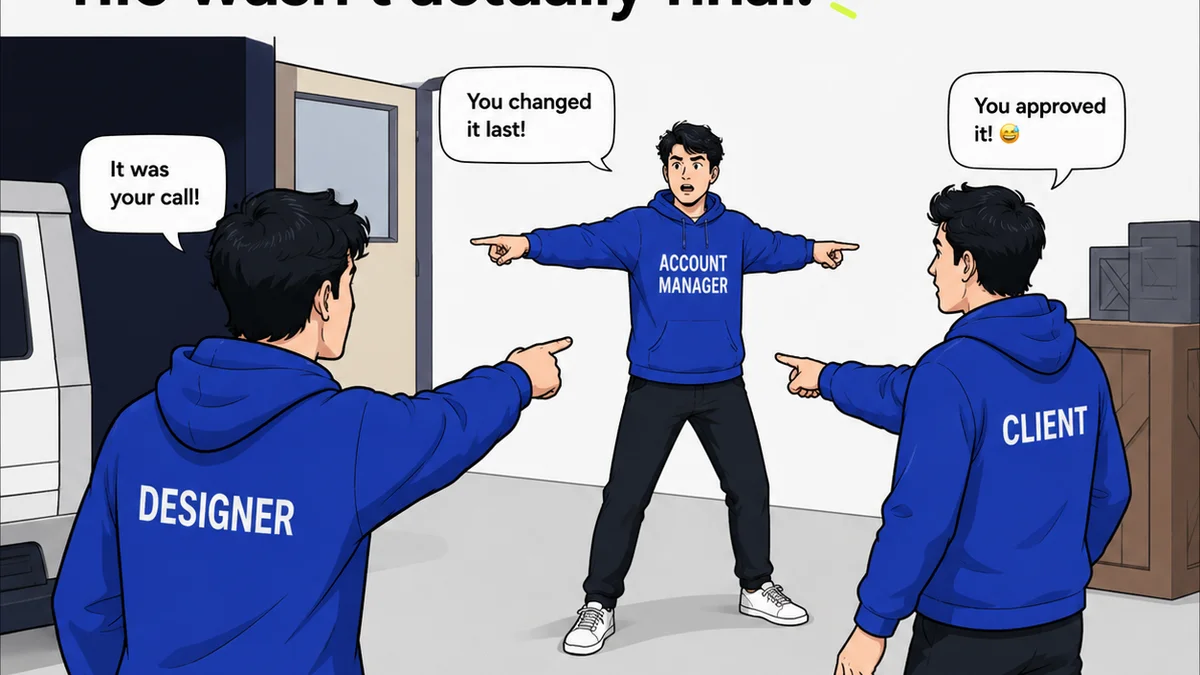
- Clients or stakeholders pointing to an email saying, "But I told you this in Slack!"
- Wasted time chasing down feedback across multiple platforms.
- Difficulty tracking the history of decisions and revisions.
A centralized system means everyone sees the same information. No more
Frequently asked questions
What's the main benefit of using a dedicated design review tool?
The primary benefit is centralizing all feedback and revisions in one place, eliminating scattered communication across emails, chat, and documents. This leads to clearer context, better accountability, and faster decision-making.
How can design review tools improve client communication?
By providing a clear, organized platform for feedback and approvals, these tools reduce misunderstandings and ensure clients see the exact status of their project. It minimizes 'he said, she said' scenarios and streamlines their review process.
Can design review tools help with version control?
Yes, most robust design review tools track different versions of a design, showing the history of revisions and who approved what at each stage. This is crucial for understanding project evolution and avoiding accidental overwrites.
What's the difference between a design review tool and a simple file-sharing service?
File-sharing services are for storage and distribution. Design review tools are specifically built for collaborative feedback, annotation, version tracking, and approval workflows, making the review process interactive and manageable, not just passive.