Everyone says a design system is about consistency. That visual elements should look the same everywhere. That colors, typography, and spacing must be locked down.
None of that is wrong. But it’s incomplete.
The hard truth? A design system isn’t truly “done” until it’s proven reliable in the wild. And that requires rigorous QA that goes way beyond pixel-pushing.
1. The Assumption Trap: Design Systems Are Just UI Kits
Many teams treat their design system like a glorified UI kit. They build components, document them with pretty screenshots, and call it a day. The system lives in a design tool, a static artifact.
This approach creates a dangerous illusion of completeness.
It assumes that once the designs are approved, the work is finished. That the components will magically translate into perfect, bug-free code that integrates seamlessly into every product, on every platform, for every user.
The Reality: Code is Not Design
Design systems live in two worlds: design and development. A beautiful Figma component is useless if it’s a nightmare to implement, breaks in production, or creates accessibility barriers.
QA needs to bridge this gap. It’s not just about checking if the button looks right. It’s about checking if the button *works* right, everywhere.
2. Beyond Visuals: The Core Pillars of Design System QA
True design system QA is a multi-faceted discipline. It’s about validating the system’s integrity across several critical dimensions. Think of it as a multi-point inspection for your product’s DNA.
a. Functional Integrity
This is the most obvious layer after visuals. Do components behave as expected? Does a dropdown actually open? Does a modal close? Does a form validate correctly?
- Test all interactive states: hover, focus, active, disabled, error.
- Verify keyboard navigation and tabbing order.
- Check form element interactions and validation messages.
- Ensure dynamic content loads and displays correctly.
- Test responsiveness across a wide range of screen sizes.
This isn't just about the isolated component. It's about how it functions within a page or a larger user flow.
b. Accessibility (A11y) Compliance
This is non-negotiable. A design system that isn’t accessible excludes users. It’s not just a technical requirement; it’s an ethical one.
QA must verify adherence to WCAG guidelines (or your organization’s specific standards).
- Check color contrast ratios for text and UI elements.
- Ensure all interactive elements have clear focus indicators.
- Verify that elements are correctly described for screen readers (ARIA attributes).
- Test with screen readers (e.g., NVDA, JAWS, VoiceOver).
- Ensure sufficient touch target sizes for mobile.
Accessibility testing shouldn’t be an afterthought. It needs to be baked into the QA process from day one.
c. Performance and Optimization
A beautiful, accessible component that grinds the application to a halt is a failure. Performance is a crucial aspect of user experience.
QA should include checks for:
- Asset optimization: Are images properly sized and compressed? Are SVGs optimized?
- Code efficiency: Is the component’s code lean and free of unnecessary bloat?
- Loading times: How does the component impact initial page load and subsequent interactions?
- Bundle size: Does adding this component significantly increase the application’s JavaScript bundle size?
Performance issues can be subtle but have a massive impact on user retention and conversion.
d. Cross-Browser and Cross-Platform Compatibility
Your design system will be consumed across various environments. QA must validate consistency and functionality across these.
- Test in major browsers: Chrome, Firefox, Safari, Edge.
- Test on different operating systems: Windows, macOS, iOS, Android.
- Consider device variations: desktop, tablet, mobile.
Don’t assume “it works on my machine” is good enough. Test where your users actually are.
e. Documentation and Discoverability
A component is only as good as its documentation. If developers can’t find it, understand it, or use it correctly, it might as well not exist.
QA should review:
- Clarity and completeness of usage guidelines.
- Accuracy of code examples.
- Ease of navigation within the documentation site.
- Up-to-dateness of the documentation relative to the components.
- Availability of design tokens and their usage.
Poor documentation leads to misuse, inconsistency, and frustration – the very things a design system is meant to eliminate.
f. Maintainability and Scalability
How easy is it to update a component? To extend it for new use cases? To deprecate it when necessary?
QA here involves looking at the development process:
- Code structure and adherence to coding standards.
- Modularity and reusability of code.
- Test coverage (unit, integration, end-to-end).
- Versioning strategy and release process.
- Error handling and logging.
A system that’s hard to maintain will quickly become outdated and unloved.
3. Building the QA Process: From Ad-Hoc to Automated
Many teams start with manual QA. A designer or developer manually checks each component against a mental checklist. This is a necessary first step, but it doesn't scale.
The Limitations of Manual QA
Manual testing is:
- Time-consuming and expensive.
- Prone to human error and oversight.
- Difficult to repeat consistently.
- Ineffective for regression testing.
As a design system grows, manual checks become a bottleneck. They delay releases and introduce risk.
The Power of Automation
Automation is key to robust design system QA. It allows for rapid, consistent, and repeatable testing.
Areas ripe for automation include:
- Visual Regression Testing: Tools like Percy, Chromatic, or Applitools can automatically compare screenshots of components across changes, flagging visual deviations.
- Accessibility Audits: Automated tools (e.g., Axe-core, Lighthouse) can catch many common accessibility violations.
- Unit and Integration Tests: Developers write tests to verify the behavior of individual components and their interactions.
- Linting and Code Standards: Automated linters ensure code adheres to predefined style guides and best practices.
- End-to-End (E2E) Tests: Frameworks like Cypress or Playwright can simulate user interactions across the entire application, ensuring components work in context.
Automation doesn’t replace human judgment entirely, but it handles the repetitive, objective checks, freeing up testers for more complex scenarios.
4. Where Revue Fits In
Managing a design system, especially its QA and rollout, involves coordinating feedback, tracking revisions, and ensuring approvals across multiple teams and stakeholders. This is where a centralized platform becomes invaluable.
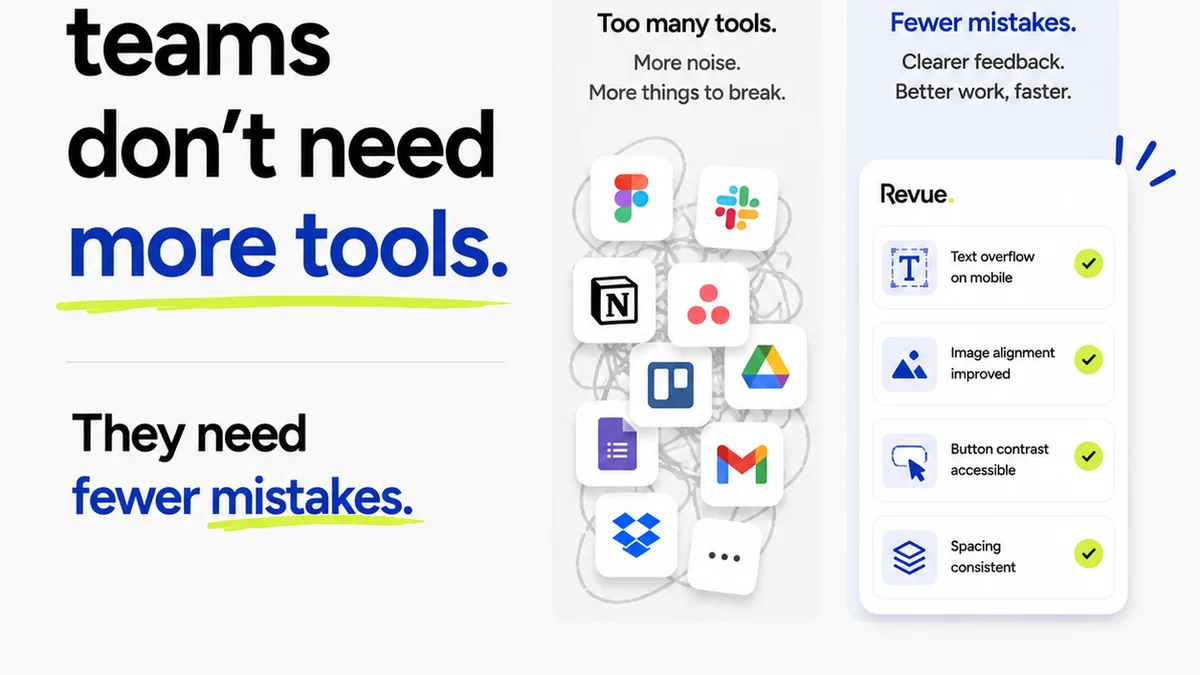
Revue provides a single source of truth for creative assets and feedback. Instead of relying on scattered emails, Slack messages, or endless Zoom calls, you can manage the entire lifecycle of your design system components.
- Centralized Feedback: Designers, developers, QA testers, and product managers can all provide feedback directly on components within Revue. No more hunting for comments in disparate tools.
- Revision History & Version Control: Track every iteration of a component. See who approved what, when, and why. This is crucial for understanding how a component evolved and for rolling back changes if necessary.
- Clear Approval Workflows: Define clear steps for review and approval. Ensure that components meet all QA criteria before being marked as approved and ready for development.
- Quality Assurance Dashboards: Visualize the status of components, identify bottlenecks in the QA process, and ensure all necessary checks (functional, accessibility, performance) are completed.
By streamlining these processes, Revue helps ensure that your design system components are not just visually sound, but operationally ready for widespread adoption.
5. Final Thought
A design system isn’t a one-and-done project. It’s a living, breathing entity that requires continuous care and rigorous validation.
Are you treating your design system as a static artifact, or as a dynamic, operational tool? The answer lies not just in your design files, but in the robustness of your QA process.
Frequently asked questions
What is the primary goal of design system QA?
The primary goal is to ensure that design system components are not only visually consistent but also functionally reliable, accessible, performant, and maintainable across all intended platforms and browsers. It validates the system's readiness for widespread adoption.
How does accessibility testing fit into design system QA?
Accessibility testing is a critical component. It involves verifying that components adhere to WCAG guidelines, including color contrast, keyboard navigation, screen reader compatibility, and focus indicators, ensuring the system is usable by everyone.
What are the benefits of automating design system QA?
Automation speeds up the testing process, improves consistency, reduces human error, and allows for rapid feedback on changes. It's essential for handling the scale and complexity of a growing design system, particularly for visual regression and accessibility checks.
Can a design system be considered 'complete' without rigorous QA?
No. A design system is incomplete if it hasn't been thoroughly tested for functionality, accessibility, performance, and cross-platform compatibility. QA validates the system's real-world usability and operational integrity, not just its aesthetic appearance.
How can tools like Revue help with design system QA?
Revue helps by centralizing feedback, managing revision history, clarifying approval workflows, and providing visibility into the QA status of components. This streamlines the process of ensuring components meet all quality standards before deployment.