Everyone agrees design systems are good for brand consistency. That’s the party line. And it’s not wrong.
But it’s a dangerously incomplete picture.
The real power of a design system isn’t just in the pretty UI components or the polished brand guidelines. It’s in the operational rigor it forces upon your team and your clients.
It’s about building a shared language for quality. And that’s where the magic—and the messy work—happens.
1. Beyond the Style Guide: The Operational Core
A style guide tells you what a button should look like. A design system tells you how to build it, how to test it, and how to ensure it’s used correctly, every single time.
Think of it this way:
- A style guide is a lookbook.
- A design system is a factory manual.
This distinction matters because agencies and in-house teams aren’t just producing pretty pictures. You’re building products, executing campaigns, and managing client expectations. These require a level of predictability and control that a static style guide simply can’t provide.
The common assumption is that a design system is a one-time setup. A project completed.
That’s a recipe for decay.
The Living Document Mandate
A design system isn’t a deliverable; it’s a process. It requires continuous input, refinement, and governance.
Without this, it becomes outdated faster than you can say “version control.”
This means:
- Regular audits of components and patterns.
- Clear processes for proposing and integrating new elements.
- Dedicated ownership—even if it’s a shared responsibility.
- Feedback loops from development, design, and even marketing.
This operational layer is what transforms a collection of assets into a true system for consistent, scalable output.
2. The Friction of Freelance and Agency Handoffs
Brand inconsistency often creeps in during the handoff. Whether it’s to a freelance developer, a new agency partner, or even a different team within a large enterprise, the loss of fidelity is common.
This isn’t usually malicious. It’s a consequence of poor communication and unclear expectations.
A well-defined design system acts as a universal translator.
It provides:
- A single source of truth for all UI elements.
- Clear documentation on usage, states, and accessibility.
- Pre-built, tested code components that developers can drop in.
- A standardized way to handle exceptions or custom requests.
This drastically reduces the time spent explaining, re-explaining, and correcting. It’s not just about saving time; it’s about reducing the risk of brand erosion.
The Cost of “Creative Freedom”
Clients often push back, wanting “creative freedom” or “unique” elements. And sure, sometimes a bespoke solution is needed.
But often, this desire masks a misunderstanding of what consistency actually means. It’s not about uniformity; it’s about adherence to a defined visual and functional language.
A design system helps articulate this boundary.
It shows them:
- What’s core to the brand identity and must be maintained.
- What areas allow for flexibility within defined parameters.
- The rationale behind these decisions (e.g., accessibility, usability, development efficiency).
This shifts the conversation from arbitrary requests to strategic alignment.
3. Scaling Quality: From Campaign to Product
The pressure to deliver quickly often leads to shortcuts. A new campaign needs a landing page, a social media asset, an email blast—all by Friday.
Without a system, each of these requires a fresh start. Recreating logos, re-choosing fonts, re-aligning buttons. It’s inefficient and error-prone.
A design system allows you to scale quality because the foundational elements are already built and approved.
Think about it:
- Need a new banner ad? Pull the approved banner component, swap the image and text.
- Launching a new feature? Use the established form elements, typography, and spacing.
- Updating a microsite? The core UI library is ready to go.
This isn’t about stifling creativity; it’s about freeing up creative energy.
Your team spends less time on repetitive tasks and more time on strategic thinking, complex problem-solving, and genuine innovation.
The Myth of the “One-Off” Project
Agencies live and die by project-based work. And often, a project feels like a unique snowflake.
But are they really? Most projects involve similar core components: headers, footers, buttons, forms, typography, color palettes.
A design system captures these commonalities.
It allows you to:
- Onboard new clients faster by leveraging existing patterns.
- Maintain a consistent brand voice across disparate projects.
- Build reusable templates and modules that accelerate future work.
- Provide a clear framework for client approvals, reducing ambiguity.
The result is a more predictable, profitable workflow. And happier clients who see their brand consistently represented.
4. Where Revue Fits In
Managing a design system, especially across multiple clients or large internal teams, introduces new complexities. How do you ensure everyone is using the latest approved versions? How do you track feedback on specific components during a revision cycle?
This is where centralized feedback and clear version control become critical.
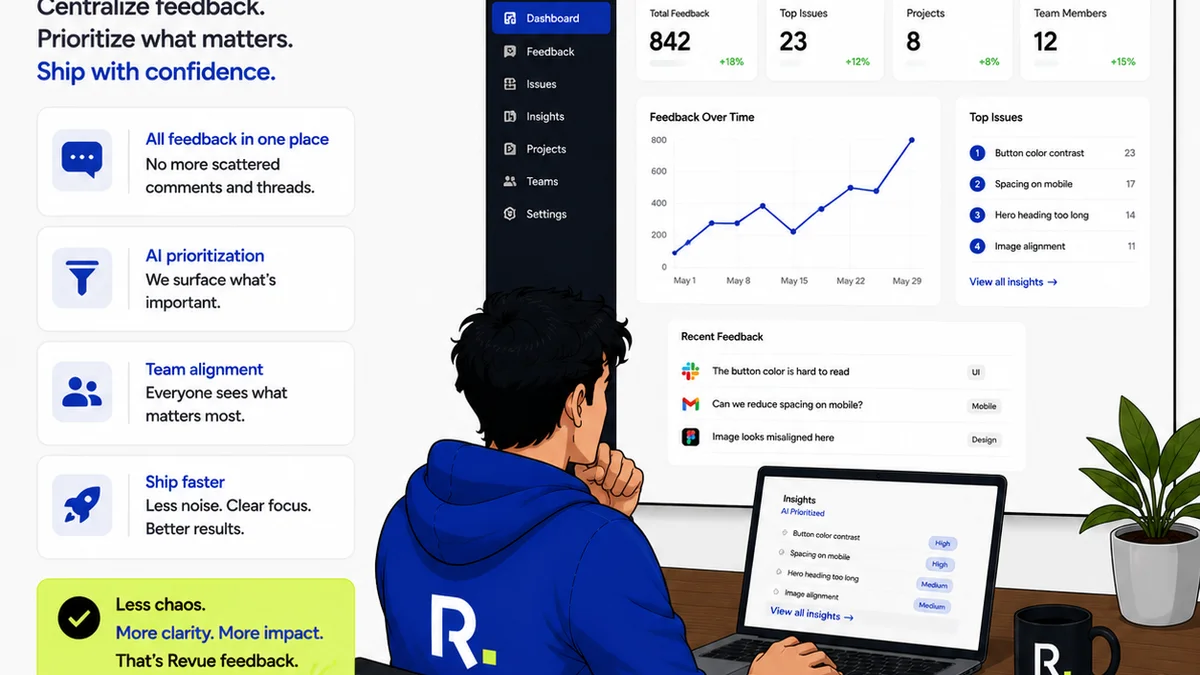
Revue helps bridge the gap between the design system’s intent and its execution.
- Centralized Feedback: Instead of scattered email threads or Slack messages, all client feedback on designs lives in one place, tied to specific versions. This ensures that feedback regarding component usage or adherence to the system is captured and addressed systematically.
- Revision & Approval Visibility: Track the entire revision history of a design asset. See which components were modified, who approved them, and when. This provides an auditable trail and reinforces adherence to the design system’s standards. If a client requests something outside the system, it’s immediately visible and can be discussed within the context of the project’s goals and the system’s guidelines.
- Quality Checks: Use Revue to conduct final quality assurance. Before a design goes live, you can quickly verify that all elements align with the established design system. This isn’t just about visual perfection; it’s about functional consistency and adherence to brand protocols.
By providing a structured environment for feedback and approvals, Revue ensures that the operational benefits of your design system aren’t lost in the chaos of project execution.
Final Thought
A design system isn’t a magic bullet for perfect brand consistency. It’s a tool. A powerful one, yes, but still a tool.
Its effectiveness hinges entirely on the discipline and processes you build around it.
Are you building a rigid set of rules, or a flexible framework for collaboration and quality?
The answer will determine whether your design system becomes a celebrated asset or a neglected archive.
Frequently asked questions
What's the difference between a style guide and a design system?
A style guide is primarily a visual reference (like a lookbook) detailing branding elements. A design system is a comprehensive, operational framework that includes reusable components, code, documentation, and governance processes, enabling consistent and efficient implementation across products and platforms.
How often should a design system be updated?
A design system should be treated as a living document or process, not a one-time deliverable. Regular audits, feedback incorporation, and updates are essential, ideally on a quarterly or semi-annual basis, or whenever significant changes occur in technology, user behavior, or brand strategy.
Can small agencies benefit from a design system?
Absolutely. Even for small teams, a design system streamlines workflow, reduces repetitive tasks, ensures consistency for clients, and makes onboarding new projects or team members much faster. It’s about building efficiency from the start.
How do you handle client requests that go against the design system?
A well-communicated design system helps frame these discussions. You can clearly show what's core to the brand and what has flexibility. Requests outside the system should be evaluated for strategic value, impact on consistency, and development effort, leading to informed decisions rather than arbitrary changes.