Everyone agrees that clear stakeholder feedback is crucial for creative agencies. You probably think the right software will magically fix all your communication problems. None of that is wrong. But it’s incomplete.
The real problem isn't just capturing feedback; it's about making that feedback actionable, trackable, and integrated into your workflow without adding more friction. That’s the hard truth most stakeholder feedback software vendors gloss over.
1. Beyond Basic Annotation: The Need for Context
Sure, any tool can let clients drop a pin on a design and type a comment. But does it capture the why behind the feedback? Does it link comments to specific project goals or brand guidelines?
The Annotation Trap
Simple annotation tools often create more noise than signal. Clients might comment on aesthetics without understanding the strategic rationale. Developers might focus on technical feasibility over user experience.
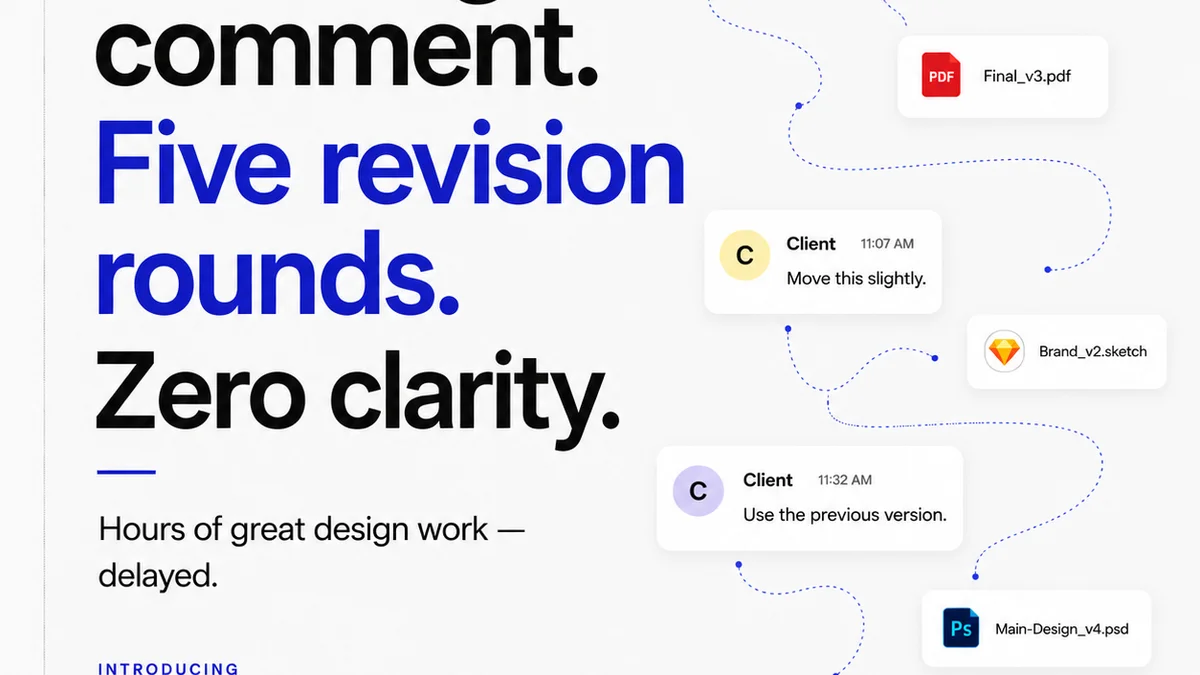
Without context, feedback becomes subjective and hard to prioritize. You end up with endless rounds of revisions that don't actually move the project forward.
What to Look For
- Comment Tagging: Ability to tag comments by type (e.g., 'UI/UX', 'Branding', 'Content', 'Technical').
- Version History: Clear tracking of feedback on specific design versions.
- Reference Linking: Option to link feedback to project briefs, style guides, or previous decisions.
- User Roles & Permissions: Differentiate between client stakeholders, internal reviewers, and approvers.
2. The Illusion of Real-Time Collaboration
Many platforms tout real-time collaboration. For creative feedback, this is often a myth. Client stakeholders aren't usually available to provide feedback in sync. They review when they can, often asynchronously.
The goal isn't simultaneous input; it's efficient, asynchronous communication that everyone can access and respond to on their own schedule.
The Asynchronous Advantage
Effective feedback management relies on clear communication channels that don't require immediate responses. This means structured comment threads, clear notifications, and easy access to past discussions.
Think about the last time a client asked for a change via Slack, email, and a quick call. Now imagine trying to reconcile those disparate requests.
Key Features for Asynchronous Work
- Centralized Inbox: All feedback, regardless of source, funneled into one place.
- Clear Notification System: Alerts for new feedback, replies, and status changes without being overwhelming.
- Searchable Archives: Easily find past feedback and decisions.
- Comment Resolution: Mark comments as addressed, resolved, or rejected with clear reasoning.
3. Approval Workflows: More Than Just a Button
Clicking 'Approve' is the easy part. The hard part is ensuring that the approval signifies genuine sign-off on the *current* state of the work, based on all previous feedback.
Many tools treat approvals as a simple checkbox. This can lead to scope creep and disputes down the line.
The Approval Bottleneck
When approval processes are clunky or unclear, projects stall. Stakeholders might approve a version, only to have new
Frequently asked questions
What is the biggest mistake agencies make when choosing feedback software?
Focusing solely on annotation features and ignoring the need for contextual information, clear approval workflows, and integration with existing project management tools. This often leads to more confusion and revisions, not less.
How can software improve asynchronous client feedback?
By providing a centralized platform for all comments, clear version tracking, structured discussion threads, and easy ways to mark feedback as addressed or resolved. This ensures everyone has access to the latest information without needing real-time meetings.
What are essential features for managing design approvals?
Beyond a simple 'approve' button, look for features that link approvals to specific versions, track all prior feedback, and allow for conditional sign-offs. This prevents scope creep and clarifies what has been officially agreed upon.
How does feedback software help with quality control?
By centralizing feedback and approvals, it creates a clear audit trail. This makes it easier to ensure all client requirements have been met, revisions are tracked, and the final deliverable aligns with the agreed-upon scope and quality standards.