DesignOps is everywhere. You see it on LinkedIn, hear it in conference talks. The promise? Smoother workflows, happier designers, better creative output. None of that is wrong. But it’s incomplete.
The deeper truth is that DesignOps isn't a magic wand. It’s a rigorous, ongoing commitment to optimizing the *entire* creative engine. It’s about the messy, unglamorous stuff that makes the brilliant stuff possible. Without a clear, actionable plan, DesignOps efforts often fizzle out, leaving teams more frustrated than before.
This checklist is built for agency owners, creative directors, and in-house leads who are ready to move past the theory and into execution. It’s not about adopting every tool or process under the sun. It’s about building a resilient, efficient creative operation that delivers.
1. Define Your DesignOps North Star
Before you can operationalize anything, you need to know *why*. What are you trying to fix or improve? What does success look like for *your* team?
Clarify Core Objectives
Generic goals like “improve efficiency” are useless. Get specific. Are you trying to:
- Reduce time spent on administrative tasks by 20%?
- Cut down revision cycles from an average of 5 to 3?
- Increase the number of high-quality creative assets produced per quarter?
- Standardize client feedback collection to reduce misinterpretations?
- Onboard new designers 50% faster?
Your North Star should be measurable and directly tied to business outcomes. It’s the ultimate filter for all your DesignOps initiatives.
Identify Your Biggest Bottlenecks
Where does the creative process grind to a halt? Look for the symptoms:
- Designers drowning in repetitive tasks?
- Clients confused about feedback rounds?
- Assets stuck in review limbo?
- Inconsistent file naming and organization?
- Onboarding new team members taking weeks?
- Disagreements about design direction due to unclear briefs?
These aren't just minor annoyances. They are indicators of systemic issues that DesignOps can address. Document them ruthlessly.
2. Standardize Your Creative Workflow
A well-defined workflow is the backbone of any efficient operation. It reduces guesswork, ensures consistency, and makes handoffs seamless.
Map the End-to-End Process
Document every stage, from initial client brief to final asset delivery. Include:
- Brief intake and kickoff
- Research and discovery
- Concept development
- Internal reviews
- Client presentations and feedback rounds
- Revisions and iterations
- Quality assurance (QA)
- Final delivery and archiving
Don't assume everyone understands the process. Write it down. Make it accessible.
Create Clear Role Definitions
Who is responsible for what at each stage? Ambiguity here is a productivity killer.
- Who owns the brief?
- Who approves concepts?
- Who consolidates client feedback?
- Who signs off on final assets?
Clear roles prevent tasks from falling through the cracks or being duplicated.
Develop Standard Operating Procedures (SOPs)
For recurring tasks, create simple, step-by-step guides. Think about:
- How to set up a new project in your design software.
- How to conduct a client feedback meeting.
- How to perform a final QA check.
- How to name and organize project files.
- How to prepare assets for different platforms.
SOPs are essential for consistency, training, and scalability.
3. Streamline Feedback and Approvals
This is often the most painful part of the creative process. Clunky feedback loops lead to endless revisions and client frustration.
Centralize All Feedback
Email chains, Slack messages, random Word docs – this is a recipe for disaster. All feedback needs to live in one place, attached to the specific creative asset it refers to.
This means establishing a single source of truth for comments, markups, and decisions.
Implement a Structured Feedback Process
Don't just collect feedback; manage it. Define:
- Who can provide feedback.
- When feedback is due.
- How feedback should be delivered (e.g., annotated directly on the design).
- How feedback will be consolidated and prioritized.
- How decisions will be made on conflicting feedback.
This prevents subjective opinions from derailing objective progress.
Establish Clear Approval Gates
What constitutes a final approval? Who has the authority to give it? Make these criteria explicit to avoid scope creep and endless tweaking.
Define what “approved” means. Is it a formal sign-off on a specific version? A verbal confirmation? Be precise.
4. Build a Robust Asset Management System
Lost files, outdated versions, inconsistent naming conventions – sound familiar? A disorganized asset library is a hidden cost that drains time and breeds errors.
Choose the Right Tools
Whether it's a dedicated Digital Asset Management (DAM) system, a well-organized cloud storage solution, or a project management tool with strong file handling, pick a system that works for your scale.
The key is centralization and searchability.
Implement a Strict Naming Convention
This is non-negotiable. A consistent naming system makes files easy to find, sort, and understand at a glance.
Example: `ClientName_ProjectName_AssetDescription_Version_Date.ext`
Define Archiving and Version Control Policies
What happens to old projects? How are different versions tracked? A clear policy ensures that the right files are always accessible and that historical data isn't lost.
This protects you from “which version was the approved one?” debates.
5. Foster Collaboration and Communication
DesignOps isn't just about tools and processes; it’s about people. Effective communication and collaboration are vital.
Integrate Design Tools with Communication Platforms
Use integrations to push notifications and updates to where your team already communicates (e.g., Slack, Microsoft Teams). This keeps everyone in the loop without constant context switching.
Schedule Regular Design Critiques and Syncs
Dedicated time for the team to share work, discuss challenges, and provide constructive feedback is invaluable. Make these sessions focused and productive.
These are not just status updates; they are opportunities for learning and alignment.
Promote a Culture of Transparency
Share project status, challenges, and decisions openly. When everyone understands the bigger picture, they can contribute more effectively.
6. Invest in Design Systems and Libraries
For teams working on multiple projects or products, a well-maintained design system is a massive efficiency booster.
Document Components and Guidelines
Create a single source of truth for UI elements, brand assets, and design principles. This ensures consistency and speeds up the design and development process.
Think of it as a shared language for your creative output.
Keep It Updated and Accessible
A design system is only valuable if it’s used. Make it easy for designers and developers to find and implement components. Regularly update it with new elements and refinements.
7. Where Revue Fits In
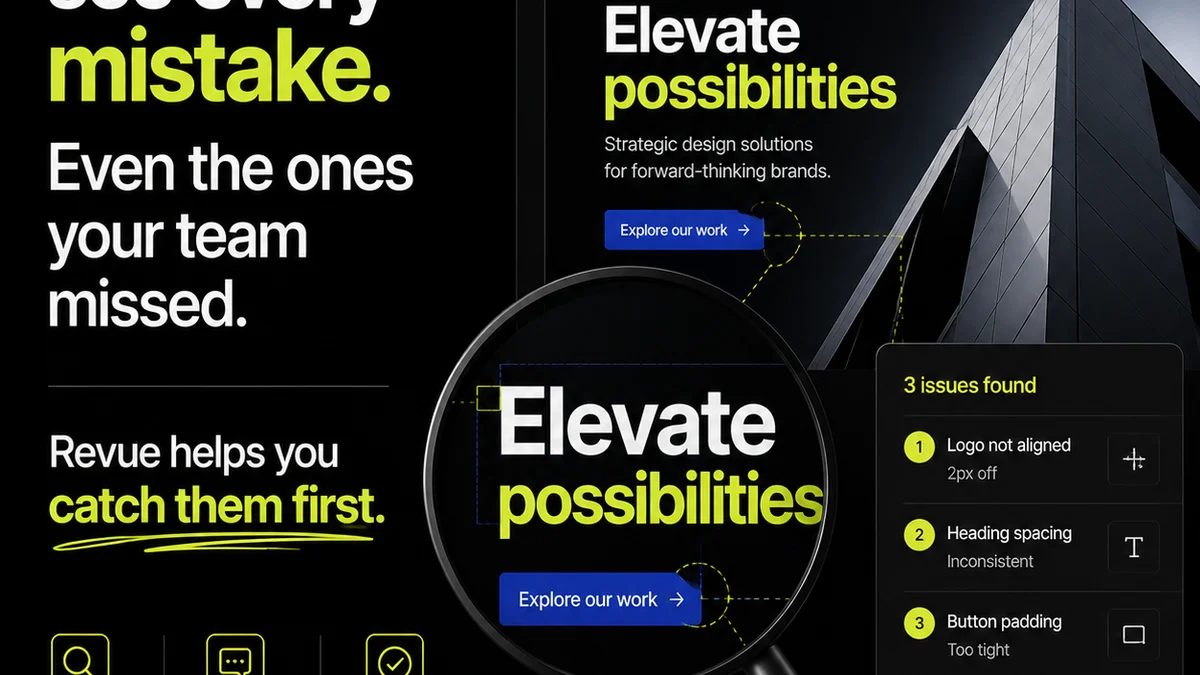
The operational challenges we’ve discussed – scattered feedback, unclear revisions, inconsistent approvals, and difficulty tracking progress – are precisely what Revue is built to solve.
Revue provides a centralized hub for all your creative work. Imagine:
- Centralized Client Feedback: All comments and annotations live directly on the asset, eliminating the need to hunt through emails or messages. No more
Frequently asked questions
What are the core components of DesignOps?
The core components of DesignOps typically include process standardization, tool management, communication strategies, asset management, and fostering a collaborative culture to improve the efficiency and effectiveness of design teams.
How can DesignOps improve client relationships?
By streamlining feedback and approval processes, centralizing communication, and ensuring clarity on project scope and revisions, DesignOps leads to fewer misunderstandings, faster turnaround times, and ultimately, happier clients.
Is DesignOps only for large design teams?
No, DesignOps principles and practices are scalable. Even small teams can benefit from implementing elements like standardized workflows, clear communication protocols, and efficient asset management to improve their operations.
How do I measure the success of my DesignOps initiatives?
Measure success by tracking key metrics related to your initial DesignOps objectives, such as reduced project timelines, fewer revision cycles, improved team satisfaction, decreased errors, and faster asset delivery.