Everyone talks about the tools. The slick PM software, the fancy design platforms, the endless integrations. They’re essential, sure. But they’re not the whole story.
You’ve probably heard that good DesignOps is about streamlining workflows, improving collaboration, and boosting output. None of that is wrong. But it’s incomplete.
The hard truth is, the most critical components of a robust DesignOps function aren’t found in an app store. They’re in the systems you build, the communication you foster, and the clarity you bring to the entire creative lifecycle.
Let’s break down what your team *actually* needs.
1. A Centralized Source of Truth
Where do your briefs live? Where are the latest brand guidelines? Who has access to the final approved assets?
Scattered files across shared drives, endless email threads, and Slack channels are a death knell for efficiency. It breeds confusion, duplication of effort, and version control nightmares.
A true DesignOps function requires a single, accessible, and organized repository for all project-related information. This isn't just about storage; it's about making knowledge discoverable and actionable.
The Core Components:
- Project Briefs & Scopes: Clear, concise, and easily retrievable.
- Brand Assets & Guidelines: Always the latest version, readily available.
- Feedback & Approvals: A clear trail of decisions and sign-offs.
- Final Deliverables: Organized by project, client, and version.
- Process Documentation: How we work, step-by-step.
This isn't just about having a folder structure. It's about establishing a protocol for how information is created, stored, and accessed.
2. A Defined Feedback and Approval Loop
This is where many agencies falter. Feedback is often unstructured, delivered in a vacuum, and lacks clear ownership.
The assumption is that a quick email or a Slack message is enough. It’s not.
Without a system, feedback gets lost, contradictory comments pile up, and revisions spiral out of control. This directly impacts timelines and client relationships.
A robust DesignOps approach means implementing a clear, consistent process for collecting, consolidating, and actioning feedback.
Key Elements for Success:
- Structured Feedback Capture: Specific fields for reviewer, date, comment, and required action.
- Consolidated Review: Bringing all feedback into one place before presenting it to the creative team.
- Clear Ownership: Designating who is responsible for providing feedback and who is responsible for the final approval.
- Revision Tracking: A visible history of changes made in response to feedback.
- Defined Sign-off: A clear, unambiguous point where a deliverable is officially approved.
This structured approach minimizes ambiguity and ensures that creative work moves forward with confidence.
3. Robust Version Control
“Which version are we on?”
It’s the question that haunts creative teams. The assumption that everyone is looking at the same file is dangerous.
Manual file naming conventions are a recipe for disaster. `_v2_final_really_final_johns_edit.psd` is not a system. It’s a cry for help.
DesignOps demands a systematic way to manage iterations of creative assets, ensuring that the team is always working from the most current and approved version.
Effective Version Control Involves:
- Automated Versioning: Where possible, let the tool manage version numbers.
- Clear Naming Conventions: If manual, make them rigid and universally followed.
- Timestamping: Always know when a version was created or approved.
- Archiving: Keep older versions accessible but clearly marked as superseded.
- Access Control: Ensure only authorized users can make changes to critical versions.
This prevents wasted effort and ensures that the final output is precisely what was intended.
4. Streamlined Communication Channels
Communication is the bedrock of any team, but in creative environments, it can quickly become a chaotic mess.
The assumption that more communication is always better is flawed. Unmanaged communication is just noise.
DesignOps aims to bring clarity and purpose to how teams communicate about creative work. It’s about ensuring the right information reaches the right people at the right time, without overwhelming them.
Optimizing Communication Means:
- Defined Channels: Use specific platforms for specific types of communication (e.g., Slack for quick questions, email for formal client comms, a project management tool for task updates).
- Contextual Communication: Keep discussions tied to the specific asset or task they relate to.
- Reducing Noise: Minimize unnecessary notifications and broad @-mentions.
- Clear Action Items: Ensure that discussions lead to clear, assigned tasks.
- Regular Cadence: Establish predictable touchpoints for updates and alignment.
This isn't about limiting conversation; it's about making it more effective.
5. Efficient Asset Management
Your team produces valuable creative assets. How are you treating them?
Simply dumping finished work into a shared drive isn't asset management. It's digital hoarding.
Good DesignOps treats creative assets as valuable, reusable resources. This requires a system for organizing, tagging, and retrieving them easily.
Key Aspects of Asset Management:
- Metadata and Tagging: Make assets searchable with relevant keywords, project names, and client identifiers.
- Clear Folder Structures: Logical organization that everyone understands.
- Usage Rights and Licensing: Track where and how assets can be used.
- Templating: Create reusable templates for common assets to speed up production.
- Integration: Connect your asset library to the tools your team uses daily.
When assets are managed effectively, they become a powerful leverage for future projects, saving time and ensuring brand consistency.
6. Performance Tracking and Reporting
How do you know if your DesignOps efforts are actually working?
The assumption is that if things *feel* smoother, they probably are. That’s not enough for a strategic function.
DesignOps needs metrics. You need to measure efficiency, identify bottlenecks, and demonstrate value.
What to Track:
- Project Completion Time: From brief to final delivery.
- Revision Cycles: Number of iterations per project.
- Feedback Response Time: How quickly clients or stakeholders provide input.
- Resource Allocation: Tracking time spent on tasks vs. overhead.
- Error Rates: Number of mistakes or rework required.
Data allows you to make informed decisions about where to optimize your processes and tools.
Where Revue Fits In
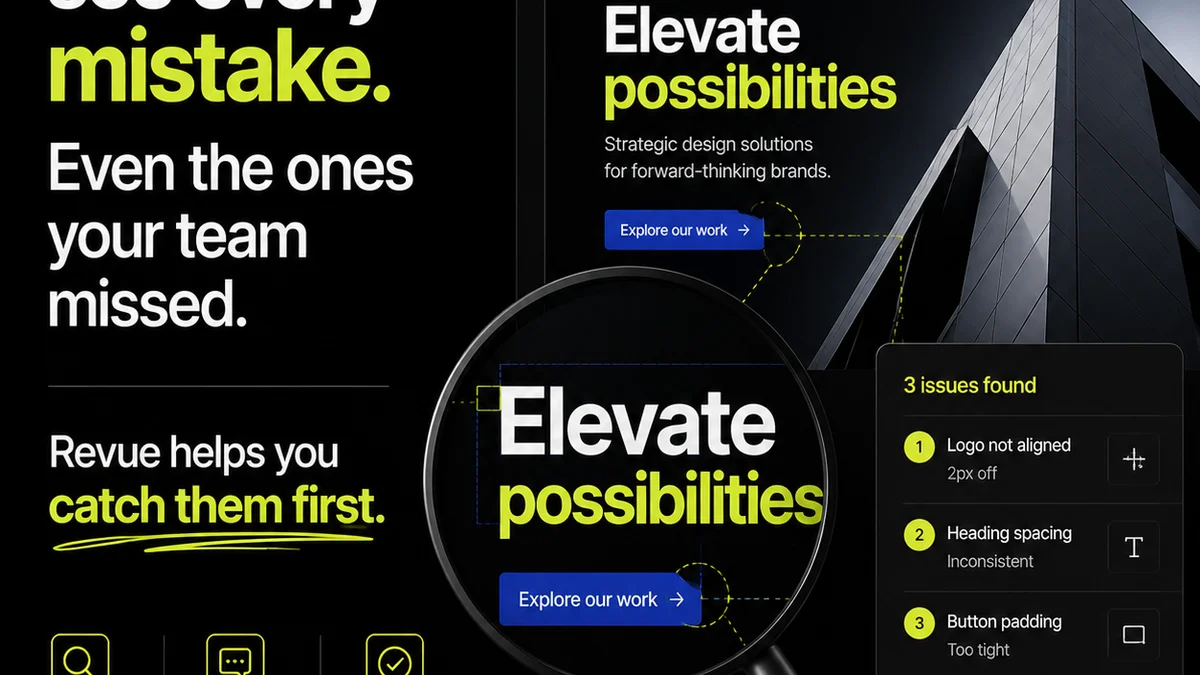
You’re probably wondering where software like Revue fits into this picture. It’s simple: Revue is built to address the core challenges of feedback, revision, and approval management.
Instead of scattered emails and confusing spreadsheets, Revue provides a centralized platform where clients can review creative work, provide specific, contextual feedback, and give clear approvals.
This directly tackles the unstructured feedback loop and version control issues we discussed. You get a clear audit trail, reducing ambiguity and ensuring everyone is on the same page.
Revue helps consolidate feedback, track revisions, and manage the entire approval process within a single, organized system. It’s a critical piece of the operational puzzle for any team serious about efficient creative delivery.
Final Thought
The tools are important. They enable the processes. But the processes, supported by clear communication and strong team alignment, are what truly drive DesignOps maturity.
Are you investing enough in the systems and habits that make your creative engine run smoothly, or are you just buying more software?
Frequently asked questions
What is the primary goal of DesignOps?
The primary goal of DesignOps is to improve the efficiency and effectiveness of the design process. This involves streamlining workflows, managing resources, standardizing processes, and fostering better collaboration within design teams and with stakeholders.
How does DesignOps differ from Project Management?
While Project Management focuses on the execution of specific projects, DesignOps is a broader discipline concerned with the overall operational health and scalability of the design function. It addresses the systems, processes, and tools that enable design teams to work at their best, often supporting multiple projects simultaneously.
What are the key benefits of implementing DesignOps?
Key benefits include increased design team productivity, improved quality of creative output, faster project turnaround times, better cross-functional collaboration, enhanced employee satisfaction, and more predictable project outcomes. It also helps in scaling design operations effectively.
Is DesignOps only for large companies?
No, DesignOps principles and practices can benefit teams of any size. While larger organizations might have dedicated DesignOps roles, smaller agencies and in-house teams can adopt DesignOps methodologies to improve their own workflows and operational efficiency.