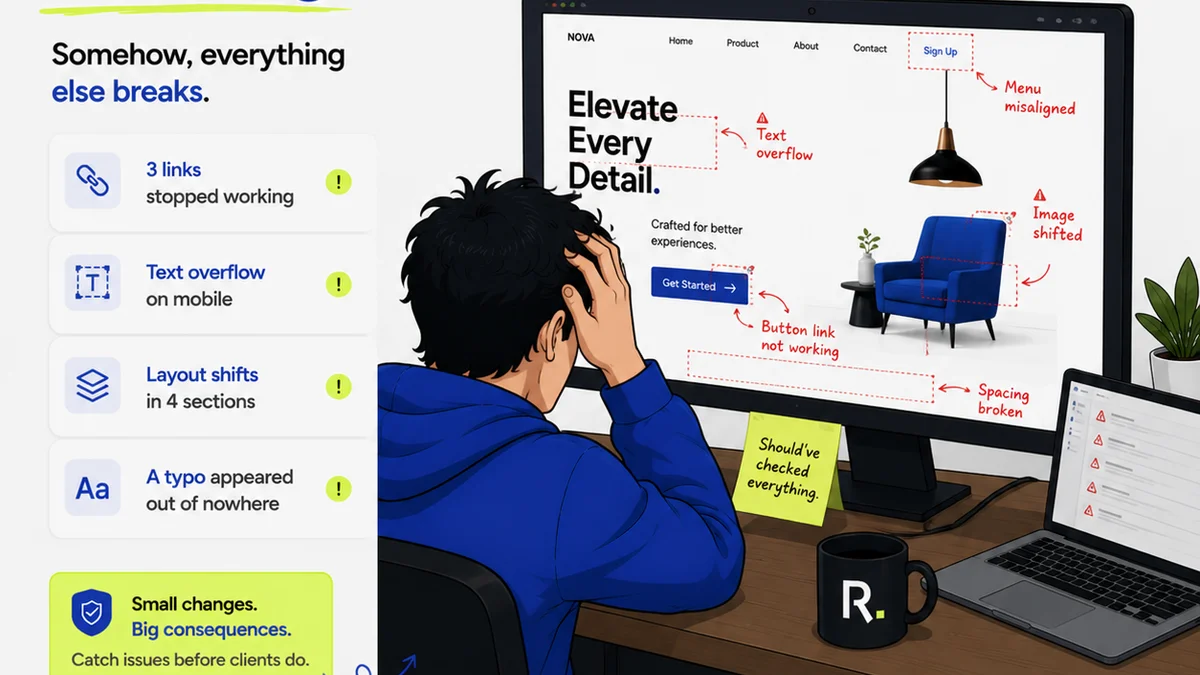
The common wisdom for tackling digital asset management (DAM) chaos? Hire more people. More librarians, more catalogers, more taggers. It feels like the only way to wrestle a sprawling, messy library of creative files into submission.
None of that is wrong. But it’s incomplete.
The hard truth is, throwing bodies at a broken process rarely fixes the underlying issues. It just adds salary costs and increases the chances of human error multiplying.
True DAM improvement isn't about scale. It's about structure. It's about ruthless efficiency baked into your daily workflow. It’s about making the right thing the easy thing.
1. Audit Your Current Chaos
Before you even think about new software or new hires, you need to know what you’re dealing with. This isn’t a casual glance through your shared drive.
This is a deep dive. Where are your assets living? Who has access? What’s the naming convention (or lack thereof)? What’s the lifecycle of a file from creation to archival?
The 'Where' Problem
Assets scattered across:
- Multiple cloud storage accounts (Dropbox, Google Drive, OneDrive)
- Local hard drives
- Project management tools
- Email inboxes
- The creative team’s personal devices
This fragmentation is the enemy of discoverability. If no one knows where to look, they’ll either recreate something that already exists or spend hours searching.
The 'Who' Problem
Who can access what? Is it a free-for-all, or are there locked-down folders that prevent collaboration?
Often, the problem isn't too little access, but too much. Or, conversely, the wrong people have access to sensitive or outdated versions.
The 'What' Problem
What are these files? Can you tell a final render from a WIP at a glance? Do you know the client, the campaign, the date, the usage rights?
Lack of clear metadata means even if you find a file, you might not know if it’s the right one, or if you’re even allowed to use it.
The 'Why' Problem
Why is this file here? What was its purpose? What version history led to this point?
Without context, assets become dead weight. Understanding the 'why' informs the 'what next'.
This audit is painful. It’s tedious. But it’s foundational. You can’t fix what you don’t understand.
2. Standardize, Standardize, Standardize
Once you know the scope of your mess, it’s time to impose order. This means establishing clear, non-negotiable standards for everything related to your digital assets.
This isn't about creating a binder of rules nobody reads. It’s about integrating these standards into the daily tools and habits of your team.
Naming Conventions
This is DAM 101, but it’s often the first thing to go out the window under pressure. A good naming convention should be:
- Consistent: Always use the same format.
- Descriptive: Include key info like client, project, asset type, version, date.
- Scalable: Works for 100 files and 100,000 files.
Example: `ClientName_ProjectName_AssetType_Version_YYYYMMDD.ext` (e.g., `AcmeCorp_SpringCampaign_SocialAd_v03_20231027.jpg`)
Enforce this rigorously. Make it part of the upload process.
Folder Structures
A logical, hierarchical folder structure is crucial, even with powerful search. Think about how your work flows:
- By Client
- By Project
- By Campaign/Year
- By Asset Type (e.g., Images, Videos, Documents)
Keep it relatively shallow. Too many nested folders become a pain to navigate. Let your metadata do the heavy lifting for detailed filtering.
Metadata Strategy
This is where the real power lies. Metadata is data about your data. It’s what makes your library searchable and usable.
Define your core metadata fields:
- Client Name
- Project Name
- Campaign Name/Year
- Asset Type (logo, photo, video, presentation)
- Status (draft, final, approved, rejected)
- Keywords/Tags (for searchability)
- Usage Rights/Expiration
- Date Created/Modified
- Creator/Owner
Crucially, this metadata needs to be applied consistently. This is where automation and good tools become essential.
3. Automate the Tedious
Human error is amplified by repetitive, manual tasks. Your team’s time is better spent on creative strategy and execution, not renaming files or uploading them one by one.
Look for opportunities to automate at every stage:
Automated Tagging and Keywording
Some DAM systems can automatically apply tags based on file content (e.g., identifying objects in an image) or file properties. This is a game-changer for discoverability.
Bulk Operations
Need to update metadata for 50 images? Need to move a whole project folder? Your system should allow for bulk actions. Don’t waste hours clicking through individual files.
Version Control Automation
When a new version is uploaded, the system should recognize it, link it to the previous version, and manage the approval status automatically. No more `_v2_final_final_reallyfinal.docx`.
Integration with Creative Tools
Can your DAM integrate with Adobe Creative Cloud, Figma, or other tools? This allows assets to be pulled directly into projects and ensures that updates are reflected seamlessly, reducing manual downloads and uploads.
Automation frees up your team from drudgery, reduces errors, and ensures standards are met without constant oversight.
4. Define Clear Access and Permissions
Who needs to see what? And more importantly, who needs to *do* what?
A robust DAM system allows for granular control over user permissions.
- View-Only Access: For clients or external stakeholders who only need to see assets.
- Contributor Access: For team members who can upload and tag assets.
- Editor/Admin Access: For those managing the library, setting up metadata fields, and managing users.
This prevents accidental deletions, unauthorized use, and ensures that sensitive or proprietary information remains secure.
Think about different user groups:
- Internal Creative Team
- Marketing Department
- Sales Team
- External Clients
- Legal/Compliance
Assign the minimum necessary permissions for each role. This principle of least privilege is key to security and workflow efficiency.
5. Streamline Feedback and Approvals
This is where many agencies still fall down. Feedback is often chaotic, buried in emails, or scribbled on screenshots.
Your DAM should be the single source of truth, not just for storing files, but for managing their lifecycle, including feedback and approvals.
Centralized Feedback
Instead of endless email chains, feedback should be gathered directly on the asset within the DAM. This means comments are time-stamped, linked to specific versions, and visible to all relevant stakeholders.
Clear Approval Workflows
Define who needs to approve what, and when. Is it a multi-stage approval process? Does legal need to sign off before marketing? The system should manage these steps.
Version History Visibility
When a client asks for a change, they should be able to see exactly which version they are referring to. And your team should be able to easily pull up the previous version if needed.
This clarity eliminates confusion, speeds up revisions, and provides an auditable trail of decisions.
Where Revue Fits In
Managing digital assets is only one part of the creative workflow. The real challenge is integrating asset management with the entire feedback, revision, and approval cycle.
This is precisely where Revue excels. It’s built to centralize client feedback, making it easy to track comments, manage revisions, and get clear approvals on creative work.
Instead of feedback getting lost in email threads or scattered across multiple platforms, Revue brings it all into one place, directly linked to the assets being reviewed.
This means:
- Clearer Communication: No more deciphering vague email comments. Feedback is contextual and actionable.
- Streamlined Revisions: Your team knows exactly what needs to be changed, reducing back-and-forth.
- Visible Approvals: Track the status of approvals in real-time, eliminating bottlenecks.
- Quality Control: Ensure that the final approved asset meets all requirements before it’s handed off or published.
By connecting your DAM strategy with a robust feedback and approval system like Revue, you create a seamless flow from creative concept to final delivery, without needing to hire an army to manage it.
Final Thought
Is your team drowning in digital asset chaos? Before you reach for the hiring requisition form, ask yourself: are you managing your assets, or are your assets managing you?
The shift from headcount to workflow is the real power play. It’s about working smarter, not just harder. And it starts with admitting that more people isn’t always the answer.
Frequently asked questions
What are the biggest mistakes agencies make with digital asset management?
Common mistakes include a lack of standardized naming conventions and folder structures, insufficient metadata application, failing to automate repetitive tasks, and not having clear access controls. Many agencies also struggle to integrate DAM with their feedback and approval processes.
How can I improve asset discoverability without hiring a dedicated DAM librarian?
Focus on implementing a robust metadata strategy and leveraging search functionalities within your DAM system. Automated tagging, consistent keyword application, and a logical folder structure are key. Ensure your team is trained on how to use search effectively.
Is it possible to manage client feedback and approvals within a DAM system?
Yes, many modern DAM solutions, or integrated tools like Revue, offer features for centralized feedback, version control, and clear approval workflows. This keeps all communication and decision-making tied directly to the assets, eliminating confusion.
What are the benefits of automating DAM processes?
Automation reduces manual effort and human error, leading to faster turnaround times, improved consistency, and better data accuracy. It frees up your creative team to focus on high-value work rather than administrative tasks like renaming files or bulk uploading.