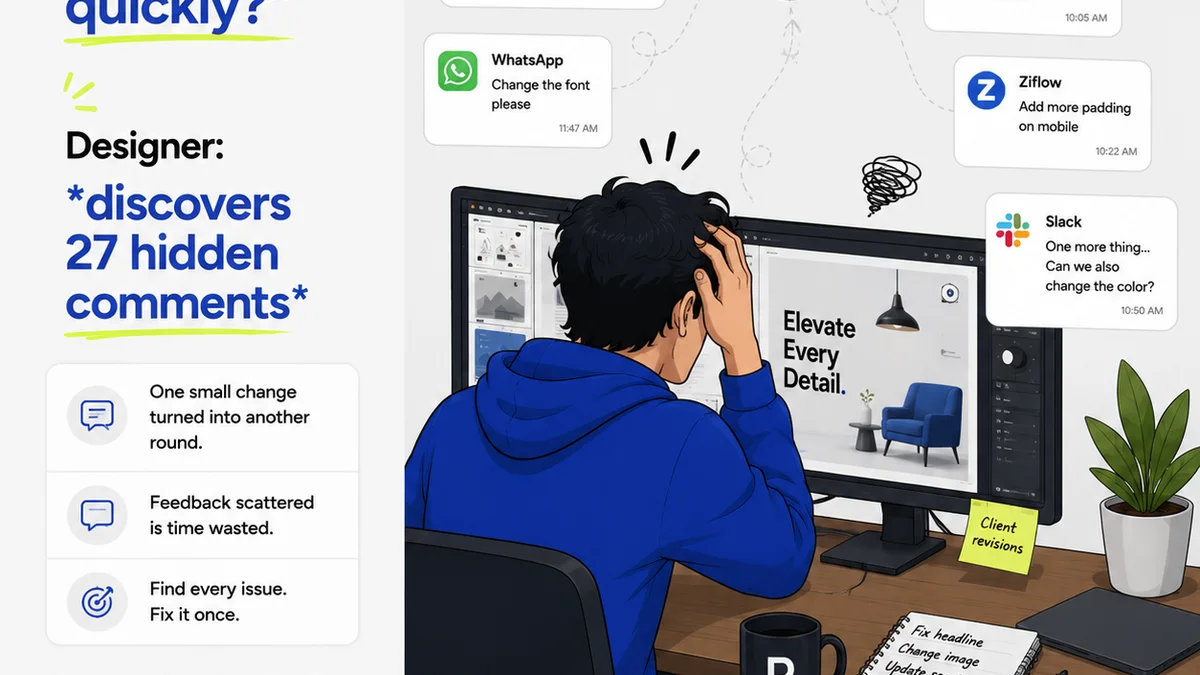
You think managing client feedback is about being responsive. That a quick reply on Slack or a detailed email is enough. That your team knows where to find the latest comments. None of that is wrong. But it’s incomplete.
The hard truth is, scattered feedback isn't just inconvenient. It’s a silent killer of projects, budgets, and client relationships. It’s the reason revisions spiral, deadlines slip, and creative teams feel like they’re constantly chasing their tails.
1. The Illusion of Centralization
Most teams *believe* they have a system. They’ll point to their inbox, their project management tool, or their chat app. They’ll say, “It’s all there.”
But is it really?
Consider this: How much time does your team spend hunting for that *one* crucial piece of feedback buried under 50 other messages?
How often does a junior designer miss a key point because it was in a side-channel conversation?
How do you ensure client stakeholders who *aren't* on the daily chat are still looped in on critical decisions?
This fragmentation is the enemy of clarity.
The Symptoms of Scattered Feedback
- Endless email chains with conflicting instructions.
- Chat messages that are easily missed or misinterpreted.
Frequently asked questions
What's the biggest problem with feedback in email and chat?
The biggest problem is fragmentation and lack of a single source of truth. Feedback gets buried, misinterpreted, or missed entirely, leading to errors, wasted time, and client frustration.
How can a centralized system improve client communication?
A centralized system ensures all feedback is in one place, visible to the relevant team members and stakeholders. This reduces miscommunication, speeds up approvals, and provides a clear audit trail.
Can email and chat ever be part of a feedback process?
Yes, but they shouldn't be the *only* place feedback lives. They can be used for initial communication, but final decisions and detailed comments should be consolidated in a dedicated platform to avoid loss and confusion.
What are the key features of a good feedback management tool?
Key features include version control, clear annotation tools, centralized comment threads, approval workflows, notifications, and integration with existing creative tools. The goal is clarity and accountability.