You've probably heard it a thousand times: Figma is the future of design. It's collaborative, it's cloud-based, it's the all-in-one tool for creative teams. And for *designing*, that's largely true. But when the conversation shifts to managing client feedback, revisions, and approvals, the narrative gets murky.
The assumption is that a powerful design tool like Figma should inherently be the best place to handle the entire review process. None of that is wrong. But it’s incomplete.
The hard truth? Figma is a design tool, not a project management or client communication hub. Relying on it solely for design reviews creates operational friction that slows down projects and frustrates both your team and your clients.
1. The Illusion of Centralized Feedback in Design Tools
Figma's commenting system is a godsend for internal design critiques. It allows designers to discuss specific elements directly within the interface. It feels like centralized feedback.
But what happens when the client gets involved?
Clients don't live in Figma. They're not familiar with its interface, its commenting conventions, or its versioning. Asking them to navigate a design tool just to leave feedback is a significant barrier.
Client Confusion and Inefficiency
This leads to:
- Clients leaving feedback in emails, Slack messages, or even text messages because they can't find or don't want to use the Figma comment feature.
- Misinterpretation of comments, leading to wasted revision cycles.
- A disjointed feedback loop where design comments live in Figma, and broader project feedback lives everywhere else.
- Difficulty in tracking who said what, when, and whether it was actioned.
This isn't collaboration; it's an invitation to chaos.
2. Version Control Nightmares
Figma handles design versions. You can branch, commit, and revert. It's a robust system for the design *artifact* itself.
But it doesn't track the *review and approval* lifecycle of each version.
Imagine a client approves Version 3. Then, a week later, they decide they don't like a change made in Version 4 and want to revert to Version 3. How do you prove that Version 3 was officially signed off? How do you ensure that only *approved* elements move forward?
Figma's built-in version history focuses on design iterations, not the formal sign-off stages required for client projects.
The Audit Trail Gap
Without a dedicated system, you risk:
- Disputes over approvals.
- Accidentally working off outdated or unapproved versions.
- Lost time trying to piece together approval history from scattered emails and messages.
- Compliance issues if you need a clear, auditable record of approvals.
This lack of clear approval tracking is a major operational bottleneck.
3. The Scope Creep Trap
Figma's commenting can easily become a dumping ground for *all* feedback, not just design feedback.
A client might see a button and say,
Frequently asked questions
Can Figma handle client feedback?
Figma has a commenting feature that can be used for feedback, but it's primarily designed for internal design team collaboration. It often lacks the structure and clarity needed for effective client feedback management and formal approvals, leading to scattered communication across multiple platforms.
What are the limitations of using Figma for design reviews?
Key limitations include a steep learning curve for non-designers, difficulty in tracking formal approvals, potential for scope creep through unstructured feedback, and the lack of a centralized, auditable record for the entire review process. Clients may also be hesitant to engage directly within a design tool.
How does Revue help with design reviews and approvals?
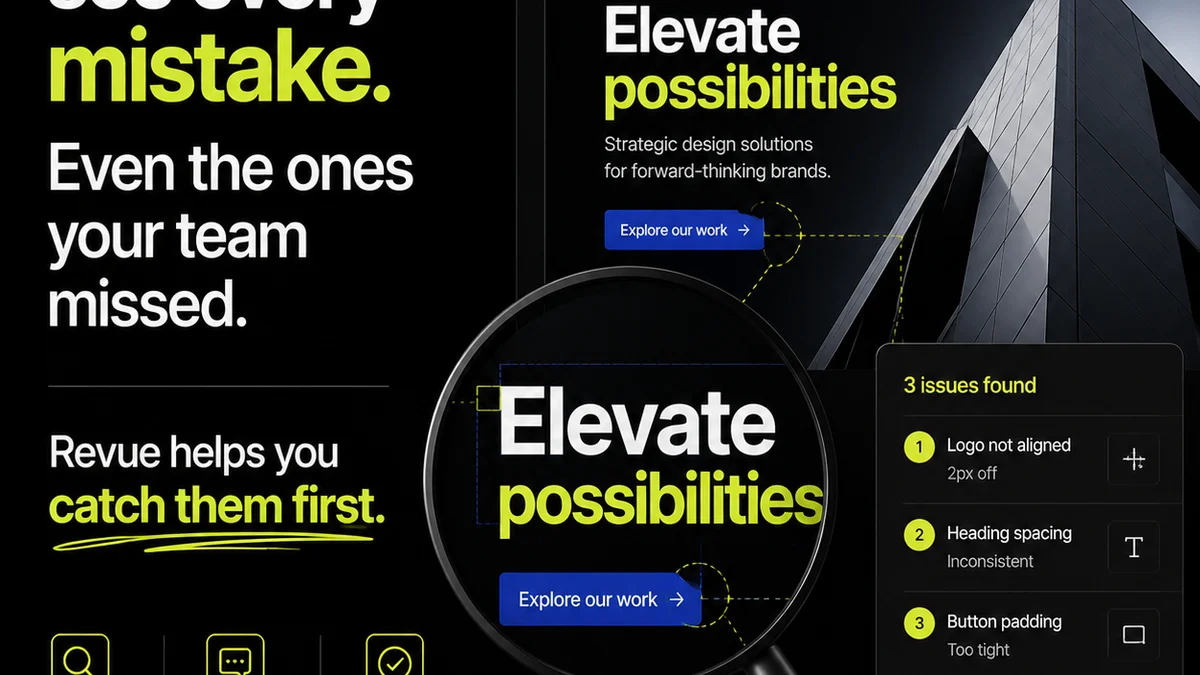
Revue acts as a dedicated platform for managing client feedback, revisions, and approvals. It centralizes communication, provides clear version tracking with explicit approval stages, and offers an auditable trail, ensuring that feedback is managed efficiently and formally signed off, reducing ambiguity and speeding up project timelines.
Is Revue a replacement for Figma?
No, Revue is not a replacement for Figma. Figma is your primary design tool for creating and iterating on designs. Revue complements Figma by providing a structured environment for managing the client review and approval process surrounding those designs, ensuring clarity and efficiency.