Everyone thinks design reviews boil down to picking the right tool. You’ve got Figma, the undisputed king of collaborative design. Then there’s Revue, a platform built for the messy reality of agency feedback.
None of that is wrong. But it’s incomplete.
The hard truth? The tool is only a fraction of the story. The real challenge lies in the *process* and how different tools can support or hinder it. It’s not Figma versus Revue; it’s about understanding how they work together.
1. The Figma Ecosystem: Collaboration, Not Just Design
Figma revolutionized design by moving it to the browser. Real-time collaboration, component libraries, prototyping – it’s all powerful stuff.
But when it comes to reviews, Figma’s built-in commenting can get noisy. It’s great for internal team chatter, but for client feedback, it often becomes a chaotic mess.
Client Comments: A Double-Edged Sword
Anyone can drop a pin and type. That’s the beauty. And the beast.
- Clients see a design, they have a thought, they drop a comment.
- The design team sees a flood of annotations.
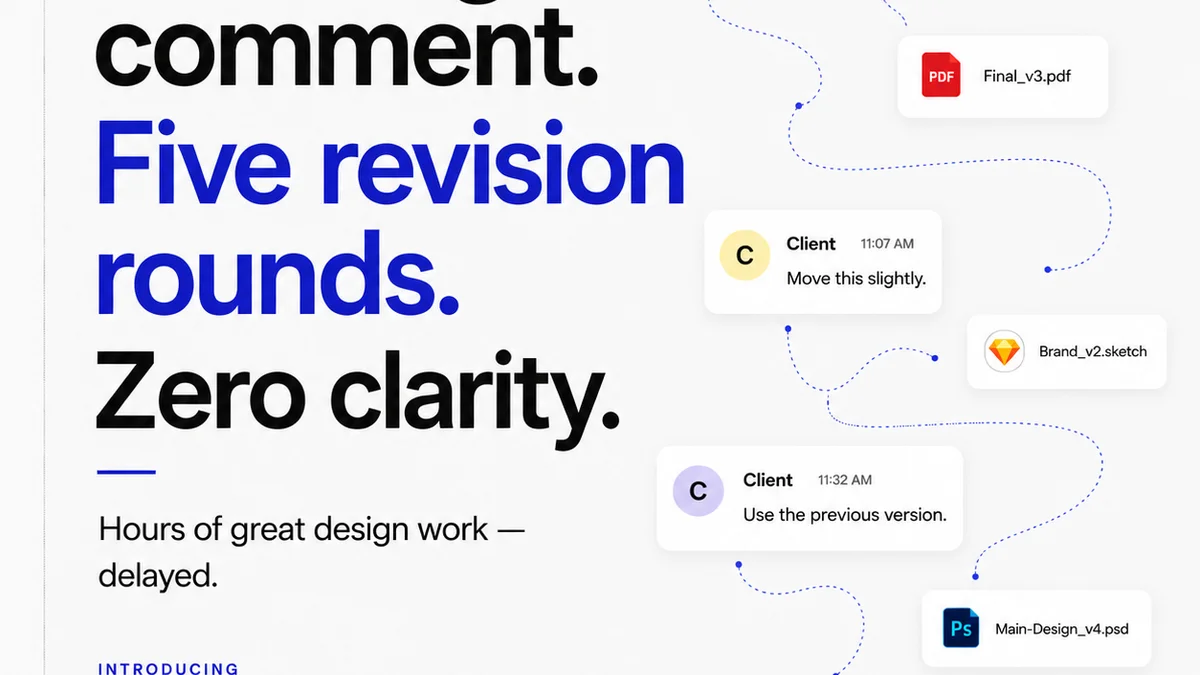
- Context gets lost in the deluge.
- Distinguishing critical feedback from minor nitpicks becomes a chore.
This isn't a flaw in Figma; it's a feature amplified. It’s designed for active, granular contribution. For external stakeholders, this can quickly become overwhelming.
Version Control Chaos
Figma’s branching and version history are robust. But tracking what feedback applies to which iteration, especially with multiple clients or stakeholders, requires discipline.
Without a clear system, you end up with:
- Questions about which version is the latest.
- Confusion over whether feedback was addressed in an earlier iteration.
- Difficulty in presenting a clear audit trail for client approvals.
This is where the limits of a pure design tool for the entire review cycle become apparent.
2. The Agency Reality: Feedback Is Messy
Agencies don't just design; they manage client expectations, navigate subjective tastes, and shepherd projects through approvals. This involves more than just pixels.
Think about a typical project:
- Initial concepts are presented.
- Client stakeholders (some designers, some not) provide feedback.
- Legal or compliance teams weigh in.
- Marketing adds their two cents.
- Revisions are made.
- The cycle repeats.
Each of these touchpoints generates feedback that needs to be captured, prioritized, and acted upon. And crucially, it needs to be *approved*.
This isn't just about iterating on a design. It's about managing a project workflow.
Subjectivity Sells (and Suffers)
Design is subjective. Clients will always have opinions that aren't purely functional or aesthetic. Your job is to channel that subjectivity.
A comment like “I don’t like the blue” is common. But is it the shade? The context? The feeling it evokes? A tool that just captures “don’t like blue” isn't helping you understand the *why*.
The Approval Bottleneck
The ultimate goal of a review is approval. But how do you get there efficiently?
Email chains, Slack messages, scribbled notes – they all become part of the “feedback loop” but rarely lead to a clear sign-off. This lack of a centralized, trackable approval process is a major drag on agency efficiency.
3. Where Revue Fits In
Revue isn't a design tool. It's a workflow tool designed to manage the chaos that happens around the design.
It acts as the central nervous system for client feedback, revisions, and approvals, complementing your design software.
Centralized Feedback Hub
Instead of scattered comments in Figma, emails, or Slack, Revue centralizes all feedback in one place, linked to specific project assets.
This means:
- One source of truth for all client input.
- Clearer context for each piece of feedback.
- Reduced risk of comments getting lost or ignored.
Revision and Approval Visibility
Revue provides a clear audit trail. You can see what feedback was given, by whom, when it was addressed, and when it was approved.
This visibility is critical for:
- Managing client expectations.
- Demonstrating progress and responsiveness.
- Protecting your agency with documented sign-offs.
Quality Check Integration
Before a final asset goes out, it needs a quality check. Revue helps streamline this by ensuring all required feedback has been addressed and approved, reducing the chance of costly errors slipping through.
It’s about moving from a reactive “fix this” to a proactive “is this approved and ready?” mindset.
4. Integrating Figma and Revue: A Powerful Partnership
The most effective workflows don't force a choice; they leverage the strengths of different tools.
Here’s how a smart agency uses Figma and Revue together:
Internal Design & Iteration in Figma
Your design team lives in Figma. They collaborate in real-time, build components, and iterate rapidly. Figma comments are used for granular, internal design discussions.
Client Feedback & Formal Approvals in Revue
When it's time for client review, you export or share the relevant Figma screens/prototypes as assets within Revue.
- Clients access the asset via Revue.
- They provide consolidated feedback within Revue’s structured system.
- Revue tracks this feedback and the subsequent revisions.
- Once revisions are made (back in Figma, then re-uploaded to Revue), clients can formally approve assets within Revue, creating that all-important audit trail.
This process ensures:
- Figma remains the creative sandbox.
- Revue becomes the structured project manager for feedback and approvals.
- Clients have a clear, less overwhelming experience.
- Your team has a manageable, trackable workflow.
A Checklist for Smarter Reviews
To implement this, consider these key areas:
- Asset Management: How will you link Figma files/screens to Revue assets? (e.g., export JPGs/PNGs, link to prototypes).
- Feedback Capture: Will all client feedback go through Revue? Define the process clearly.
- Revision Tracking: How will you communicate which version in Revue corresponds to which iteration in Figma?
- Approval Workflow: Who needs to approve what, and how will Revue facilitate that final sign-off?
- Team Training: Ensure your team understands the workflow and their role in using both tools effectively.
This structured approach moves beyond simply commenting on a design to managing the entire lifecycle of feedback and approval.
5. The Cost of Inefficiency
When agencies rely solely on tools like Figma for client reviews, they often encounter hidden costs:
- Extended Timelines: Disorganized feedback leads to longer revision cycles.
- Scope Creep: Unclear approvals can lead to endless revisions.
- Team Frustration: Juggling multiple feedback channels burns out designers and project managers.
- Client Dissatisfaction: A confusing review process damages client trust.
- Financial Loss: Time spent chasing feedback and approvals is billable time lost.
These aren't just minor inconveniences; they directly impact your agency's profitability and reputation.
Final Thought
The debate of Figma versus Revue misses the point. The real question isn't which tool is better, but how you orchestrate your entire feedback and approval process. Are your tools serving your workflow, or is your workflow dictated by the limitations of a single tool? True efficiency comes from a system designed for the entire project lifecycle, not just the design phase.
Frequently asked questions
Can I use Figma comments alongside Revue?
Yes, you can. Figma comments are excellent for granular, internal team discussions during the design phase. When it's time for client review, you'd typically use Revue to consolidate and manage that external feedback, linking it to specific asset versions.
How does Revue help with client approvals?
Revue provides a clear, auditable trail of feedback and revisions. Clients can formally approve assets within Revue, creating a documented sign-off that reduces ambiguity and protects your agency.
Is Revue a replacement for Figma?
No, Revue is not a replacement for Figma. Figma is your design and collaboration tool. Revue is a workflow tool that manages the process of feedback, revision tracking, and approvals around your design assets, complementing Figma.
What kind of assets can I upload to Revue?
You can upload various asset types to Revue, including static images (JPG, PNG), PDFs, and even links to prototypes or live URLs, depending on your specific workflow needs for review and approval.
How do I ensure clients understand the feedback process?
Clearly communicate the workflow to your clients. Explain that Figma is for design creation and internal iteration, while Revue is the dedicated platform for structured feedback and formal approvals. Provide a simple checklist or guide if necessary.