Everyone raves about Figma. It's collaborative, it's cloud-based, it's the future of design. And none of that is wrong.
But it’s incomplete.
The real truth? A powerful tool doesn't guarantee a powerful workflow. In fact, the very flexibility of Figma can breed chaos if you’re not intentional.
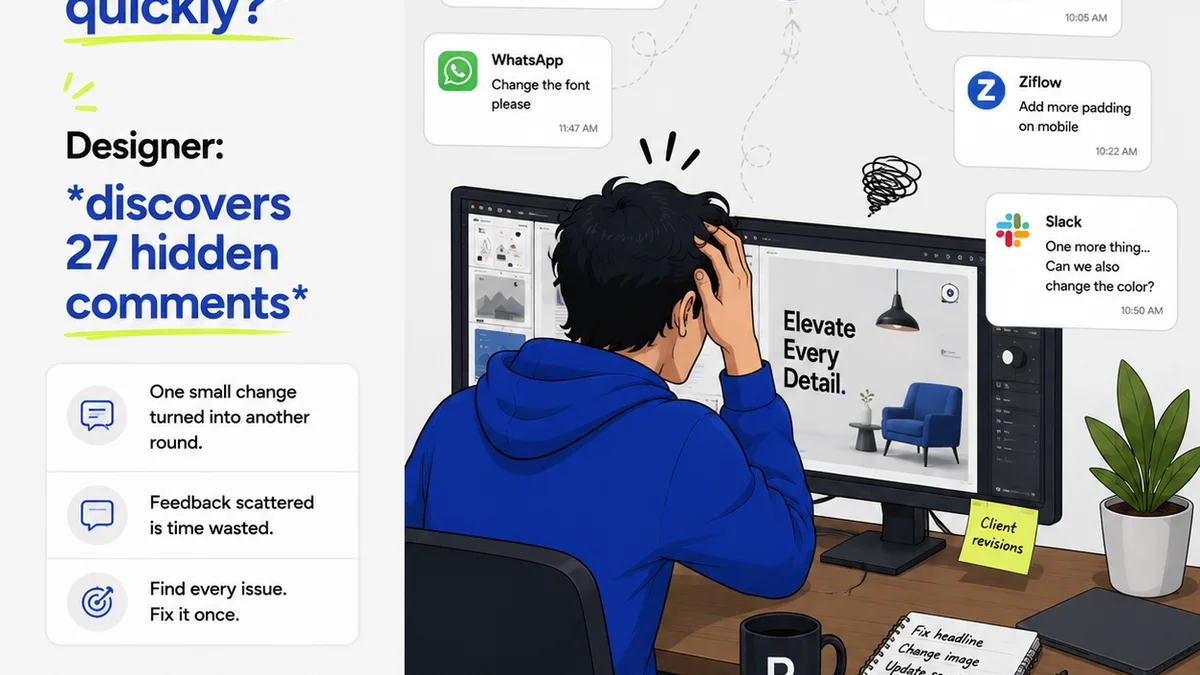
Many teams assume that just by adopting Figma, their collaboration and efficiency will magically improve. They dive in, set up some files, and then wonder why things still feel messy, why feedback gets lost, and why revisions drag on.
The deeper operational truth is that Figma is a platform, not a process. Its true power is unlocked only when it’s integrated into a deliberate, well-defined workflow that addresses the inherent challenges of digital collaboration and creative iteration.
Let’s cut through the hype and talk about the real operational hurdles agencies face with Figma, and more importantly, how to overcome them.
1. The Version Control Black Hole
You’ve probably seen this happen. A file is shared, multiple people start working, and suddenly you have ‘Final_v3_FINAL_use_this_one.fig’ and ‘Final_v3_FINAL_USE_THIS_ONE_REALLY.fig’. It’s a recipe for disaster.
Figma’s version history is a lifesaver, but it’s not a foolproof system on its own. It requires discipline. Without clear guidelines, teams can easily overwrite crucial work or get lost in a sea of auto-saved snapshots.
The Symptoms:
- Endless
Frequently asked questions
How can I prevent version control issues in Figma?
Implement a naming convention for key milestones (e.g., 'Client_Approval_v1', 'Internal_Review_v2'). Use Figma's built-in version history by naming important states manually. For complex projects, consider a dedicated version control system or a process that logs major changes outside of Figma.
What's the best way to manage feedback in Figma?
Establish a single source of truth for feedback. Discourage scattered comments. Use annotation tools or dedicated feedback platforms that can consolidate feedback, assign it, and track its resolution. Ensure clients know where and how to provide feedback.
How do I organize large Figma files and projects?
Create a clear file structure with consistent naming conventions. Use pages within files to separate different sections (e.g., wireframes, mockups, components). Develop a style guide and component library that is well-documented and accessible to the entire team.
Can Figma really improve team collaboration?
Yes, but only with a structured approach. Figma's real-time collaboration is powerful, but it requires clear communication channels, defined roles, and established processes for handoffs and approvals to prevent confusion and bottlenecks.