Everyone thinks mastering Figma is about killer UI design. Or maybe slick prototyping. That’s the surface.
The real power of Figma for agencies isn't just in the canvas. It's how it connects – or *should* connect – to the messy, often chaotic, world of creative operations.
You're using Figma, right? Of course you are. It's the industry standard. But are you just using it as a really fancy digital whiteboard, or is it actually streamlining your entire agency workflow?
Most teams aren't getting the full mileage. They're leaving operational gold on the table. And that’s a problem.
1. The Assumption: Figma Solves Everything
The common narrative is that Figma, with its collaborative features, has already solved the core problems of creative production. We can all jump in, make comments, see changes in real-time. It feels like the end of the line for miscommunication and version control nightmares.
None of that is wrong. But it’s incomplete.
Figma excels at the *design* phase. It’s a phenomenal tool for creation and iteration *within* the design team. It makes collaboration on the visual asset itself seamless.
But design doesn't happen in a vacuum. It sits at the start of a longer, more complex chain of approvals, revisions, handoffs, and quality checks. And this is where the wheels often fall off, even with Figma at the center.
2. The Hard Truth: Design Tools Don't Automate Operations
Figma is a design tool, not an operations management system. It’s built for making pixels look good and flow logically on a screen. It’s not built to manage client feedback loops, track revision statuses across multiple projects, or ensure every deliverable meets a pre-defined quality standard before it goes out the door.
The operational truth is this: your creative workflow is a system. Figma is a powerful component of that system, but it’s not the whole engine. Without the right operational scaffolding, even the best design tool can become just another silo.
Think about it. Where does feedback *really* live?
- In a thousand Slack messages?
- Scattered across email threads?
- Buried in a shared Google Doc that’s always out of date?
- Sprinkled across various Figma comment threads that get resolved and disappear?
This fragmentation is the enemy of efficient operations. And it’s the gap Figma, on its own, doesn't fill.
3. The Operational Gaps Figma Doesn't Bridge
Let’s get specific. Where does the friction actually occur, even when everyone’s a Figma expert?
3.1. Centralized Client Feedback
Figma's comment system is great for internal team discussions. It’s less ideal for managing feedback from multiple stakeholders, especially clients who may not be daily Figma users. They might not understand the comment feature, or they might provide feedback in ways that don't translate directly into actionable design tasks.
The result? Feedback gets lost. Misinterpreted. Or requires a time-consuming translation step from designer to client-communicator.
3.2. Revision and Approval Tracking
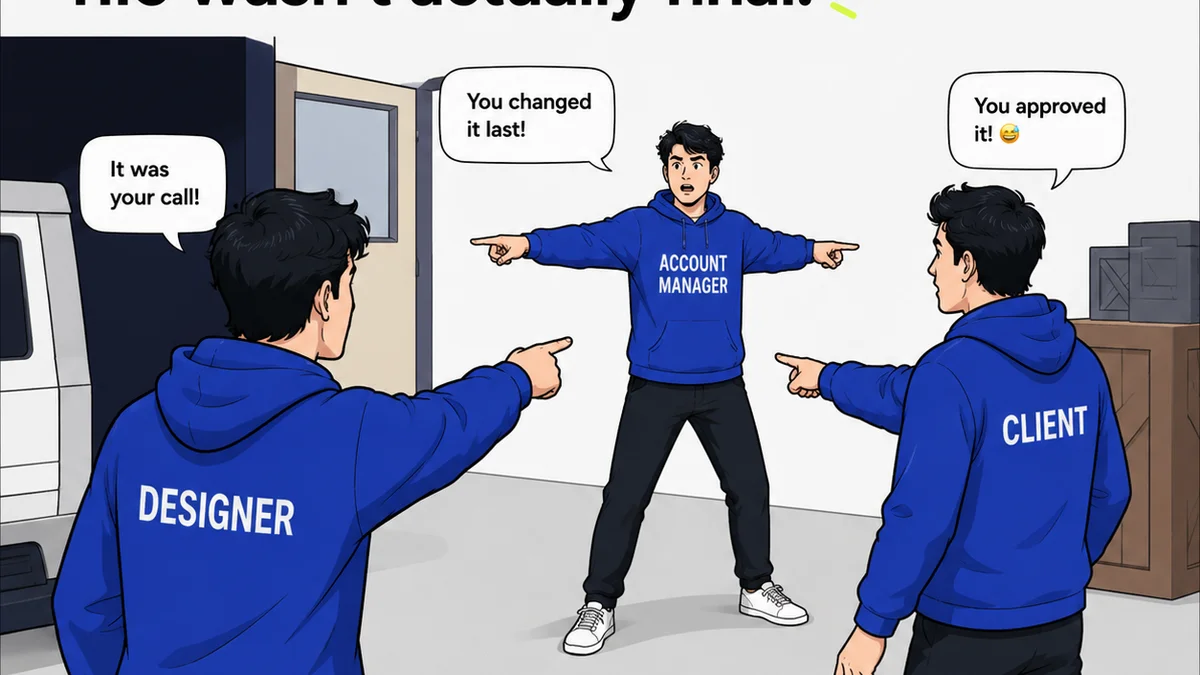
How do you know which version of a design is the *approved* one? How do you track the history of revisions requested by a client versus internal iterations? Figma shows version history, but it doesn't inherently track the *status* of those versions in a client-facing approval process.
This leads to:
- Endless
Frequently asked questions
Can Figma replace project management software?
No, Figma is a design tool, not a project management or operations management system. While it excels at collaborative design, it lacks the features needed to manage client feedback, track revision statuses, or oversee the entire project lifecycle.
How does Figma's comment system differ from centralized feedback tools?
Figma's comments are ideal for internal team discussions on design elements. Centralized feedback tools are designed to aggregate input from multiple stakeholders, including clients, in a structured way, preventing feedback from getting lost in fragmented communication channels.
What are the biggest operational challenges when using Figma?
The main challenges include managing client feedback effectively, tracking revision and approval statuses across projects, ensuring consistent quality control, and facilitating smooth handoffs to development or other teams. These are operational issues, not design issues.
How can agencies improve their Figma workflow for operations?
Agencies can improve by integrating Figma with dedicated operational tools that handle feedback aggregation, approval tracking, and quality control. This ensures Figma's design capabilities are supported by a robust operational framework.