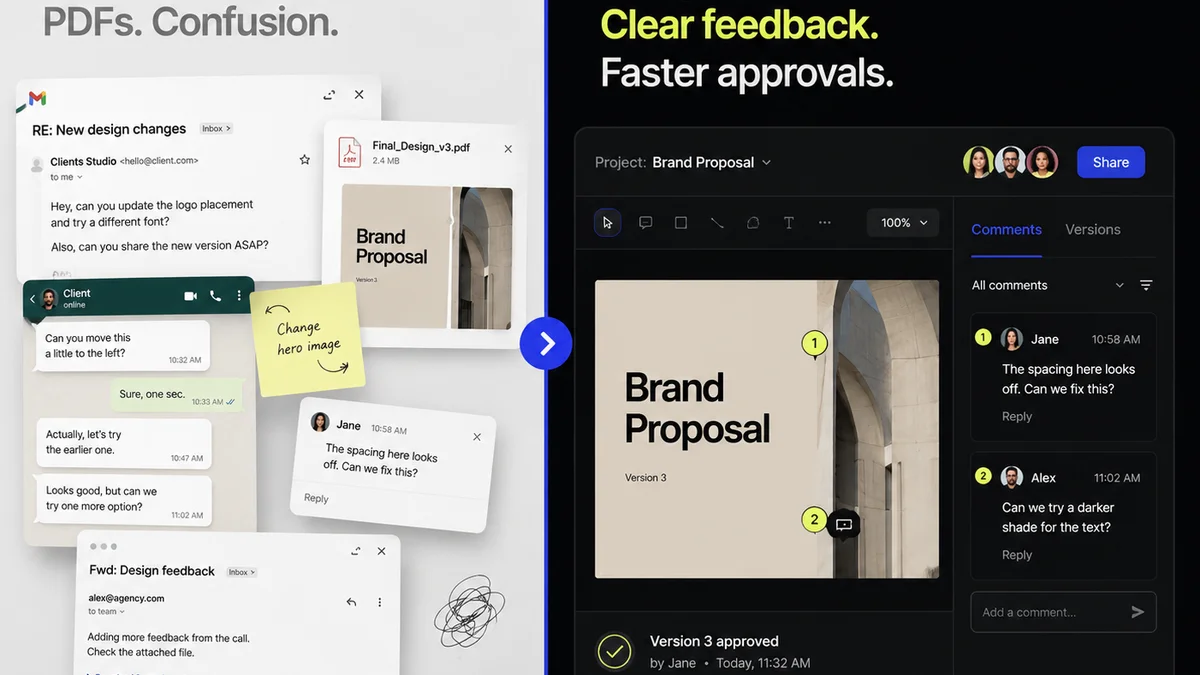
Everyone talks about Figma's collaborative power. They rave about real-time editing, shared libraries, and how it "democratizes design." And none of that is wrong. But it’s incomplete.
The real magic of Figma isn’t just in the tool itself. It’s in how you operationalize it. A slick interface doesn’t guarantee a smooth process. In fact, without a robust workflow, Figma can quickly become a bottleneck, a source of endless confusion, and a drain on your team’s energy.
Let’s look past the hype. Let’s talk about the hard truth of making Figma work for your agency, not against it.
1. The Illusion of Instant Collaboration
Figma is built for collaboration. That’s its superpower. But collaboration is more than just multiple cursors on a canvas.
True collaboration requires structure. It needs clear roles, defined processes, and agreed-upon communication channels. Without these, real-time editing can devolve into a free-for-all, with conflicting ideas and unclear ownership.
Defining Roles and Responsibilities
Who owns the master file? Who’s responsible for component updates? Who approves final designs?
These aren't minor details. They are foundational to preventing chaos. Every team member should understand their specific role in the design process, from initial concept to final handoff.
- Designers: Focus on creation, iteration, and adhering to style guides.
- Project Managers: Oversee file organization, version control, and timelines.
- Art Directors/Leads: Provide feedback, ensure brand consistency, and sign off on key deliverables.
- Developers: Utilize inspect mode for specs and assets, providing early feasibility feedback.
Ambiguity here breeds inefficiency.
Communication Cadence
When and how should feedback be given? What’s the process for resolving design disagreements?
Don't rely on scattered comments within Figma alone. Establish a rhythm for design reviews, whether that's daily stand-ups, weekly critiques, or asynchronous feedback sessions tied to specific milestones.
2. Version Control: The Unsung Hero
Figma has built-in version history, which is a lifesaver. But relying solely on auto-saved versions is a risky gamble.
You need a deliberate versioning strategy. This isn't just about reverting to an older state; it's about clarity, accountability, and managing client expectations.
Naming Conventions Matter
A file named `Final_v3_really_final.fig` is a joke. It’s also a productivity killer.
Implement a clear, consistent file and version naming convention. This should include:
- Project name
- Phase or feature
- Version number (e.g., v1.0, v1.1, v2.0)
- Date
- Status (e.g., Draft, Review, Approved)
Example: `ProjectAlpha_Homepage_v1.2_20231027_Review.fig`
Milestone Snapshots
Don't just save versions randomly. Save them intentionally at key project milestones.
This creates clear checkpoints for clients and internal teams. It allows you to easily present progress, revert to a specific approved stage if necessary, and maintain a clean audit trail.
- Save a version after the initial concept presentation.
- Save a version after incorporating major client feedback.
- Save a version before handing off to development.
This structured approach prevents the dreaded
Frequently asked questions
What's the biggest misconception about Figma workflows?
The biggest misconception is that Figma's built-in collaboration features automatically create an efficient workflow. While powerful, these features require a deliberate operational strategy, clear roles, and defined processes to prevent chaos and ensure productivity.
How important is version control in Figma?
Version control is critical. Beyond Figma's auto-history, a deliberate strategy with clear naming conventions and milestone snapshots provides clarity, accountability, and a reliable audit trail, preventing confusion and managing client expectations effectively.
How can I manage client feedback effectively within Figma?
While Figma has commenting features, relying solely on them can be inefficient. Centralize feedback by using a dedicated platform that integrates with Figma. This allows for organized tracking, clear assignment of action items, and auditable approval records, preventing feedback from getting lost.
What are the key components of a robust Figma workflow?
A robust Figma workflow includes defined roles and responsibilities, a clear communication cadence, a deliberate versioning strategy, standardized file organization, and a process for design handoff. It’s about operationalizing the tool, not just using its features.