Everyone talks about design quality assurance (QA) as the final gate before a project ships. The last line of defense. The checklist that catches the typos and the misaligned buttons.
None of that is wrong. But it’s incomplete.
The hard truth? Design QA isn’t just a pre-launch ritual. It’s a continuous, integrated process that impacts everything from client relationships to agency profitability. And the way we approach it is fundamentally changing.
1. The Myth of the Static Checklist
The traditional design QA checklist is a familiar beast. It’s a list of things to look for: brand guidelines adhered to? All states of interactive elements present? Legible typography? Accessible color contrast? It’s functional. It’s necessary.
But it’s static. It treats QA as a discrete, final step, detached from the creative and client collaboration that precedes it.
This approach creates several problems:
- Late-Stage Discoveries: Issues found only at the end are expensive to fix. They cause delays, increase revision rounds, and strain client relationships.
- Missed Opportunities: A static checklist rarely prompts deeper strategic questions about user experience or business goals.
- Team Silos: QA becomes the domain of a specific person or team, rather than a shared responsibility.
- Inflexibility: It struggles to adapt to new technologies, evolving design systems, or complex interactive experiences.
The world of design is dynamic. Our QA processes need to be too.
2. Embracing Proactive, Integrated QA
The future of design QA isn't about more comprehensive checklists; it’s about a shift in mindset and methodology. It’s about embedding quality assurance into the entire project lifecycle, not just tacking it on at the end.
This means moving from a reactive, checklist-driven approach to a proactive, integrated one.
a. Early and Often
Quality isn't something you inspect *in* at the end. It's something you build *in* from the start.
This means:
- Design System Governance: Ensuring your design system is robust, documented, and consistently applied from the first wireframe.
- Component-Level Testing: Verifying individual UI components and patterns for functionality, accessibility, and design consistency early in the process.
- Usability Testing Throughout: Not just at the end, but with prototypes at key stages to validate user flows and interactions.
- Content Integration Checks: Verifying that content fits within designed layouts and adheres to tone and style guides from the outset.
b. Context is King
A checklist item like “check for typos” is basic. A more integrated QA approach asks:
“Does this copy align with the brand voice? Is it clear, concise, and persuasive for the target audience? Does it accurately reflect the product’s value proposition?”
Similarly, for a button:
“Is the button clearly labeled? Does its visual state communicate its interactivity? Does its placement follow established user patterns? Does it lead the user toward a desired business outcome?”
This requires QA professionals (or team members performing QA) to understand the project’s strategic goals, target audience, and business objectives. It’s no longer just about pixel perfection; it’s about functional, strategic, and impactful design.
c. The Human Element Remains Crucial
Automation and tools are vital. But human oversight, critical thinking, and domain expertise are irreplaceable.
Automated tests can catch broken links or accessibility violations. They can verify responsive layouts across breakpoints. But they can't judge:
- Brand alignment beyond basic visual checks.
- The nuance of user experience.
- The effectiveness of a call to action.
- The emotional resonance of a visual.
The best QA combines the efficiency of tools with the critical judgment of experienced designers and strategists.
3. Leveraging Technology for Smarter QA
The tools available for design QA are evolving rapidly. Smart teams are leveraging them to make the process more efficient and effective.
a. Design Collaboration Platforms
Tools like Figma, Sketch, and Adobe XD have revolutionized design collaboration. They offer built-in commenting, version control, and prototyping features that streamline feedback loops. However, managing feedback across these tools and ensuring it’s actioned consistently is still a challenge.
b. Dedicated QA & Feedback Tools
Specialized platforms are emerging that go beyond simple annotation.
These tools offer:
- Visual Bug Trackers: Pinpointing issues directly on a live website or in a design mockup.
- Centralized Feedback Hubs: Aggregating comments from multiple stakeholders, designers, developers, and clients into a single source of truth.
- Version Comparison: Easily spotting differences between design iterations.
- Workflow Automation: Assigning tasks, tracking progress, and managing revision histories.
- Integration with Development Tools: Connecting design feedback directly to development tickets (e.g., Jira, Asana).
These aren't just about finding bugs; they're about managing the entire feedback and revision process, ensuring clarity and accountability.
c. Automated Testing & Auditing
For web and app design, automated tools are indispensable:
- Accessibility Checkers: Tools like Axe, WAVE, or built-in browser developer tools help identify WCAG violations.
- Performance Audits: Tools like Google PageSpeed Insights or Lighthouse assess loading times and optimization.
- Cross-Browser/Device Testing: Services that simulate different environments to catch rendering inconsistencies.
- Linting Tools: For code, these enforce coding standards and catch potential errors.
The key is understanding which aspects of QA can be effectively automated and which still require human judgment.
4. The Human Factor: Skills for Modern QA
As QA becomes more integrated and technologically driven, the skills required are also evolving.
Beyond a keen eye for detail, modern QA professionals and team members need:
- Strategic Thinking: Understanding project goals and how design contributes to them.
- User Empathy: Ability to put themselves in the user's shoes.
- Communication Skills: Clearly articulating feedback and collaborating with diverse teams.
- Technical Fluency: Familiarity with design tools, development basics, and QA software.
- Accessibility Expertise: Deep understanding of WCAG guidelines and inclusive design principles.
- Systemic View: Understanding how individual elements contribute to the larger user experience and business objectives.
This is about developing a quality mindset across the entire team, not just assigning QA to a specialist.
5. Where Revue Fits In
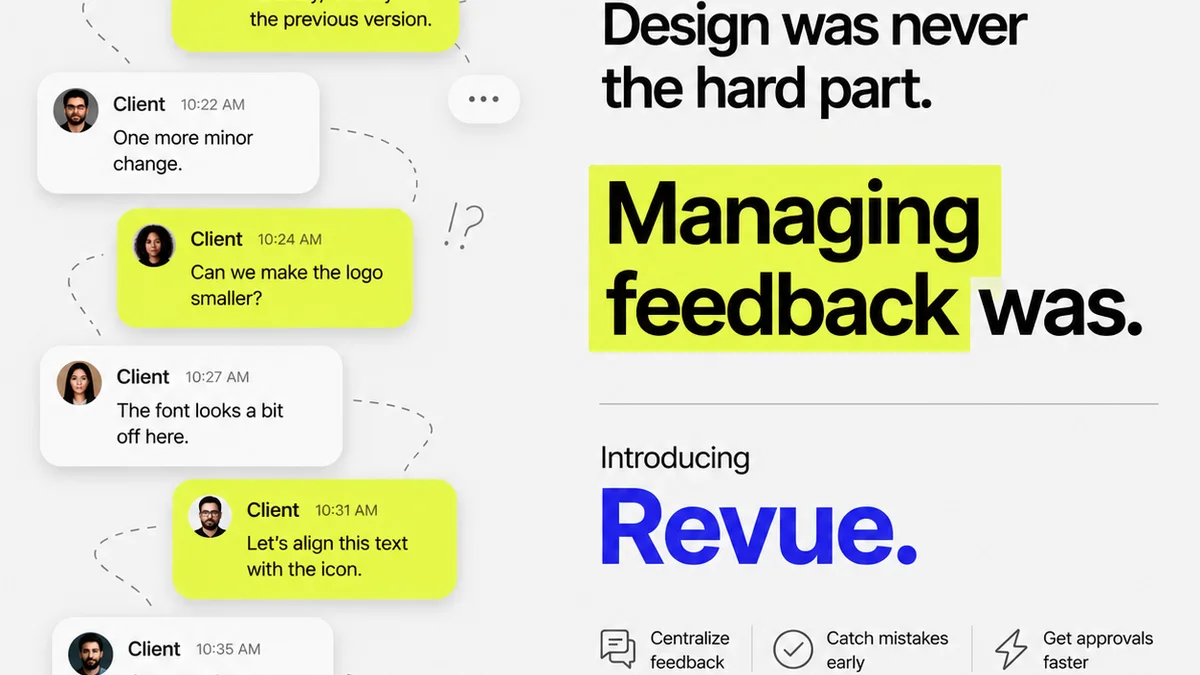
Managing client feedback, tracking revisions, and ensuring final quality can quickly become chaotic, especially with distributed teams or complex projects. This is where a centralized platform like Revue becomes essential.
Revue provides a single source of truth for all creative assets and client feedback. Instead of scattered emails, Slack messages, or annotations across multiple tools, Revue centralizes everything.
This means:
- Streamlined Feedback: Clients and stakeholders provide feedback in one place, linked directly to the relevant design version.
- Clear Revision History: Easily track what feedback was given, what changes were made, and who approved them. This visibility is critical for accountability and prevents “scope creep” disguised as revisions.
- Integrated Quality Checks: Use Revue to manage your project’s quality assurance process. Tag specific feedback items as QA tasks, assign them, and track their resolution.
- Reduced Miscommunication: Having all communication and decisions documented within the project context drastically reduces misunderstandings and costly errors.
By centralizing feedback and streamlining the revision and approval process, Revue helps ensure that quality isn't an afterthought, but a built-in part of your workflow.
6. Final Thought
The goal of design QA isn't just to catch mistakes. It's to elevate the quality of the final output, ensuring it meets strategic objectives, delights users, and reflects positively on the agency or team behind it.
Are you still treating QA as a final checklist, or are you building quality into every step of your creative process?
Frequently asked questions
What is design QA?
Design QA (Quality Assurance) is the process of reviewing creative work to ensure it meets specified standards, brand guidelines, functional requirements, and strategic objectives before delivery. It aims to identify and rectify errors, inconsistencies, and potential issues.
Why is a traditional checklist not enough for design QA?
Traditional checklists are often static and applied only at the end of a project. This can lead to late-stage discoveries of costly issues, missed strategic opportunities, and a siloed approach to quality. Modern design QA requires a more integrated, proactive, and context-aware process.
How can technology improve design QA?
Technology like design collaboration platforms (Figma, Adobe XD), dedicated feedback tools, and automated testing (accessibility checkers, performance audits) can streamline the QA process, centralize feedback, improve version comparison, and automate repetitive checks, freeing up human reviewers for more critical tasks.
What skills are important for modern design QA?
Beyond attention to detail, modern design QA requires strategic thinking, user empathy, strong communication, technical fluency with design and QA tools, and expertise in areas like accessibility. A quality mindset across the entire team is crucial.
How does a platform like Revue help with design QA?
Revue centralizes all creative assets and client feedback, providing a single source of truth. This streamlines feedback, creates a clear revision history, allows for integrated quality checks, and reduces miscommunication, ensuring quality is built into the workflow rather than being an afterthought.