Most agencies think packaging quality assurance (QA) is about catching mistakes before print. Catching typos. Spotting misaligned logos. Ensuring correct color codes. None of that is wrong. But it’s incomplete.
The hard truth? A reactive QA approach is a ticking time bomb for your agency’s reputation and profitability. It’s a cost center that only grows. Future-proofing your packaging QA strategy means building a system that prevents errors, streamlines approvals, and scales predictably as your client roster expands.
1. The Hidden Costs of Reactive Packaging QA
You’ve seen it. The frantic email at 4 PM on a Friday. “The printer found an error on the packaging proofs – it’s live in 48 hours!” Panic ensues. Overtime is authorized. A rushed fix is implemented, often creating new problems. This isn’t QA; it’s damage control.
This firefighting mode is standard in many agencies, but it’s a drain on resources and morale.
The Financial Drain
Every time you react to a packaging error, you incur costs:
- Reprint expenses (often expedited shipping included)
- Lost client trust and potential future business
- Wasted internal hours on emergency fixes
- Damage to your agency’s reputation
- Potential legal liabilities if critical information is wrong
The Relational Strain
Your team is stressed. Your client is furious. The printer is annoyed. These recurring crises erode goodwill and make future projects harder.
It’s a vicious cycle. You fix the immediate problem, but you don’t fix the underlying process. So, the next packaging project hits the same wall.
2. Defining True Packaging QA: Prevention Over Cure
Future-proofing packaging QA starts with a fundamental shift: moving from a reactive “error-catching” mindset to a proactive “error-prevention” system. This involves embedding quality checks throughout the entire workflow, not just at the end.
Think of it like building a bridge. You don’t wait for it to collapse to check the supports. You inspect them at every stage of construction.
Key Pillars of Proactive QA
A robust, future-proof packaging QA strategy rests on these pillars:
- Standardization: Establishing clear, documented processes and checklists.
- Automation: Leveraging technology to handle repetitive checks.
- Collaboration: Ensuring clear communication and feedback loops across all stakeholders.
- Training: Equipping your team with the knowledge and tools for quality.
- Continuous Improvement: Regularly reviewing and refining your processes.
This isn’t about adding bureaucracy. It’s about building efficiency and reliability.
What to Standardize
Start with the non-negotiables. What information *must* be correct on every single piece of packaging?
- Legal disclaimers and nutritional information
- Ingredient lists and allergen warnings
- Country of origin markings
- Regulatory compliance symbols (e.g., CE, FCC)
- Brand asset consistency (logos, fonts, colors)
- Product SKUs and barcodes
- Pricing and promotional details
Document these as part of your standard operating procedures (SOPs) for packaging design and production.
3. Embedding QA Throughout the Design Lifecycle
The best time to catch a packaging error is when it’s just a digital file, or better yet, before it’s even designed. This requires integrating QA checks at multiple touchpoints.
Phase 1: Briefing and Concept
Quality starts with clarity. Ensure the client brief is comprehensive and unambiguous regarding:
- Target market and regulatory environment
- Mandatory information and legal requirements
- Specific product variants and SKUs
- Brand guidelines and asset availability
- Printing process and material specifications
Use a standardized briefing template. Confirm understanding with the client before design work begins.
Phase 2: Design and Development
As designs are created, build in checkpoints:
- Internal Design Review: Peer review of initial concepts against the brief and brand guidelines.
- Content Verification: Dedicated effort to verify all copy, data, and legal text. This might involve a separate copywriter or a specialized proofreader.
- Technical Check: Reviewing artwork for print readiness (e.g., bleed, resolution, color modes) using checklists and software tools.
This is where automated checks can significantly speed things up. Tools can flag missing elements or format inconsistencies.
Phase 3: Client Feedback and Revisions
This is a critical bottleneck. Unstructured feedback leads to errors.
- Centralized Feedback Platform: Use a tool where all client comments are logged in one place, linked to specific design elements. This prevents comments from getting lost in emails or Slack.
- Clear Revision Guidelines: Instruct clients on how to provide feedback (e.g., use annotation tools, specify the exact change needed).
- Scope Management: Track revision rounds against the initial agreement to prevent scope creep, which often introduces errors under pressure.
Phase 4: Pre-Production and Print Approval
This final check is vital, but it shouldn't be the *only* check.
- Comprehensive Proof Review: Go beyond a quick glance. Use detailed checklists covering every aspect: copy, layout, color, compliance, barcodes, and dimensions.
- Printer’s Proof Verification: Compare the physical printer’s proof meticulously against the approved digital artwork. This is where discrepancies often appear due to software or output differences.
- Digital Mockups vs. Physical Proofs: Understand that digital renderings can differ from physical print. Always prioritize the physical proof for final approval.
Automated comparison tools can help here, highlighting differences between approved files and printer proofs.
4. Leveraging Technology for Scalable QA
Manual checks are error-prone and don’t scale. Technology is your ally in building a future-proof packaging QA system.
Think beyond basic design software. Explore tools that specifically enhance QA.
Automated Proofreading and Content Checks
Tools can scan text for:
- Grammar and spelling errors
- Inconsistent terminology
- Missing required fields (e.g., allergen statements)
- Compliance with specific regulatory language
While not a replacement for human review, they catch the easy misses, freeing up human reviewers for more complex tasks.
Color Management and Print Preflight
Professional preflight software can automatically check:
- Image resolution and color space
- Bleed and trim settings
- Font embedding
- Overprint issues
- Spot color usage
These tools ensure your artwork is technically correct for the chosen printing process, reducing costly errors downstream.
Version Control and Audit Trails
A system that tracks every change, every comment, and every approval is non-negotiable.
- Who made the change?
- When was it made?
- Why was it made?
- Who approved it?
This creates accountability and provides an invaluable record if disputes arise.
5. Where Revue Fits In
Managing client feedback, revisions, and approvals for packaging projects can quickly become chaotic. Emails get lost, crucial comments are missed, and version control becomes a nightmare. This is precisely the problem Revue solves.
Revue acts as your centralized hub for all creative feedback and approvals. For packaging projects, this means:
- Single Source of Truth: All client comments, internal reviews, and stakeholder feedback are logged in one place, directly on the artwork. No more hunting through email chains or Slack messages.
- Clear Revision Tracking: See the history of changes, who made them, and when they were approved. This provides an invaluable audit trail and prevents the dreaded “who approved what?” confusion.
- Streamlined Client Approvals: Clients can provide precise, contextual feedback directly on the packaging designs. You get clear direction, reducing ambiguity and the likelihood of misinterpretation.
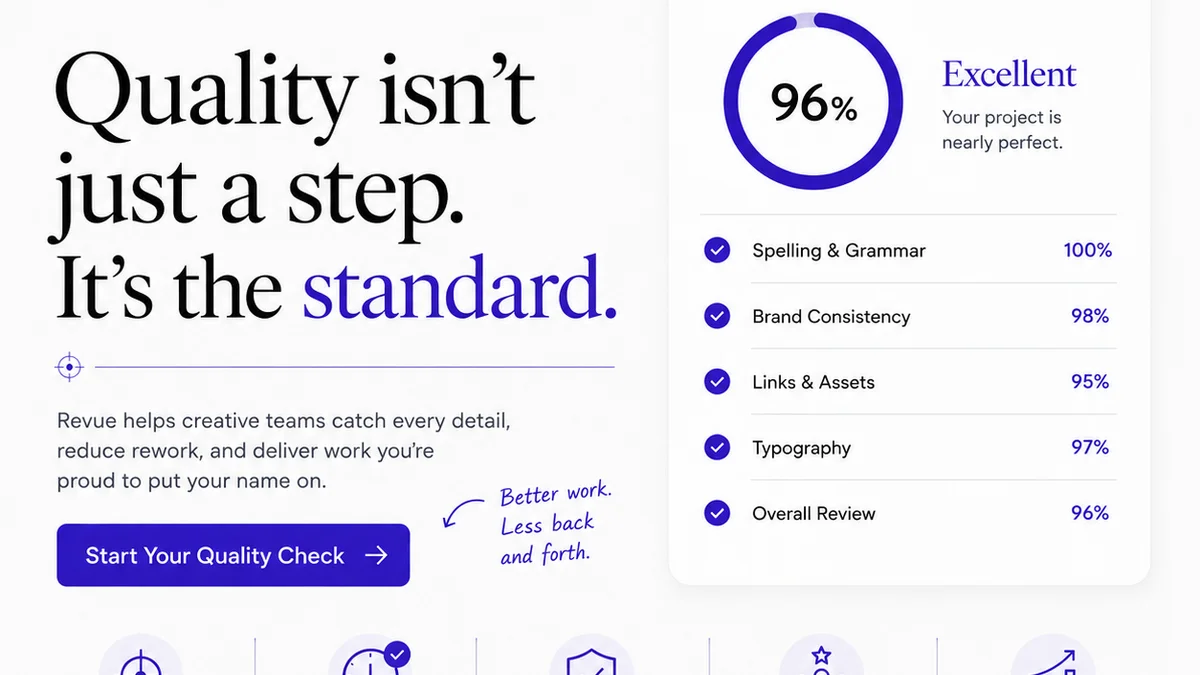
- Visibility into Quality Checks: Integrate your QA checklists and processes within Revue. Team members can mark off completed checks, ensuring no step is missed. This brings structure to your quality control, making it more reliable and scalable.
By centralizing feedback and managing revisions effectively, Revue helps you mitigate the risks associated with packaging projects, ensuring a smoother, more accurate, and ultimately more profitable workflow. It transforms a potential source of chaos into a controlled, transparent process.
6. Building a Culture of Quality
Technology and processes are only as good as the people using them. A future-proof QA strategy requires a cultural shift towards valuing quality at every level.
Empower Your Team
Give your designers and project managers the training and tools they need to perform thorough QA. Encourage them to flag potential issues early, even if it means slowing down a deadline slightly.
Client Education
Educate your clients on the importance of a structured feedback and approval process. Explain how clear, timely feedback benefits them by reducing errors and ensuring a better final product.
Post-Mortems and Learning
When errors *do* slip through (and they sometimes will, even in the best systems), conduct a thorough post-mortem. Not to assign blame, but to understand what went wrong and how to prevent it from happening again. This is crucial for continuous improvement.
Every mistake is a data point for refining your process.
Final Thought
Is your packaging QA strategy a safety net catching errors, or a launchpad for predictable, high-quality creative output? The difference lies not just in the tools you use, but in the mindset you adopt – one that prioritizes prevention, clarity, and continuous improvement. How will you evolve your QA from a cost center into a competitive advantage?
Frequently asked questions
What are the biggest risks of a reactive packaging QA approach?
Reactive packaging QA leads to significant financial costs from reprints and expedited shipping, erodes client trust due to errors and delays, strains team morale with last-minute crises, and damages agency reputation. It's a costly cycle of damage control rather than prevention.
How can technology improve packaging QA?
Technology automates repetitive checks like grammar and compliance, performs technical preflight for print readiness, and provides version control and audit trails. Tools like automated proofreaders, preflight software, and centralized feedback platforms reduce human error and scale QA processes effectively.
When should QA checks be integrated into the packaging design process?
QA should be integrated at every stage: during briefing to ensure clarity, during design for internal reviews and content verification, during client feedback to manage revisions precisely, and crucially during pre-production and print proof review to catch final discrepancies.
What is the role of Revue in packaging QA?
Revue centralizes all client feedback and internal reviews on artwork, providing a single source of truth and clear revision tracking. This visibility streamlines approvals, reduces misinterpretations, and creates an audit trail, making the QA process more structured, reliable, and scalable for packaging projects.