Everyone’s talking about AI, no-code, and the metaverse. They say this is the future of UI/UX design. That the tools will do all the heavy lifting.
None of that is wrong. But it’s incomplete.
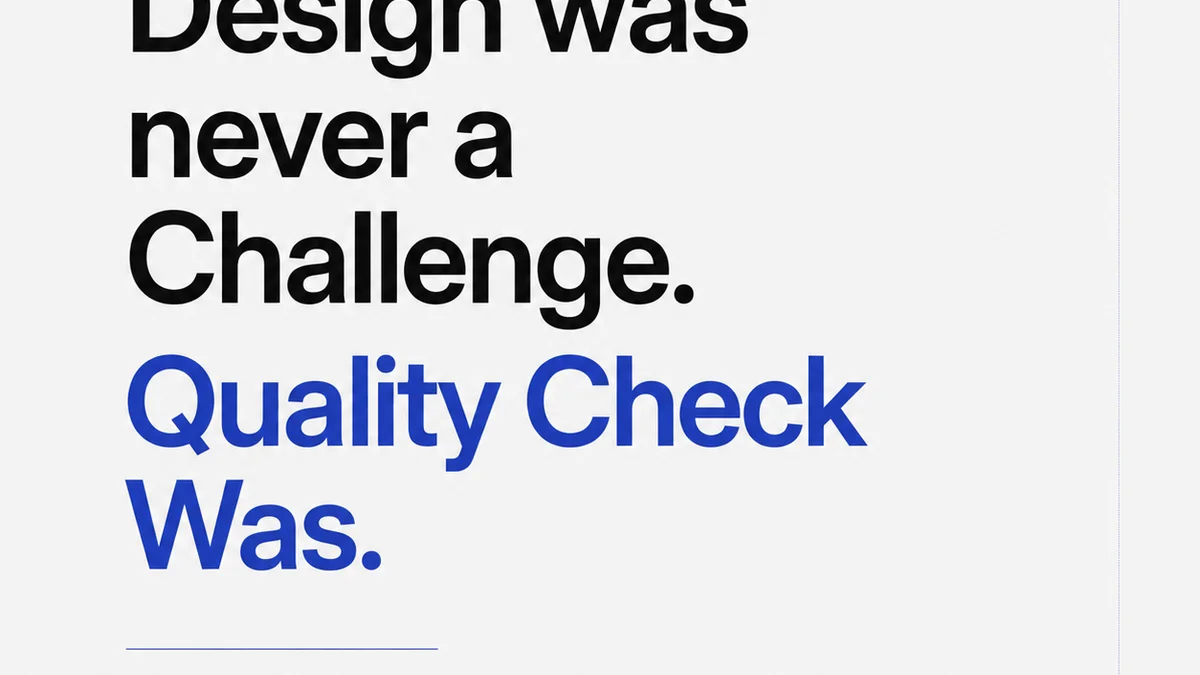
The hard truth? The future of UI/UX isn’t about the tools. It’s about the process. It’s about how we manage feedback, clarify requirements, and ensure quality at scale.
1. The Illusion of Tool-Driven Innovation
We love a good shiny object. For years, it’s been the latest design software, the hottest prototyping tool, the most hyped framework. Now, it’s AI assistants and immersive platforms.
The assumption is that mastering these new tools unlocks the future. That they’ll magically solve design challenges and speed up delivery.
But tools are only as good as the hands that wield them. And more importantly, they’re only effective within a solid process.
The Real Bottleneck Isn't Skill, It's Workflow
Think about it. How much time do your teams *really* spend wrestling with software features versus navigating messy client feedback, waiting for approvals, or fixing errors that slipped through the cracks?
The industry buzz focuses on the *creation* phase. The part where designers are actually designing.
It conveniently ignores the colossal amount of time and energy wasted on:
- Chasing down vague or contradictory feedback.
- Managing endless revision rounds.
- Ensuring everyone is working from the latest approved version.
- Conducting manual quality assurance checks that feel more like guesswork.
- Onboarding new team members to complex, undocumented processes.
These aren't minor annoyances. They are systemic workflow failures that stifle innovation, kill morale, and ultimately impact the quality of the final product.
2. Mastering the Fundamentals: The Unsexy Core of Great UX
Before you dive headfirst into generative AI for wireframes or VR for user testing, let’s talk about what *actually* makes a great user experience. It’s not a flashy feature. It’s clarity, consistency, and predictability.
This means:
- Crystal Clear Requirements: Understanding *exactly* what the client needs and why.
- Seamless Collaboration: Enabling designers, developers, and clients to work together without friction.
- Efficient Feedback Loops: Making it easy to give, receive, and act on feedback.
- Rigorous Quality Assurance: Having a systematic way to catch bugs and inconsistencies before launch.
- Streamlined Approvals: A clear path from draft to sign-off.
These aren’t buzzwords. They are the bedrock of any successful project, whether it’s a simple landing page or a complex enterprise application.
The Feedback Labyrinth
Client feedback is often the biggest friction point. It comes through email, Slack, PDFs, meetings, and sometimes even carrier pigeon.
It’s often:
- Vague: “Make it pop more.”
- Contradictory: “I like the blue here, but change it to green everywhere else.”
- Unattributed: Who actually said this?
- Late: Holding up the entire project.
Without a centralized system, deciphering this chaos is a full-time job. It leads to misinterpretations, dropped balls, and endless back-and-forth.
Revision Roulette
Each revision round adds complexity. How do you track what changed? Who approved what? Are we sure the latest version is the one being worked on?
This lack of visibility breeds errors. Developers might pull an old version. QA might test against outdated specs. Clients might point to a change they never agreed to.
It’s a recipe for missed deadlines and scope creep.
3. Where New Tools *Actually* Shine: Augmenting, Not Replacing
Okay, so I’m not saying new tools are useless. Far from it. But their true power lies in how they integrate with and improve your core processes, not in replacing them.
AI as Your Assistant, Not Your Boss
AI can be incredible for:
- Generating initial design concepts or variations.
- Automating repetitive tasks like image resizing or basic coding.
- Analyzing user data to identify patterns.
- Summarizing lengthy feedback documents.
But AI can’t (yet) understand nuanced brand strategy, empathize with user frustrations, or navigate complex stakeholder politics. It’s a powerful assistant, but you still need a human designer to guide it, interpret its output, and make critical strategic decisions.
No-Code/Low-Code: Democratizing, Not Eliminating, Design
These platforms lower the barrier to entry for creating functional interfaces. They allow for rapid prototyping and can empower non-designers to build simple tools.
This is great for internal tools or very basic applications. But for anything requiring a sophisticated user journey, strong brand identity, or deep user research, a dedicated UI/UX team is still essential. The focus shifts from pixel-pushing to strategic design system thinking and complex problem-solving.
The Metaverse and Immersive Experiences
Designing for 3D spaces and AR/VR presents new challenges and opportunities. It requires new skills in spatial design, interaction models, and performance optimization.
But the underlying principles remain the same: understand your user, solve their problem effectively, and create a clear, intuitive experience. The medium changes, but the human element doesn't.
4. Where Revue Fits In
This is precisely why Revue was built. To address the fundamental workflow challenges that plague creative teams, regardless of the tools they use.
Revue isn’t another design app. It’s the central nervous system for your creative projects.
Centralized Client Feedback
Tired of chasing feedback across a dozen channels? Revue brings all client comments, annotations, and approvals into one place. Directly on the creative asset.
No more deciphering emails or Slack threads. Every piece of feedback is logged, attributed, and linked to the specific version it was given on.
Revision and Approval Visibility
Track the entire history of a project. See every iteration, every comment, and every approval in a clear, chronological timeline.
This eliminates confusion about which version is current and ensures everyone is on the same page. Developers can pull the correct assets, and stakeholders can see exactly how the project evolved.
Streamlined Quality Checks
With all feedback and revisions logged, performing quality assurance becomes significantly more efficient. You can easily verify that all requested changes have been implemented correctly and that no new issues have been introduced.
It transforms QA from a reactive guessing game into a proactive, data-driven process.
Revue helps you move faster by ensuring you’re not wasting time on administrative overhead. It frees up your team to focus on what they do best: creating great work.
5. Final Thought
The future of UI/UX will undoubtedly involve more powerful tools and new platforms. AI will write code, VR will change how we interact, and new interfaces we can’t even imagine will emerge.
But will these advancements make your team more efficient? Will they lead to better client relationships? Will they result in higher quality creative output?
Only if you have the underlying processes in place to harness their power. The real future isn't about adopting the latest tech. It's about mastering the timeless discipline of clear communication, efficient collaboration, and rigorous quality.
How are you building that foundation today?
Frequently asked questions
Will AI replace UI/UX designers?
AI will likely become a powerful assistant, automating repetitive tasks and generating initial concepts. However, human designers will remain crucial for strategic thinking, empathy, complex problem-solving, and understanding nuanced client needs.
What are the most important skills for future UI/UX designers?
Beyond technical tool proficiency, critical thinking, strong communication, empathy, strategic problem-solving, and the ability to manage complex feedback and revision cycles will be paramount.
How can agencies improve their UI/UX workflow?
Agencies can improve by centralizing client feedback, establishing clear revision and approval processes, implementing robust quality assurance checks, and adopting tools that streamline collaboration rather than just focusing on design creation.
Is the metaverse the next big thing for UI/UX?
The metaverse and AR/VR present new frontiers for UI/UX, requiring new spatial design skills. However, the core principles of user-centered design—understanding user needs and creating intuitive experiences—remain fundamental, regardless of the medium.