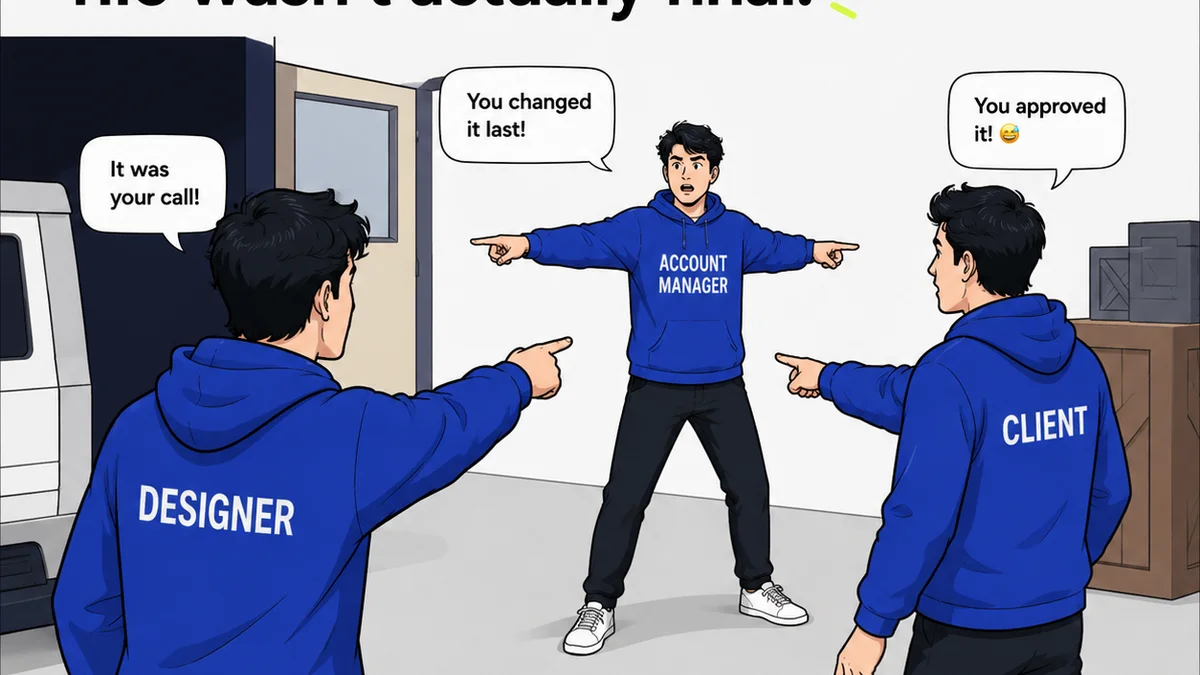
Everyone wants their design team to be more productive. It’s the holy grail for agency owners and creative directors. You probably think that means pushing designers to use faster tools, work longer hours, or maybe just drink more coffee.
None of that is wrong. But it’s incomplete.
The hard truth? True designer productivity isn’t about individual speed. It’s about workflow efficiency. It’s about removing the friction that slows creative teams down every single day.
1. Stop Chasing Feedback
Designer productivity killer #1: The endless chase for feedback. Emails get buried. Slack messages vanish. Comments on mockups get lost in the ether. Designers spend more time hunting for client input than actually designing.
This isn’t just annoying; it’s a massive drain on creative energy. Every minute spent searching for a comment is a minute not spent solving a design problem.
The Cost of Scattered Feedback
When feedback is scattered across multiple platforms:
- Versions get confused.
- Key decisions are missed.
- Designers have to re-ask questions, wasting client time too.
- Approvals become a guessing game.
This chaos directly impacts project timelines and budgets. It’s not just a designer problem; it’s a business problem.
Centralize Everything
The solution is simple: a single source of truth for all feedback and revisions. This means no more digging through email chains or Slack threads.
Imagine a world where every stakeholder comment, every revision request, and every final approval lives in one organized place, tied directly to the creative asset itself. That’s the foundation of a productive design workflow.
2. Streamline Revisions & Approvals
Even with centralized feedback, the revision and approval process can be a bottleneck. Designers receive feedback, make changes, resubmit, and then wait. And wait.
This waiting game kills momentum. It breaks the creative flow and leads to what feels like perpetual motion without progress.
The Waiting Game
What does this waiting look like in practice?
- A designer finishes a round of revisions, sends it off, and then has no clear visibility on when the next review will happen.
- Clients or stakeholders are slow to respond, leaving the designer idle or unsure of the next steps.
- Multiple rounds of approvals involve different people, each with their own schedule and priorities.
This isn’t about blaming anyone. It’s about recognizing a systemic inefficiency.
Build Predictability
Productivity increases when you build predictability into the review cycle. This means:
- Clear timelines for feedback and approvals.
- Automated notifications for pending reviews.
- A clear audit trail of who reviewed what, when, and what decisions were made.
When designers know when to expect feedback and approvals, they can plan their work effectively. They can move on to the next task with confidence, rather than being stuck in limbo.
3. Ensure Quality Without Manual Checks
Quality assurance (QA) is critical. But manual QA processes, especially for creative work, can be incredibly time-consuming and prone to error.
Think about the last time a designer had to meticulously check every pixel, every color value, every link, across multiple devices and browsers. It’s a necessary evil, but it’s not an efficient use of a designer’s high-value time.
The QA Bottleneck
Manual QA often involves:
- Designers themselves performing checks.
- Project managers playing the role of gatekeepers.
- Endless back-and-forth for minor discrepancies.
- Missed issues slipping through the cracks due to fatigue or oversight.
This isn’t just slow; it’s also demoralizing. Designers want to create, not just check boxes.
Automate Where Possible
The goal is to integrate quality checks into the workflow, not bolt them on at the end. This means leveraging tools that can automate repetitive checks.
For web and digital projects, this could include:
- Automated accessibility checks (e.g., contrast ratios, keyboard navigation).
- Cross-browser and cross-device testing tools.
- Automated checks for broken links or missing alt text.
By automating these, designers can focus on the creative aspects, knowing the foundational quality is being handled systematically.
4. Minimize Context Switching
Creative work demands deep focus. Every time a designer switches tasks—from designing to answering an email, from reviewing a brief to hopping on a quick call—their productivity takes a hit.
This is known as context switching, and it’s a silent killer of deep work.
The Cost of Distraction
Frequent interruptions lead to:
- Lost focus and reduced creativity.
- Increased errors due to divided attention.
- Longer task completion times.
- Burnout from constant mental juggling.
It’s the enemy of the ‘flow state’ where designers do their best work.
Protect the Creative Zone
Protecting designers from unnecessary context switching requires conscious effort:
- Batching communication: Designate specific times for checking emails and messages.
- Clear project briefs: Ensure all necessary information is provided upfront to avoid interruptions for clarification.
- Dedicated work blocks: Encourage periods of uninterrupted focus time.
- Centralized communication channels: Reduce the need to monitor multiple platforms.
When designers can stay in their creative zone, their output quality and quantity both improve dramatically.
5. Clarify Roles and Responsibilities
Ambiguity breeds inefficiency. When it’s unclear who is responsible for what, or who has the final say, projects stall.
This is particularly true in the feedback and approval loop. If multiple people can provide feedback, but no one is clearly designated as the final approver, the designer is left guessing.
The Ambiguity Trap
Unclear roles lead to:
- Conflicting feedback from different stakeholders.
- Delayed decisions because the decision-maker is unavailable or unclear.
- Designers working on revisions that ultimately won't be approved.
- Frustration for both the creative team and the clients.
It creates a lack of accountability and slows down the entire process.
Define the Decision-Makers
Clearly defining roles from the outset is crucial:
- Identify the primary client contact for feedback.
- Designate the ultimate approver for each stage.
- Establish who is responsible for consolidating feedback if multiple stakeholders are involved.
When everyone knows their role and the decision-making process, the workflow becomes smoother and faster.
Where Revue Fits In
You might be thinking, “This all sounds great, but how do we actually implement it?” This is where a tool designed for creative workflows makes a difference.
Revue is built to address these exact productivity drains. It provides a centralized hub for all your creative assets, feedback, revisions, and approvals.
- Centralized Feedback: All comments are tied directly to the asset, eliminating the need to hunt through emails or Slack.
- Clear Revision History: Track every version, every change, and every approval, ensuring everyone is working from the latest iteration.
- Streamlined Approvals: Define approval workflows and get clear sign-offs, reducing ambiguity and speeding up decision-making.
- Visibility: Everyone involved has a clear view of the project status, reducing bottlenecks and the dreaded waiting game.
By bringing structure to the chaos, Revue helps your team spend less time managing the process and more time creating great work.
Final Thought
Designer productivity isn’t a mystical quality; it’s the direct result of a well-oiled workflow. It’s about removing friction, clarifying communication, and building predictable processes.
Are you optimizing your team’s workflow, or just hoping for more output?
Frequently asked questions
What is the biggest bottleneck for designer productivity?
The biggest bottleneck is often inefficient communication and scattered feedback. Designers spend too much time chasing down input, clarifying comments, and managing multiple platforms, which interrupts their creative flow and slows down project delivery.
How can I centralize client feedback effectively?
Use a dedicated platform designed for creative asset management and feedback. This ensures all comments, revisions, and approvals are linked directly to the relevant creative work, providing a single source of truth and eliminating the need to search through emails or chat logs.
What is context switching and how does it affect designers?
Context switching is the act of shifting attention between different tasks or pieces of information. For designers, frequent context switching—like jumping from design work to checking emails or attending impromptu meetings—disrupts focus, reduces creativity, increases errors, and lengthens task completion times, ultimately lowering productivity.
How can automated QA improve designer productivity?
Automated QA processes, such as checking for accessibility compliance or broken links, free up designers from time-consuming manual checks. This allows them to focus on higher-value creative tasks, reduces errors caused by fatigue, and ensures a baseline level of quality is consistently met.