Everyone talks about user satisfaction. High NPS scores, glowing reviews, users saying "Wow, this is easy to use!"
None of that is wrong. But it’s incomplete. Focusing solely on user sentiment misses the bigger picture: business impact.
The hard truth? Your UI/UX success isn't just about making users happy; it's about making them *do* what benefits the business. It’s about driving conversions, reducing support costs, and increasing lifetime value. Pretty pixels are table stakes. Real success is measured in revenue and efficiency.
1. Beyond the Smile Sheet: Defining Business-Centric KPIs
We often fall into the trap of measuring what's easy to measure. User satisfaction surveys are quick. A/B testing button colors is straightforward. But these don't always correlate with actual business goals.
True UI/UX success is tied directly to your organization's objectives. Are you trying to increase sales? Reduce churn? Improve operational efficiency? Your KPIs must reflect these goals.
Conversion Rates: The Ultimate Bottom Line
This is the most direct measure of success for many digital products. Are users completing the desired actions? This could be purchasing a product, signing up for a newsletter, or filling out a lead form.
- E-commerce: Purchase conversion rate.
- SaaS: Trial sign-up rate, upgrade rate.
- Content: Download rate for gated content.
If your redesign makes it harder to buy something, even if users *like* the new look, it's a failure.
Task Completion Rate & Time on Task
Can users actually accomplish what they set out to do? And how efficiently?
A complex, multi-step process might be visually appealing but frustratingly slow. Measuring how often users successfully complete a core task, and how long it takes them, reveals usability bottlenecks.
- Track the percentage of users who successfully complete a specific workflow.
- Measure the average time taken to complete that workflow.
A decrease in time on task, coupled with a stable or increased completion rate, is a strong indicator of improved UX.
Reduced Support Load
Confusing interfaces lead to more support tickets. If your new design is intuitive, users shouldn't need to call or email for help with basic functions.
Track the volume of support tickets related to specific features or workflows. A significant drop after a redesign is a clear win.
- Monitor ticket volume for common user queries.
- Analyze ticket categories to identify areas of user confusion.
If your support team is suddenly less busy with how-to questions, your UX is likely improving.
User Retention & Churn Rate
Are users sticking around? Or are they leaving for competitors? Good UX fosters loyalty.
While many factors influence retention, a frustrating or difficult-to-use product is a primary driver of churn.
- Track cohort retention over time.
- Analyze churn reasons provided by departing users.
A sustained increase in retention or a decrease in churn can be attributed, in part, to a superior user experience.
Customer Lifetime Value (CLV)
This is the ultimate metric. Are users spending more with you over the long term? A seamless, valuable experience encourages repeat business and higher spending.
While CLV is influenced by many factors (product quality, pricing, marketing), a strong UX plays a crucial role in keeping customers engaged and willing to invest more.
2. The Nuance of Qualitative Data: Beyond the Numbers
Numbers tell a story, but they don't always tell the *whole* story. Qualitative feedback provides the context behind the metrics.
Don't dismiss user interviews or usability testing feedback just because it's not a neat number. It's where you uncover the *why* behind the what.
Usability Testing: Observing Real Behavior
Watching users interact with your product is invaluable. You see their struggles, their moments of confusion, and their moments of delight in real-time.
Set specific tasks for participants and observe their process. Note where they hesitate, where they make errors, and where they express frustration or satisfaction.
- Moderated vs. Unmoderated testing.
- Think-aloud protocol.
- Post-test interviews.
This isn't about asking if they *like* it; it's about seeing if they can *use* it effectively.
User Interviews: Digging Deeper
Structured interviews allow you to probe specific user behaviors and motivations. Understand their context, their goals, and their pain points.
Ask open-ended questions that encourage detailed responses. Avoid leading questions that suggest a desired answer.
- Focus on past behavior, not hypothetical future actions.
- Ask about their overall goals and challenges.
This feedback can highlight unmet needs or unexpected use cases that quantitative data might miss.
Feedback Forms & Surveys (Used Wisely)
While we cautioned against relying *only* on satisfaction surveys, well-designed forms can capture crucial insights.
Use targeted questions after a user has completed a specific action or encountered a particular feature. This provides context-specific feedback.
- In-app feedback widgets.
- Post-task surveys.
- Net Promoter Score (NPS) — use it to identify promoters/detractors for follow-up.
The key is to ask the right questions at the right time.
3. Setting Up for Success: The Process Matters
Measuring UI/UX success isn't an afterthought; it needs to be baked into your process from day one.
If you're not defining success metrics before you start designing, you're flying blind.
Define Goals & Hypotheses Upfront
Before any wireframing or pixel-pushing begins, clearly articulate what success looks like for this project or feature. What business problem are you solving? What user behavior do you want to influence?
Formulate hypotheses: "We believe redesigning the checkout flow to reduce steps will increase conversion rates by 10%."
Establish Baselines
You can't measure improvement if you don't know where you started. Collect data on your current KPIs *before* making any changes.
This baseline data is crucial for demonstrating the impact of your design work.
Iterate Based on Data, Not Opinion
Design is an iterative process. Use the data you collect to inform your next steps. Don't get attached to your initial ideas if the data suggests a different direction.
This means being willing to revisit designs, conduct more testing, and make changes based on user behavior and business impact, not just internal opinions.
Cross-Functional Collaboration
UI/UX success is rarely achieved in a vacuum. It requires input and alignment with product management, engineering, marketing, and sales.
Ensure everyone understands the defined success metrics and how the UI/UX efforts contribute to them. This builds shared ownership and accountability.
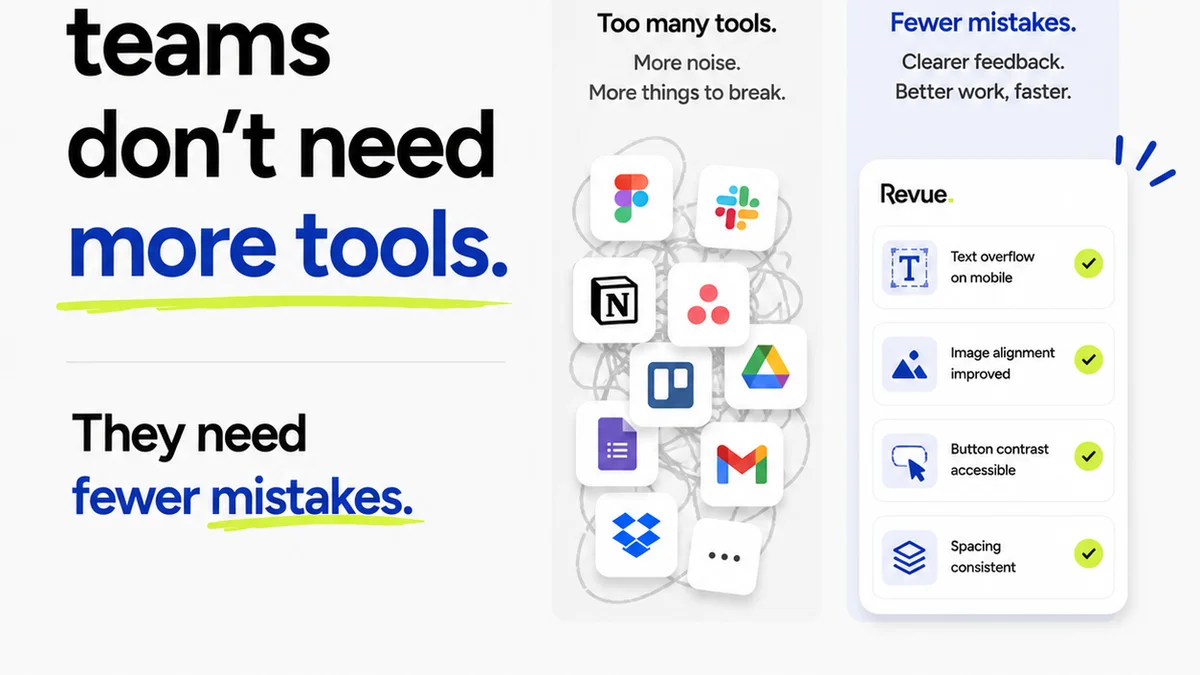
Where Revue Fits In
Managing client feedback and revisions can be a black box, obscuring true project success. Without a clear system, assumptions about what the client *really* wants can lead to scope creep and wasted effort.
Revue provides the clarity needed to measure and manage UI/UX projects effectively.
- Centralized Feedback: All stakeholder comments live in one place, linked to specific design elements. No more hunting through emails or Slack threads. This ensures feedback is actionable and directly tied to the design, reducing ambiguity.
- Revision Visibility: Track every iteration, every change made based on feedback. This provides a clear audit trail, showing progress and demonstrating how feedback was incorporated. It helps measure the *impact* of feedback cycles on the final product.
- Approval Workflow: Formalize the sign-off process. This not only streamlines delivery but also provides a clear point where the design meets the agreed-upon criteria, a key indicator of successful execution against requirements.
By bringing structure to the feedback and approval process, Revue helps ensure that design changes are driven by clear objectives and measurable outcomes, not just subjective opinions.
Final Thought
Are you building a museum piece or a revenue-generating tool? The difference lies in how you measure success. Focus on the business outcomes. Make the user's journey profitable for them and for you.
Frequently asked questions
What are the most important KPIs for UI/UX success?
The most important KPIs are business-centric. Focus on conversion rates, task completion rates, time on task, reduction in support load, user retention, churn rate, and customer lifetime value. These metrics directly reflect business impact.
How does qualitative feedback help measure UI/UX success?
Qualitative feedback, gathered through usability testing and user interviews, provides the crucial 'why' behind the quantitative data. It uncovers usability issues, user frustrations, and unmet needs that metrics alone can't reveal, offering context for performance.
When should I define UI/UX success metrics?
You should define UI/UX success metrics before the design process even begins. Establishing clear goals, hypotheses, and baseline data upfront ensures that your design efforts are aligned with business objectives and that you can accurately measure their impact.
Can 'user satisfaction' alone measure UI/UX success?
User satisfaction is a component, but not the sole measure. High satisfaction without corresponding business results (like increased conversions or reduced costs) indicates an incomplete picture. True success requires aligning user experience with business goals.