Everyone agrees that mobile app Quality Assurance is crucial. You can’t launch a buggy app. It’ll get deleted. It’ll tank your reviews. It’ll cost you users and money.
None of that is wrong. But it’s incomplete.
The hard truth is that effective mobile app QA isn't just about catching bugs. It’s about orchestrating a seamless user experience that makes people stick around.
It’s an operational discipline that underpins your app’s entire lifecycle, from initial concept to ongoing updates.
1. The Myth of the Bug List
Most teams treat QA like a final checklist. Developers build. Testers hunt. A list of bugs is generated. Fixes are made. Then, maybe, the app ships.
This is a reactive approach. It’s a firefighting exercise. And it’s fundamentally flawed.
Why? Because it separates the act of testing from the act of building. It assumes quality is an add-on, not an integral part of the development process.
The Real Cost of Reactive QA
When QA is an afterthought:
- Critical issues get discovered late, making fixes expensive and time-consuming.
- The focus shifts from user experience to technical defects, missing usability flaws.
- Teams develop a 'throw it over the wall' mentality, damaging collaboration.
- Missed bugs erode user trust and drive negative reviews.
This isn't QA. This is damage control.
2. Shifting Left: Integrating QA Early and Often
The real shift in mobile app QA is 'shifting left'. This means integrating testing and quality considerations much earlier in the development lifecycle.
It’s about building quality in, not trying to test it in later.
Design QA: The First Line of Defense
Before a single line of code is written, quality can be assessed. This starts with design.
- Are the user flows logical and intuitive?
- Does the UI adhere to platform guidelines (iOS Human Interface Guidelines, Android Material Design)?
- Is the visual hierarchy clear?
- Is accessibility baked in from the start?
Design QA catches issues that would cost exponentially more to fix once development is underway. It’s about validating the user experience on paper (or screen) first.
Development-Integrated Testing
Quality needs to be part of the daily development rhythm.
- Unit Tests: Developers write tests for individual code components.
- Integration Tests: Ensure different modules of the app work together correctly.
- API Testing: Validate the backend services the app relies on.
These tests run automatically, providing rapid feedback and preventing regressions.
Continuous Testing in CI/CD
Automated testing should be a core part of your Continuous Integration/Continuous Deployment pipeline.
Every code commit triggers a suite of automated tests. If any fail, the build is stopped. This prevents broken code from ever reaching testers or users.
This continuous feedback loop is non-negotiable for efficient mobile development.
3. Beyond Functional: Testing the User Experience
Most teams focus on functional QA: Does the button work? Does the form submit?
That’s essential, but it’s only part of the picture.
The true measure of a mobile app is the user experience. This involves testing aspects that go beyond simple functionality.
Usability Testing
Can real users easily achieve their goals within the app?
- Observe users attempting common tasks.
- Identify points of friction, confusion, or frustration.
- Gather feedback on clarity, ease of navigation, and overall satisfaction.
This requires structured sessions, often with unmoderated tools or direct observation.
Performance Testing
A slow app is a bad app.
- Load Times: How quickly does the app launch and load key screens?
- Responsiveness: How quickly does the UI react to user input?
- Resource Consumption: How much battery, memory, and data does it use?
- Network Conditions: How does the app perform on flaky or slow connections?
Performance issues can kill adoption faster than bugs.
Security Testing
Protecting user data is paramount.
- Vulnerability scanning.
- Penetration testing.
- Ensuring data is encrypted in transit and at rest.
A security breach is a catastrophic failure.
Compatibility Testing
Mobile devices are a fragmented ecosystem.
- Device Diversity: Test on a range of screen sizes, resolutions, and hardware capabilities.
- OS Versions: Ensure compatibility across different iOS and Android versions.
- Third-Party Integrations: Check how the app interacts with other installed apps or services.
What works on your flagship device might fail on a budget phone.
4. The Human Element: Exploratory and Beta Testing
Automation can catch a lot, but it can’t catch everything.
There’s still a vital role for human testers.
Exploratory Testing
This is less about following a script and more about intelligent, unscripted probing.
Skilled testers use their intuition and experience to explore the app, looking for edge cases, unexpected behaviors, and areas of weakness.
It’s about thinking like a user, and sometimes, like a malicious actor.
Beta Testing Programs
Engaging real users before a full public launch is invaluable.
- Internal Beta: Roll out to your entire company for early feedback.
- External Beta: Invite a select group of target users to test.
- Public Beta: Allow anyone to opt-in to test pre-release versions.
Beta programs provide a diverse range of devices, network conditions, and usage patterns that you can’t replicate internally.
5. Where Revue Fits In
Managing the complexities of mobile app QA, especially with distributed teams or multiple stakeholders, requires clear communication and visibility.
Revue helps centralize feedback and streamline the revision and approval process, which is critical during the testing phases.
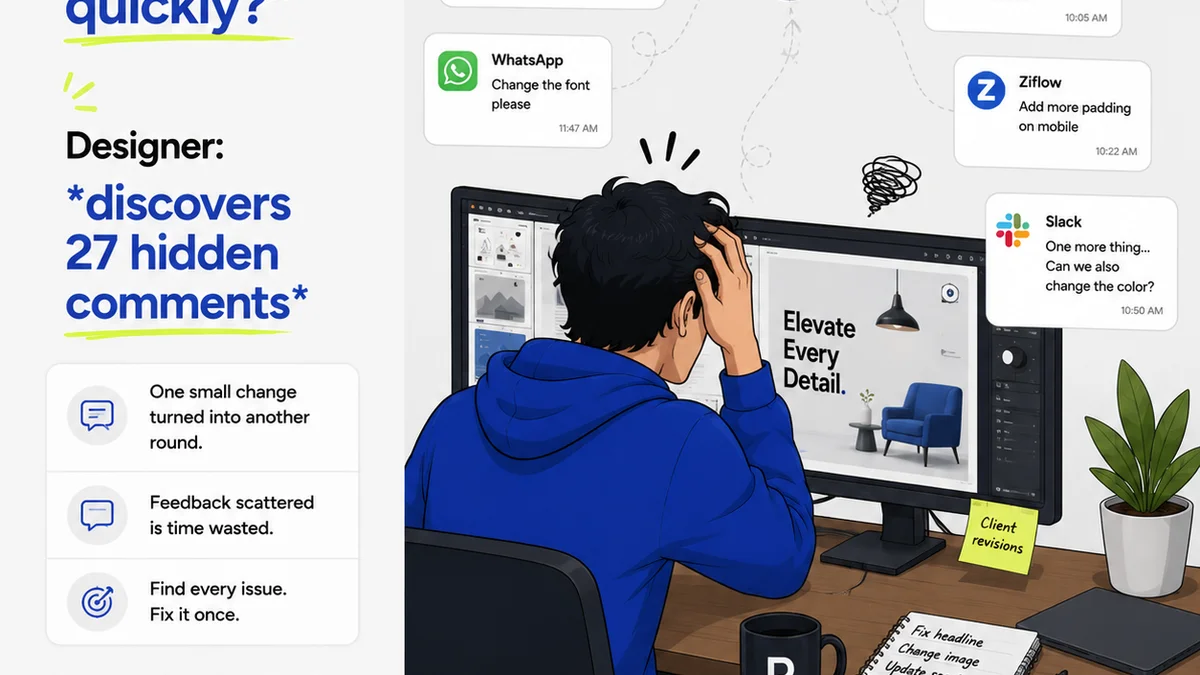
- Centralized Feedback: Consolidate feedback from designers, developers, QA testers, and beta users all in one place. No more hunting through scattered emails or chat logs.
- Revision Visibility: Track the history of changes, comments, and approvals. Understand exactly what was changed, why, and who signed off on it.
- Quality Checkpoints: Use Revue to manage bug reporting and verification, ensuring that issues are addressed and re-tested systematically.
- Streamlined Approvals: Formalize the sign-off process for releases, ensuring that all stakeholders have reviewed and approved the final build before deployment.
By bringing structure to feedback and approvals, Revue ensures that the quality assurance process is thorough, documented, and efficient, leading to a more polished final product.
6. Final Thought
Mobile app QA is not a department. It's not a phase. It’s a mindset.
It’s the commitment to delivering an experience so polished, so intuitive, that users don’t even notice the quality. They just enjoy the app.
Are you building an app, or are you building an experience?
Frequently asked questions
What's the difference between functional and usability testing for mobile apps?
Functional testing verifies that specific features and functions of the app work as intended (e.g., does a button click?). Usability testing assesses how easy and intuitive the app is for users to navigate and accomplish their goals within the app.
How important is testing on different devices and OS versions?
Extremely important. The mobile ecosystem is fragmented. An app that works perfectly on one device or OS version may have critical issues on another due to hardware differences, screen sizes, or OS-specific behaviors. Comprehensive compatibility testing is essential.
When should QA start in the mobile app development process?
QA should start as early as possible, ideally during the design phase. This 'shift left' approach involves reviewing designs for usability and feasibility, and integrating automated testing into the development pipeline from the beginning, not just as a final step.
What is 'exploratory testing' in mobile app QA?
Exploratory testing is an unscripted approach where testers freely explore the app to discover potential issues. It leverages the tester's intuition, knowledge, and creativity to find edge cases and unexpected behaviors that scripted tests might miss.