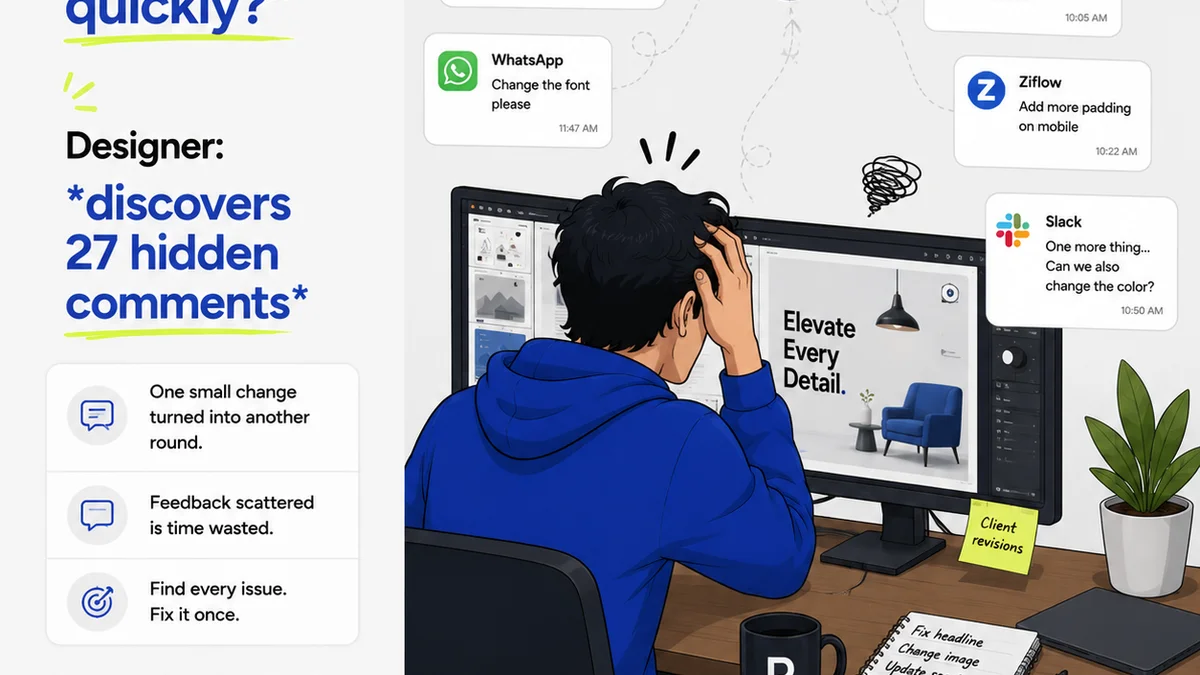
Everyone wants to believe there’s a perfect project management tool. A single piece of software that will magically organize your agency, streamline client feedback, and eliminate endless revision rounds. Notion and ClickUp are often pitted against each other in this quest.
You’ve probably read the comparisons: Notion is flexible, ClickUp is feature-rich. Notion is a wiki, ClickUp is a task manager. Notion is simple, ClickUp is complex.
None of that is wrong. But it’s incomplete.
The hard truth is, the choice between Notion and ClickUp isn't about which tool has more buttons or prettier templates. It’s about which tool aligns with your team’s fundamental approach to creative workflow and client collaboration.
1. The Illusion of the All-in-One
Both Notion and ClickUp promise to be your agency’s single source of truth. And in many ways, they can be.
Notion excels at building custom databases, knowledge bases, and internal wikis. You can structure client information, project briefs, and brand guidelines exactly how you want.
ClickUp, on the other hand, boasts a dizzying array of views (List, Board, Calendar, Gantt, Table, Mind Map), custom fields, and automation possibilities. It aims to be the ultimate command center for tasks, projects, and resources.
The trap here is thinking that *more features* equals *better organization* or *smoother client feedback loops*.
This often leads to:
- Over-customization that becomes unmanageable.
- Teams ignoring complex features because they’re too much effort.
- Purchasing expensive plans for capabilities you’ll never use.
- The tool dictating your workflow, rather than supporting it.
The real difference isn't in the breadth of features, but in the depth of structure each platform encourages.
2. Structure: Wiki vs. Workflow
This is the core distinction. Notion is fundamentally a wiki. Its power comes from linking pages, building databases, and creating flexible, interconnected information structures.
ClickUp is fundamentally a task and project manager. Its strength lies in defining tasks, assigning owners, setting deadlines, and visualizing project progress through various lenses.
Notion's Strength: The Knowledge Hub
If your agency struggles with scattered briefs, inaccessible brand guidelines, or onboarding new team members to your processes, Notion can be a game-changer.
You can build:
- Centralized client portals.
- Living brand guideline documents.
- Internal SOPs and playbooks.
- A searchable archive of past projects and learnings.
The emphasis is on information architecture. How do you store, connect, and retrieve knowledge?
ClickUp's Strength: The Execution Engine
If your agency’s primary pain point is tracking tasks, managing multiple project timelines, and ensuring nothing falls through the cracks, ClickUp shines.
You can configure:
- Detailed task dependencies.
- Automated status updates.
- Resource allocation and workload management.
- Burn-down charts and project velocity tracking.
The focus is on execution and delivery. How do you get work done efficiently?
3. Client Feedback and Revisions: Where the Rubber Meets the Road
This is where most creative agencies live and die. And it’s where the Notion vs. ClickUp debate often misses the mark.
Neither platform is inherently designed for the nuanced, visual feedback loops common in creative work. They are not built to replace dedicated proofing tools.
Notion's approach: Documentation and Linking
In Notion, you might embed documents or links to external proofs. You can create pages for client feedback, but it’s largely text-based or requires manual linking to assets.
Collaboration happens through comments on pages or within embedded documents. It’s good for tracking decisions but poor for visual annotation.
ClickUp's approach: Tasks and Subtasks
ClickUp can manage feedback as tasks or subtasks. You can attach files and use comments. Some teams use custom fields to track feedback status.
While more structured for task completion, it still lacks integrated visual proofing. You’re likely attaching PDFs or images and discussing them in comments, which can become unwieldy.
The challenge for both:
- Visual feedback requires context – seeing the design at scale, making annotations directly on the image/video.
- Managing multiple rounds of feedback on the same asset can get messy.
- Ensuring client stakeholders are providing consolidated, clear feedback is difficult.
If your primary goal is simplifying visual feedback and approvals, neither tool is the silver bullet.
4. Customization vs. Configuration
This is a subtle but critical difference in how you’ll set up your agency’s instance.
Notion: Build Your Own System
Notion’s customization is deep and requires you to *design* your databases and pages. You define the properties, the relations, the views.
It’s like giving an architect raw materials and blueprints. You can build almost anything, but it requires significant upfront design thinking and ongoing maintenance.
ClickUp: Configure an Existing Framework
ClickUp offers a robust framework with many pre-built options. You configure existing settings, custom fields, and views to match your needs.
It’s more like assembling a complex piece of furniture from IKEA. The core structure is there; you’re choosing the specific components and how they fit together. Less design freedom, but often faster to implement.
5. Learning Curve and Adoption
Let’s be blunt.
Notion can feel deceptively simple at first. But building a truly effective, agency-wide system requires a significant investment in learning its database logic and page structure. Adoption can be slow if not managed carefully.
ClickUp has a steeper initial learning curve due to its sheer number of features and views. Teams can feel overwhelmed. However, once the basic task management principles are grasped, adoption for core project tracking can be quicker.
The key is to onboard your team with a clear purpose for the tool, not just a list of features.
Where Revue Fits In
The limitations of both Notion and ClickUp for handling visual feedback highlight a critical gap in many creative agency workflows.
Agencies need a centralized place for client feedback that is built for the creative process. A tool that doesn't just store comments but allows for direct annotation on designs, videos, and websites.
This is where Revue excels. We provide a dedicated platform for:
- Centralized Client Feedback: All stakeholder comments live in one place, linked to specific versions of assets.
- Revision and Approval Visibility: Track the entire feedback loop, see who approved what, and when. No more digging through email chains or scattered documents.
- Quality Checks: Ensure every asset goes through a defined review process before final delivery.
Think of it this way: Use Notion or ClickUp for your internal project management, knowledge base, and task tracking. Then, integrate Revue specifically for your client review and approval cycles. This creates a powerful, specialized workflow that leverages the strengths of each tool.
Final Thought
Are you choosing a tool based on the features you might use, or the workflows you actually* need? The distinction between a wiki and a task manager is significant, but the real impact on your agency’s bottom line will come from how effectively you manage client feedback and revisions. Don't let the allure of the 'all-in-one' solution distract you from solving your most pressing workflow challenges.
Frequently asked questions
Can Notion or ClickUp replace dedicated proofing tools?
While both can manage feedback through comments and attachments, neither is purpose-built for visual annotation on designs or videos. For efficient creative proofing, a dedicated tool like Revue is often more effective.
Which tool is easier to learn for a small creative team?
ClickUp has a steeper initial learning curve due to its feature depth, but core task management can be adopted quickly. Notion's flexibility means its learning curve can become steeper as you build more complex systems. Both require dedicated onboarding.
How do Notion and ClickUp handle client collaboration?
Notion allows for shared pages and databases, good for documentation. ClickUp can share projects and tasks. However, neither offers integrated visual annotation for creative assets, which is crucial for clear client feedback.
Is it better to use Notion or ClickUp for internal agency knowledge management?
Notion excels at building interconnected knowledge bases, wikis, and documentation, making it a strong choice for internal knowledge management. ClickUp can store information but is more task-centric.