Everyone wants to know: Notion or ClickUp? Which is the better project management tool for creative teams?
The answer you’ll always get is: “It depends.”
None of that is wrong. But it’s incomplete.
The hard truth is, most teams pick a tool based on feature lists and surface-level comparisons. They miss the fundamental workflow philosophies that make or break adoption for creative agencies.
1. Notion: The Infinite Canvas vs. ClickUp: The All-in-One Hub
Notion feels like a blank notebook. You build your systems from scratch. It’s infinitely flexible.
ClickUp feels like a pre-built workshop. It has dedicated spaces for everything, from tasks to docs to goals.
Notion’s Philosophy: Building Blocks
Think of Notion as LEGOs for your agency’s operations. You get a box of versatile bricks (databases, pages, blocks) and you assemble your perfect structure.
- Pros: Ultimate customization. Perfect for unique workflows. Scales to your exact needs.
- Cons: Can be overwhelming to set up. Requires significant discipline to maintain consistency.
This is ideal for teams that have a very specific way of working and want a tool that molds perfectly to them, not the other way around.
ClickUp’s Philosophy: Integrated Solution
ClickUp aims to be the single source of truth for your entire business. It bundles task management, docs, goals, and even email into one platform.
- Pros: Everything in one place. Faster to get started with pre-built templates. Strong task management features.
- Cons: Can feel rigid if your workflow doesn’t fit its structure. Customization has limits.
This works best for teams who want a comprehensive solution out-of-the-box and prefer a more structured environment.
2. Task Management: Structure vs. Flexibility
This is where most comparisons focus, and it’s a crucial point for creative work.
ClickUp: Task-Centric Power
ClickUp excels at traditional task management. It’s built for tracking progress, assigning owners, setting deadlines, and managing dependencies.
- Multiple views: List, Board, Calendar, Gantt, Timeline, Table.
- Custom fields: Tailor task details to your needs.
- Subtasks and checklists: Break down complex work.
- Automations: Streamline repetitive actions.
If your primary challenge is tracking the granular steps of projects and ensuring nothing falls through the cracks, ClickUp’s task features are robust.
Notion: Relational Databases
Notion handles tasks through its powerful database feature. You create a database for tasks, link it to projects, clients, or team members.
- Flexibility is key: Define your own properties (due dates, status, assignee, priority, etc.).
- Relational linking: Connect tasks to any other piece of information.
- Custom views: Filter, sort, and group tasks in infinite ways.
This approach is less about rigid task lists and more about how tasks relate to the broader project context. It’s powerful but requires a thoughtful setup.
3. Documentation and Knowledge Management
Creative agencies live and die by their documentation: briefs, meeting notes, brand guidelines, SOPs.
Notion: The Document King
Notion’s core strength is its document editor. It’s a joy to write and structure information.
- Page-based structure: Organize anything into nested pages.
- Embeddable content: Bring in files, links, and other Notion blocks.
- Databases within pages: Create task lists or asset trackers right inside a project brief.
- Templates: Standardize your documents.
If your team struggles with scattered documents or needs a central, searchable wiki, Notion shines.
ClickUp: Integrated Docs
ClickUp’s Docs feature is functional and integrated. You can create documents within your project spaces.
- Linked to tasks: Associate docs directly with project items.
- Templates: Create reusable document structures.
- Collaboration: Real-time editing and comments.
It’s good for project-specific documentation but doesn’t offer the same depth or flexibility as Notion for building a comprehensive knowledge base.
4. Collaboration and Communication
How do your teams talk about work?
ClickUp: Task-Focused Comments
Communication in ClickUp primarily happens within tasks. This keeps conversations contextual to the work item.
- Comments, @mentions, assignees for comments.
- Task-specific chat keeps things organized.
This is efficient for day-to-day task updates but can feel limiting for broader project discussions or brainstorming.
Notion: Page Comments and Discussions
Notion allows comments on any page, fostering broader discussions around documents or project overviews.
- Page-level comments: Discuss briefs, strategies, or general project status.
- @mentions: Notify specific team members.
This is great for collaborative document editing and feedback but lacks the direct task-level communication thread found in ClickUp.
5. The Setup and Learning Curve
How quickly can your team actually use the tool?
ClickUp: Faster On-Ramp
ClickUp offers many pre-built templates and a more defined structure. Getting started is generally quicker.
- Templates for agencies, marketing, product development.
- Guided setup wizards.
- Familiar task management paradigms.
New users often grasp ClickUp’s core task management quickly.
Notion: The Blank Slate Challenge
Notion requires you to design your system. This takes time, planning, and iteration.
- Requires process definition before tool setup.
- Can lead to analysis paralysis.
- Steeper initial learning curve for complex setups.
The investment in setup pays off in long-term customization, but the initial hurdle is higher.
Where Revue Fits In
Whether you choose Notion, ClickUp, or another tool, managing creative projects involves a cycle of feedback, revisions, and approvals.
This is where most project management tools fall short. They track tasks, but they don’t centralize the actual creative assets and client feedback in a way that’s easily auditable.
Notion and ClickUp can house your project plans and documentation. But when it comes to getting clear, contextual feedback on a design mock-up, a video edit, or a website build, you need a dedicated solution.
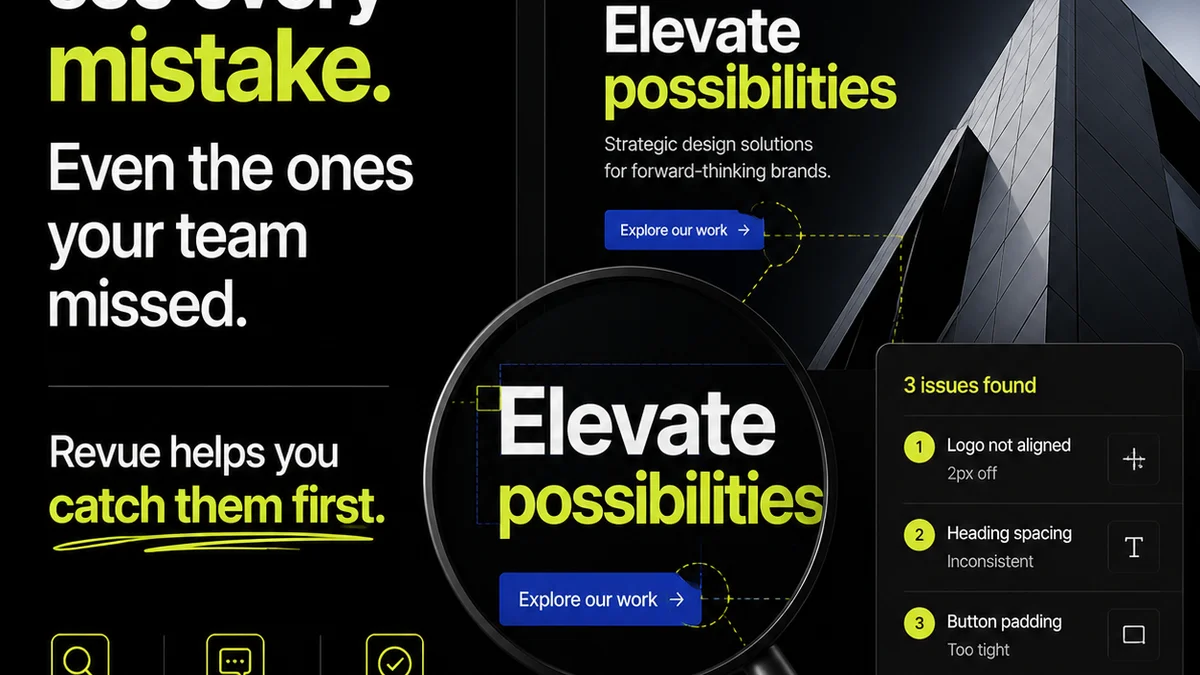
This is Revue’s sweet spot. We integrate with your existing tools to provide a single source of truth for creative approvals.
- Centralized feedback: All client comments on one version.
- Revision tracking: See every iteration clearly.
- Clear approvals: Eliminate ambiguity with definitive sign-offs.
Stop chasing feedback across emails, Slack, and comment threads. Get clarity and keep your projects moving.
Final Thought
The choice between Notion and ClickUp isn't just about features. It's about your agency's operating system.
Do you want to build your own system block by block, or adopt a comprehensive, pre-built solution?
Your answer dictates which tool will truly empower your creative team, rather than just adding another layer of complexity.
Frequently asked questions
Which tool is better for managing creative assets?
Neither Notion nor ClickUp are ideal for managing creative assets directly. They excel at project planning and documentation. For asset management and version control, consider dedicated DAM solutions or integrations that connect to your PM tool.
Can I use Notion and ClickUp together?
Yes, it's possible to integrate Notion and ClickUp, often through third-party automation tools like Zapier. This allows you to link tasks in ClickUp to documents in Notion, for example, but adds complexity to your setup.
Which tool has a better free plan for small agencies?
Both offer generous free plans, but their strengths differ. ClickUp's free plan is robust for task management. Notion's free plan is great for personal use and small teams needing flexible document creation and basic databases. Evaluate which core functionality you need most.
How do these tools handle client feedback?
Both allow comments within tasks or pages, but this is often inefficient for creative feedback. Dedicated tools like Revue are built specifically to centralize, organize, and track client feedback on creative deliverables, providing a clearer audit trail than general PM software.