Everyone thinks design QA is about catching typos and making sure the logo isn’t slightly off-center. It’s about the final polish, right? The last check before launch.
None of that is wrong. But it’s incomplete.
The hard truth is that design QA is a massive bottleneck for most creative agencies and in-house teams. It’s slow, error-prone, and frankly, a colossal waste of senior creative talent’s time. And the tools we’ve historically relied on haven’t fundamentally changed that equation.
Until now. Optical Character Recognition (OCR) is quietly revolutionizing how we approach design quality assurance. It’s moving QA from a manual, subjective process to an automated, objective one.
1. The Hidden Cost of Manual QA
For years, design QA has been a human-centric process. A designer, a project manager, or even the client themselves would pore over proofs, hunting for errors. It’s a necessary evil, we tell ourselves. But the costs are staggering, even if they’re hidden in plain sight.
The Time Sink
Think about it. How many hours does a senior designer spend comparing a final PDF to the brief, line by line? Or checking every single piece of copy against a spreadsheet? These are hours that could be spent on creative strategy, concept development, or client communication.
This isn’t just about billable hours. It’s about opportunity cost. Every hour spent on tedious QA is an hour not spent on work that truly drives value for your clients.
The Inevitable Errors
Humans get tired. Humans get distracted. Humans make mistakes. Especially when performing repetitive, detail-oriented tasks. This means errors inevitably slip through the cracks.
A misplaced comma, a wrong date, a slightly misaligned element – these might seem minor. But they erode client trust and professional reputation. The bigger the project, the higher the stakes, and the more devastating even a small error can be.
The Subjectivity Problem
What one person considers a minor deviation, another might flag as a critical error. This subjectivity leads to endless back-and-forth, confusion, and frustration. It’s a breeding ground for scope creep and client dissatisfaction.
Clear, objective QA criteria are hard to enforce when the primary tool is human eyeballs and subjective judgment.
2. Beyond Simple Text: How OCR Works for Design
When most people hear OCR, they think of scanning old documents to make them searchable. That’s just the tip of the iceberg. Modern OCR technology can:
- Extract text with remarkable accuracy, even from complex layouts.
- Identify specific elements within an image or PDF.
- Compare extracted data against a known source of truth.
- Flag discrepancies automatically.
This capability extends far beyond just proofreading copy. It can be applied to almost any element within a design file.
Verifying Textual Accuracy
This is the most obvious application. OCR can scan a design proof and extract all the text. This extracted text can then be compared against the master copy document or the client’s approved brief. Any deviations – a missing word, an added word, a spelling error, a grammatical mistake – are instantly highlighted.
Imagine checking a 50-page annual report. Manually, this is a multi-day task. With OCR, it can be done in minutes.
Checking Data Consistency
Product descriptions, pricing, specifications, dates, addresses, phone numbers – these are all critical data points that must be consistent across a campaign or a website. OCR can extract this structured data from design mockups and compare it against a database or spreadsheet.
This is invaluable for e-commerce, financial services, or any industry where data accuracy is paramount.
Ensuring Brand Guideline Adherence
While not its primary function, advanced OCR combined with other image analysis techniques can help flag inconsistencies in branding elements. Think:
- Consistent use of brand colors (though color-matching is complex and often requires specialized tools).
- Correct placement and size of logos.
- Consistent font usage across different elements.
This is an emerging area, but the potential to automate checks against brand guidelines is immense.
Validating Layout and Element Placement (Emerging)
This is where OCR starts to blend with more sophisticated computer vision. While not purely OCR, the underlying principle of analyzing visual data is similar. Future applications could involve:
- Checking alignment of elements against a grid.
- Ensuring consistent spacing between objects.
- Verifying the presence of required UI elements.
This is still a developing field, but it points towards a future where QA is far more automated and less reliant on human perception.
3. The Workflow Revolution: Integrating OCR into QA
Adopting OCR for QA isn’t about replacing your team; it’s about empowering them. It’s about shifting their focus from tedious, error-prone manual checks to strategic, higher-value tasks.
Automating the Tedious
The core benefit is automation. OCR tools can perform checks that previously took hours in mere minutes. This frees up your QA team, project managers, and even designers to focus on what they do best.
Think of it as a first-pass filter. OCR catches the obvious errors, allowing humans to focus on the nuanced creative feedback and strategic alignment that machines can’t replicate.
Reducing Errors and Rework
By catching errors earlier and more consistently, OCR significantly reduces the likelihood of mistakes making it to the client or launch. This means less costly rework, fewer emergency fixes, and a smoother production process.
Fewer errors mean happier clients and a stronger reputation for quality.
Standardizing the Process
OCR introduces objectivity into the QA process. It applies the same rules and checks every single time, removing the subjectivity that can plague manual reviews. This leads to a more consistent and reliable QA outcome.
This standardization is crucial for maintaining quality at scale, especially as your agency grows or your in-house team takes on more projects.
Empowering Your Team
The real win here is the elevation of your team’s roles. Instead of being proofreaders, they become quality strategists. They can spend more time understanding client goals, refining creative output, and ensuring the final product truly meets objectives, not just checking boxes.
This is how you build a high-performing creative operation.
4. Where Revue Fits In
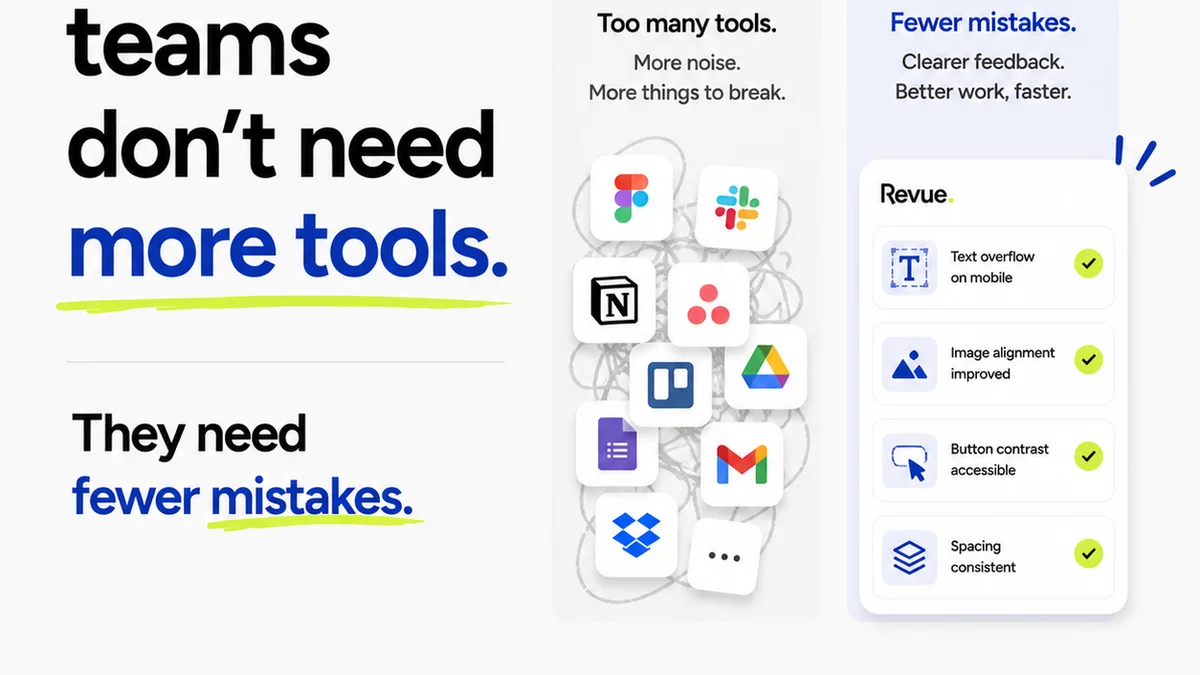
While OCR handles the heavy lifting of automated, objective checks, managing the entire feedback and approval lifecycle still requires a robust system. That’s where Revue comes in.
Revue acts as the central nervous system for your creative workflow. It’s where all feedback, revisions, and approvals converge.
- Centralized Feedback: Instead of scattered emails and Slack messages, all client feedback lives in one place, linked directly to the creative asset.
- Revision Visibility: Track every iteration of a design. See exactly what changed between versions, making it easy to pinpoint the source of issues or confirm that feedback was implemented correctly.
- Streamlined Approvals: Formalize the sign-off process. Ensure all necessary stakeholders have reviewed and approved the work, reducing ambiguity and last-minute surprises.
- Quality Check Integration: While OCR automates the technical checks, Revue provides the framework to manage the overall QA process. You can log OCR findings, track human review notes, and ensure all quality gates are met before final delivery.
Revue complements OCR by providing the necessary context, communication, and control around the creative assets that OCR is helping to validate.
5. The Future of QA: Human Judgment Meets Machine Precision
The future of design QA isn't about eliminating human oversight. It's about augmenting it. It’s about using technology like OCR to handle the repetitive, objective tasks, freeing up human creativity and critical thinking for what truly matters.
This means fewer errors, faster turnarounds, happier clients, and more engaged, empowered creative teams.
OCR is no longer a niche technology. It's a fundamental tool for any agency or team serious about delivering high-quality creative work efficiently.
Final Thought
Are you still treating QA as a final hurdle, or are you building it into the core of your creative process? The tools are here to make it smarter, faster, and more accurate than ever before. The question is, are you ready to adopt them?
Frequently asked questions
What is Optical Character Recognition (OCR) in the context of design QA?
OCR technology extracts text from images or documents. In design QA, it's used to automatically read text within design proofs (like PDFs or images) and compare it against approved copy or data, flagging any discrepancies for review.
How can OCR reduce errors in design projects?
By automating the verification of text, data, and potentially other elements against a source of truth, OCR catches errors like typos, incorrect figures, or formatting mistakes much faster and more reliably than manual checks, preventing them from reaching the client.
Can OCR replace human reviewers in the QA process?
No, OCR is a tool to augment human reviewers, not replace them. It automates objective, repetitive checks, freeing up human reviewers to focus on subjective creative feedback, strategic alignment, and nuanced quality assessments that machines cannot perform.
What types of design assets are best suited for OCR QA?
Any design asset with significant text or data is a good candidate. This includes websites, apps, brochures, reports, marketing collateral, product packaging, and any other material where accuracy of copy and data is critical.
How does OCR integrate with project management tools like Revue?
OCR performs automated checks on assets. Tools like Revue then provide the platform to manage the feedback, track revisions, log the findings from OCR checks, and oversee the overall approval process, ensuring both automated and human QA steps are completed.