Everyone knows OCR – Optical Character Recognition. It’s that tech that turns a scanned PDF into searchable text. Handy for digitizing old reports, right?
None of that is wrong. But it’s incomplete.
For graphic designers, creative directors, and agency owners, OCR is more than just a document scanner trick. It’s a foundational technology that quietly underpins a surprising amount of your daily work. Ignoring its potential is leaving efficiency on the table.
The hard truth? OCR isn’t just about *reading* text. It’s about *unlocking* information trapped in images and documents, making it actionable. And that has massive implications for creative operations.
1. Beyond Basic Text: OCR’s Evolving Role
The popular image of OCR is a clunky desktop app spitting out garbled text from a faxed invoice. That’s legacy thinking.
Modern OCR, especially when integrated into design tools and asset management systems, is far more sophisticated.
Understanding the Core Function
At its heart, OCR identifies and extracts text from images. This can be text within a photograph, text on a scanned poster, or even text embedded within a design file that’s been flattened to an image format.
But the real power comes when that extracted text isn’t just displayed, it’s used.
OCR in Image Analysis
Think about it: a client sends over a mood board full of scanned magazine clippings. Or a photographer provides a batch of images with handwritten notes on the back.
Manually transcribing all that text is a massive time sink. OCR can automate this, pulling out:
- Titles and headlines from print ads
- Product names and descriptions from packaging mockups
- Key phrases or taglines from inspirational imagery
- Notes or annotations on physical proofs
This isn’t about replacing designers’ eyes; it’s about augmenting their ability to process vast amounts of visual information quickly.
OCR in File Naming and Tagging
Imagine a client brief that’s a scanned PDF. Your team needs to pull out the project name, client name, and key deliverables to properly name and tag associated design files.
Without OCR, this is manual lookup. With it, the system can automatically scan the brief, extract the relevant data points, and apply them to your file structure. This dramatically reduces errors and speeds up asset management.
2. Practical Applications for Creative Teams
Let’s get specific. How does this actually show up in your day-to-day?
Asset Management and Searchability
Your agency’s digital asset management (DAM) system is only as good as its metadata. How do you ensure assets are easily findable?
OCR can be used to:
- Scan logos and extract brand names or taglines.
- Analyze product shots and identify SKUs or product categories.
- Process historical campaign materials to pull out dates, campaign names, or key messaging for easy retrieval.
This means a junior designer can find that perfect stock photo from three years ago in seconds, not minutes (or hours) of digging.
Client Feedback and Revision Tracking
Clients often send feedback in various formats. A PDF markup, a screenshot with annotations, even a photo of a printed draft.
OCR can help:
- Extract specific comments from annotated PDFs, linking them directly to the relevant design element.
- Identify text-based feedback in screenshots, making it easier to categorize and act upon.
- Transcribe handwritten notes from physical proofs, ensuring no critical feedback is lost in translation.
This streamlines the process of consolidating feedback, reducing the chance of misinterpretation or missed comments.
Competitive Analysis and Inspiration Gathering
When researching competitors or gathering inspiration, you’re often dealing with a firehose of visual content.
OCR enables faster processing of:
- Competitor website screenshots to extract headlines and calls-to-action.
- Print advertisements to capture slogans and key messaging.
- Social media posts to identify trending language and visual themes.
This allows your team to move from passive observation to active analysis much more efficiently.
Accessibility and Archiving
While not strictly a design *creation* task, OCR plays a vital role in making creative work accessible and preserving it.
For example, ensuring that text within infographics or image-heavy reports is also available as machine-readable text improves SEO and accessibility for visually impaired users.
3. The Hidden Costs of Ignoring OCR
You might think, “My team is small, we don’t have this problem.” Or, “We have a DAM, it’s fine.”
That’s a dangerous assumption.
The real cost isn’t in the software; it’s in the wasted human hours.
Wasted Time on Manual Data Entry
Every minute spent manually typing out text from an image is a minute not spent on creative strategy, design execution, or client communication.
Multiply that by your team size and project volume. It adds up.
Increased Error Rates
Humans make mistakes. Typos happen. Misinterpretations occur. Especially when dealing with tedious, repetitive tasks like transcribing text.
OCR, when properly trained and implemented, can significantly reduce these errors, leading to more accurate project details, better asset tagging, and cleaner client feedback logs.
Slower Project Turnaround
If your team is bogged down in manual data extraction and organization, projects simply take longer. This impacts client satisfaction and your agency’s profitability.
Faster access to information and more streamlined feedback loops directly translate to quicker project completion.
Lost or Mismanaged Assets
Poorly tagged or unsearchable assets are effectively lost assets. Valuable creative work, client collateral, and brand assets can languish in digital archives, unusable.
OCR-powered metadata generation ensures your valuable intellectual property remains accessible and usable.
4. Where Revue Fits In
You’re managing client feedback, revisions, and approvals. It’s a complex dance involving multiple stakeholders, file versions, and communication channels.
Where does OCR, and the underlying principle of unlocking information, fit into this?
Centralizing Client Feedback
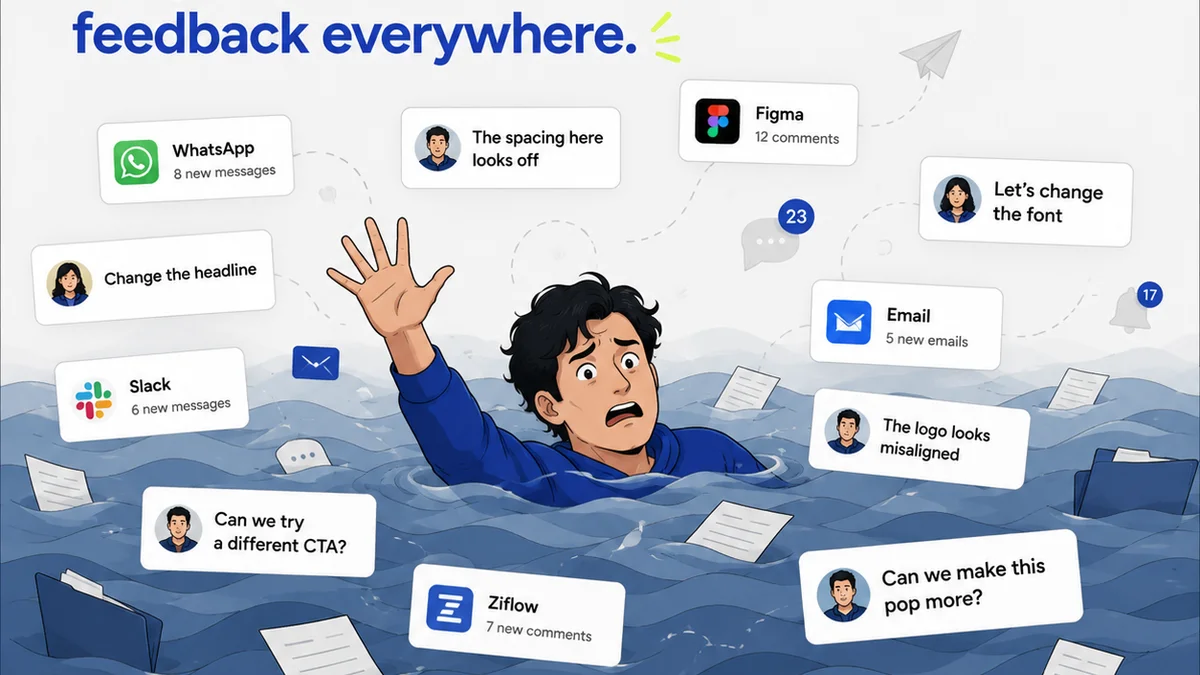
Clients rarely provide feedback in a single, perfectly structured format. It might be a PDF markup, an email, a Slack message, or even notes scribbled on a printout.
Revue acts as the central hub. While Revue doesn’t have built-in OCR for *parsing* arbitrary client documents, the *principle* is the same: bringing disparate information into a single, actionable system.
By using Revue, you ensure that all feedback, regardless of its original format, is captured and organized. If that feedback happens to be text within an image (e.g., a screenshot of a website with feedback), your *workflow* can incorporate OCR tools before the feedback enters Revue.
Visibility into Revisions
Understanding the history of a project – what feedback led to which revision – is critical. This often involves tracking text-based comments and decisions.
While Revue focuses on the visual comparison and approval process, the data feeding into it can be enriched. Imagine a workflow where OCR extracts key comments from client-provided mockups or annotated PDFs, and these extracted comments are then logged in Revue’s annotation or comment system.
Quality Checks
Ensuring the final output meets all requirements means checking against the original brief and all subsequent feedback.
If your brief or key client requests were initially in image or scanned PDF format, OCR can help extract that crucial text. This extracted text can then be used as a checklist or reference point, either manually or through integrations, to ensure final deliverables align with all documented requirements.
The goal is to make all critical project information, including text embedded in visuals, accessible and actionable within your core project management tools.
5. Final Thought
We often think of design tools and project management software as the primary drivers of creative efficiency. But the underlying technologies that make information usable are just as important.
OCR is no longer just a niche utility. It’s a fundamental enabler for smarter asset management, more efficient feedback cycles, and ultimately, better creative output.
Is your agency treating the text locked inside your visual assets as a resource, or just as background noise?
Frequently asked questions
What is the primary function of OCR in graphic design?
The primary function of OCR in graphic design is to identify and extract text from images or scanned documents, making that text searchable, editable, and actionable within creative workflows.
How can OCR improve asset management for agencies?
OCR can automatically extract text from logos, product shots, or campaign materials, which can then be used to generate metadata. This makes assets easier to search, tag, and retrieve within a DAM system.
Can OCR help with managing client feedback?
Yes, OCR can help by extracting specific comments from annotated PDFs, screenshots, or even handwritten notes on physical proofs, ensuring no critical feedback is missed when consolidating it.
Is OCR technology complex to implement in a design workflow?
While advanced custom implementations can be complex, many design tools and asset management systems offer integrated OCR capabilities or work with third-party tools that simplify implementation for common tasks like file naming and search.
Does OCR replace the need for manual review of design elements?
No, OCR is a tool to augment human capabilities, not replace them. It automates the extraction of text-based information, freeing up designers and project managers to focus on strategic and creative aspects.