Creative Directors love to talk about vision, strategy, and big ideas. They obsess over the perfect pixel, the killer headline, the gut-punching concept. And that’s important. That’s the *art* of it all.
But the *science*? The part that ensures that brilliant idea actually ships without errors? Often gets short shrift.
Many assume that a PDF is just a PDF. That sending a final file is the easy part. That a quick eyeball test is enough.
None of that is wrong. But it’s incomplete.
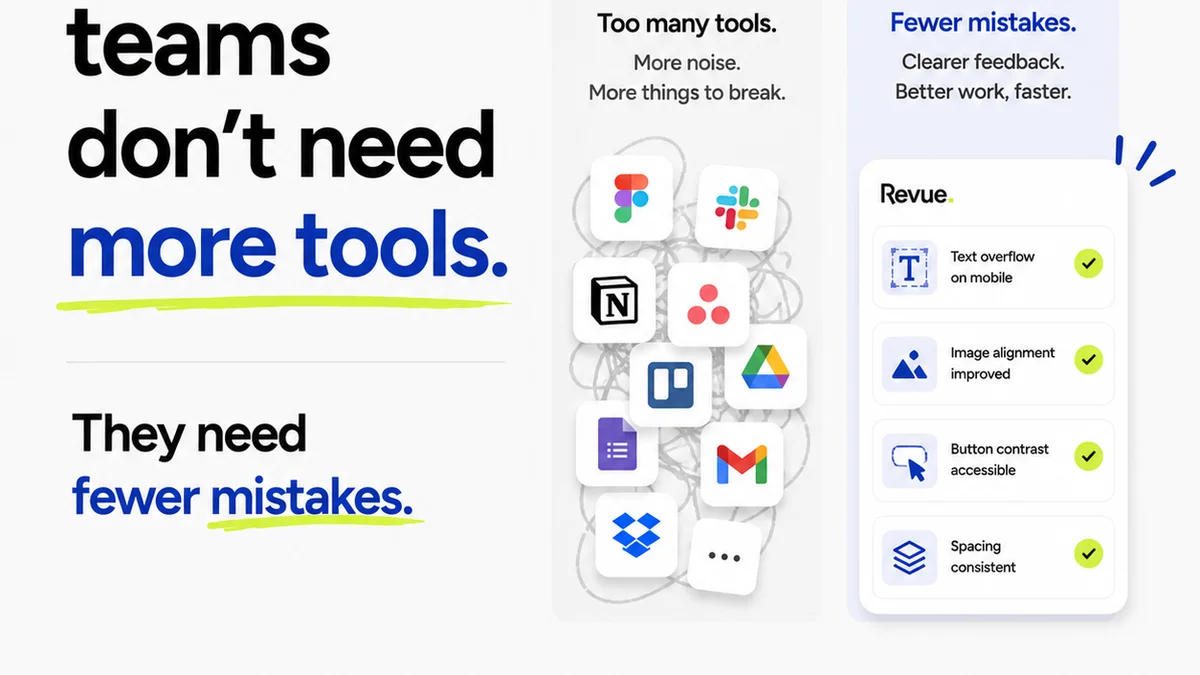
The hard truth is, a sloppy PDF can undo weeks of brilliant creative work. It erodes client trust, costs time and money in unexpected revisions, and makes your team look less than professional.
A robust PDF Quality Assurance (QA) process isn't a bureaucratic hurdle; it's a critical bottleneck that, if managed well, unlocks efficiency and elevates your agency's output. It’s the difference between a client saying “Wow, great job!” and “Uh, what’s this?”
1. The Foundation: What Are We Even Checking?
Before you can check anything, you need to know *what* you’re checking against. This sounds obvious, but it’s where most QA processes stumble.
1.1. The Master Brief
This is your single source of truth. Every stakeholder sign-off, every client request, every strategic decision should be documented here.
Does the PDF align with the original brief’s objectives? Target audience? Key messaging?
If the brief changed, were those changes formally approved and documented?
1.2. Brand Guidelines
Your brand bible. Consistency is king here. A PDF that deviates from established brand standards isn’t just an error; it's a brand risk.
- Logo usage and clear space
- Correct color palettes (CMYK, RGB, Hex codes)
- Typography hierarchy and font usage
- Imagery style and tone
- Tone of voice and messaging consistency
1.3. Technical Specifications
This is where the rubber meets the road for print or digital delivery. Ignoring these leads to production nightmares.
- Print: Bleed, trim, and safety margins. Correct color modes (CMYK vs. RGB). Resolution (DPI). Spot colors. Overprint settings. File format (e.g., high-res PDF/X-1a).
- Digital: File size constraints. Color modes (RGB). Resolution (PPI). Export settings for web (e.g., PDF for web, interactivity). Accessibility considerations (alt text, tagged PDFs).
2. The Visual Audit: Beyond a Quick Glance
This is the most common QA step, but it’s often done too quickly or without a clear checklist. A thorough visual audit requires a systematic approach.
2.1. Layout and Composition
Is everything where it’s supposed to be? Does it look balanced?
- Are elements aligned correctly?
- Is there consistent spacing between objects?
- Are margins and gutters applied properly?
- Are images cropped correctly and free of distortion?
- Is text readable and well-spaced?
2.2. Typography Check
Fonts are tricky. Small errors here scream
Frequently asked questions
What is the most critical element of a PDF QA checklist?
The most critical element is ensuring the PDF aligns perfectly with the approved brief and all technical specifications for its intended output (print or digital). This prevents fundamental errors that can derail the entire project.
How often should a PDF QA checklist be updated?
Your PDF QA checklist should be reviewed and updated at least annually, or whenever significant changes occur in your team's workflow, software, or client delivery requirements. Regular reviews ensure it remains relevant and effective.
Can a PDF QA checklist help with accessibility?
Yes, absolutely. A comprehensive checklist should include checks for tagged PDFs, appropriate color contrast, and sufficient font sizes, all of which are crucial for digital accessibility standards like WCAG.
Who is responsible for PDF QA in an agency?
While the final responsibility often falls on the Creative Director or Project Manager, PDF QA should be a collaborative effort. Designers, production artists, and proofreaders all play a role in ensuring a file meets quality standards before it's finalized.