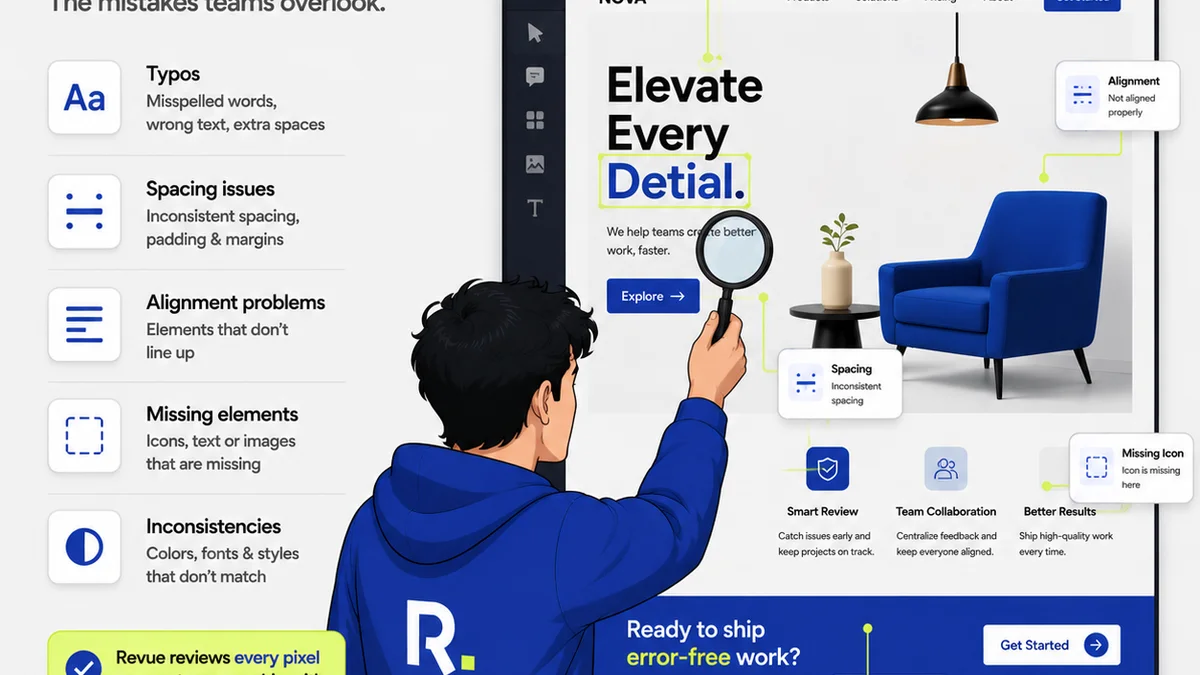
The common wisdom on prepress is simple: get the files right. Check color modes, bleed, resolution, and trim marks. None of that is wrong. But it’s incomplete.
The hard truth? In 2026, a prepress checklist isn't just about avoiding print errors. It's a proactive quality control system that anticipates client and production challenges before they cost you time and money. It’s about embedding quality assurance deep into your creative workflow, not just slapping it on at the end.
1. Beyond CMYK: The Color Universe
We all know CMYK is king for print. But what about the *variations* within CMYK? And what about jobs that might touch digital channels first?
The idea of a single, perfect color profile is a myth. Different presses, papers, and even geographic regions have their own subtle shifts. Your checklist needs to account for this variability.
Spot Colors and Their Nuances
If your design uses spot colors (Pantone, for example), the checklist must go deeper than just listing the color name. Is the spot color defined correctly in the source file? Is it a process color or a spot color in the final output intent?
Many files arrive with spot colors that are actually just rich blacks or CMYK builds masquerading as spots. This causes unexpected shifts and costs during printing.
RGB-to-CMYK Conversion Intent
For work that starts in RGB (which is most digital design), the conversion to CMYK is critical. How is this conversion being handled?
- Is there a defined conversion profile (e.g., SWOP, GRACoL)?
- Is the design team aware of the potential loss of vibrancy and the need to design *for* CMYK limitations, not just convert later?
- Are there specific elements (like gradients or fine text) that need special handling during conversion?
Your prepress process should include a step to verify the CMYK conversion output, not just assume the software did it perfectly.
2. The Bleed and Safe Zone Tightrope
Bleed is standard. Safe zones are standard. But are they *consistently* applied and understood?
A common assumption is that adding 1/8th inch bleed is enough. But what if the printer’s machinery has a larger tolerance? What if the trim is unusually tight?
Bleed Verification
Your checklist should include verifying that the bleed extends *past* the trim edge on all sides, and that there are no critical design elements (text, logos) placed too close to the trim line.
This requires not just a visual check, but understanding the printer's specifications. If you have a standard printer, great. If you're working with a new vendor, get their spec sheet.
Safe Zones for Text and Key Graphics
Safe zones are where text and important graphics reside, away from the trim edge. The
Frequently asked questions
What is the most common mistake in prepress files?
The most frequent errors involve incorrect color modes (RGB instead of CMYK for print), insufficient bleed, and text or critical graphics placed too close to the trim edge. These are often due to a lack of clear communication or a superficial final check.
How does prepress differ for digital vs. print?
For print, the focus is on CMYK color, bleed, trim, and physical output constraints. For digital, it's about RGB/sRGB color, resolution for screen viewing (often 72-150 PPI), file formats (JPG, PNG, GIF, SVG), and responsive design considerations. Both require meticulous attention to detail, but the technical specifications diverge significantly.
Can a prepress checklist prevent all print errors?
No, a checklist cannot prevent *all* errors, especially those stemming from equipment malfunction or unexpected production variables at the printer. However, a comprehensive, modern prepress checklist significantly minimizes human error and ensures files meet technical specifications, drastically reducing the likelihood of common, preventable mistakes.
How often should I update my prepress checklist?
You should review and update your prepress checklist at least annually, or whenever you start working with a new printer, encounter a recurring error, or adopt new design or production technologies. Staying current with printer specs and industry best practices is key.