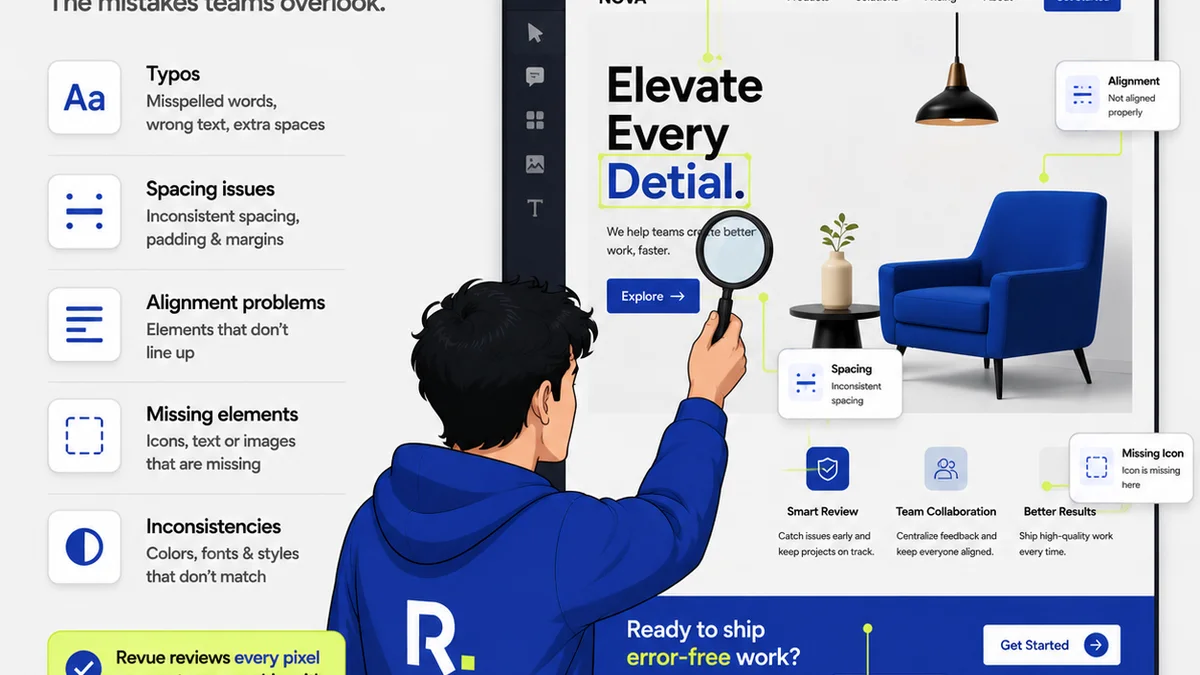
Everyone *thinks* they do print quality assurance. A quick glance at the PDF proof, a cursory check of the color bars. Maybe a quick flip through the printer's spread.
None of that is wrong. But it’s incomplete. Dangerously so.
The real truth? Most print QA is a reactive, rushed process that catches only the most glaring mistakes. It’s a band-aid, not a preventative measure.
The deeper operational truth is that effective print QA isn't about *finding* mistakes at the eleventh hour. It's about building a system that *prevents* them from happening in the first place, and then rigorously verifying the output against defined standards.
1. Beyond the PDF: The Pre-Flight Foundation
The PDF proof is a necessary evil. It shows layout, content, and basic color. But it's a flat representation of a physical object.
True print QA starts long before the PDF hits your inbox.
Setting Up for Success
This is about proactive checks, not last-minute panic.
- File Setup Standards: Do you have clear, documented guidelines for bleed, trim, safety margins, color profiles, and resolution? Are these communicated to designers *before* they start?
- Font Management: Are all fonts embedded or outlined correctly? Are there any font conflicts or missing glyphs that could cause substitution?
- Color Mode Verification: Is the document set to the correct color mode (CMYK for print, not RGB)? Are spot colors defined correctly and named consistently?
- Image Resolution & Quality: Are all images at the appropriate resolution for the final print size (usually 300dpi)? Are they free from compression artifacts or pixelation?
- Vector vs. Raster: Are logos and line art provided as vectors? Are complex gradients or effects rasterized appropriately if needed, or are they causing issues?
These aren't checks you do *on* the PDF. These are checks you build into your *workflow*.
2. The Proofing Gauntlet: More Than Just a Look
Okay, the PDF proof is here. What now? It’s not enough to just scroll through it.
A truly effective proofing process mimics the final printed output as closely as possible.
Types of Proofs and Their Purpose
- Digital Contract Proofs: These are calibrated to simulate the final output device and paper stock. They are essential for checking color accuracy, trapping, and overall appearance. Don't accept them without a calibrated monitor and a controlled viewing environment.
- Physical Matchprint/Swop Proofs: These are the gold standard for color-critical work. They are actual printed sheets that give you the best representation of ink, paper, and finish. If color is paramount, you *need* these.
- Press Pulls (First Article Inspection): This is the final check *on the press* before the full run begins. It’s your last chance to catch an error before thousands of copies are printed. This requires being on-site or having a trusted representative present.
Each proofing stage serves a distinct purpose. Skipping or skimping on them is a recipe for disaster.
3. The Devil in the Details: Spotting the Hidden Errors
This is where most teams fall short. They look for the obvious, but miss the subtle killers.
A comprehensive checklist forces you to look at the microscopic level.
The Micro-Checklist
- Typography Issues:
- Widows and orphans: Are there single words or short lines left hanging at the end of paragraphs or columns?
- Kerning and tracking: Is the spacing between letters and words visually pleasing and consistent?
- Font rendering: Are thin strokes disappearing? Are serifs too sharp?
- Text alignment: Is text justified correctly? Are there rivers of white space?
- Color Discrepancies:
- CMYK vs. RGB: Are there any stray RGB elements that will print incorrectly?
- Spot color accuracy: Do the spot colors match the brand guide? Are they overprinted or knocked out as intended?
- Rich black: Is rich black applied correctly for deep blacks without causing ink saturation issues?
- Pantone conflicts: Are there duplicate Pantone colors with slightly different names?
- Layout & Design Elements:
- Bleed and trim errors: Are there any crucial elements too close to the trim edge? Is the bleed sufficient and consistent?
- Image placement: Are images positioned correctly? Are they cropped as intended?
- Rule thickness: Are fine lines disappearing or becoming too thick after printing? Are borders consistent?
- Overprints and knockouts: Are elements interacting as they should? Is unintended trapping occurring?
- Trapping: Is ink trapping correctly to avoid gaps or misregistration on press?
- Object stacking order: Are elements layered correctly?
- Content Accuracy:
- Typos and grammatical errors: Obvious, but still missed.
- Incorrect dates, prices, phone numbers, URLs: Critical data must be perfect.
- Brand consistency: Are logos, colors, and fonts used according to the brand guidelines?
- Finishing & Production Marks:
- Crop marks and registration marks: Are they correctly positioned and not interfering with the design?
- Printers’ specific instructions: Are any unique requirements from the printer being met?
This isn't a quick scan. This requires focus, a good eye, and a systematic approach.
4. The Human Element: Who Does What?
A checklist is only as good as the person using it. And the system that supports them.
Relying on a single person, especially the designer, is a flawed strategy.
Roles and Responsibilities
- Designer Self-Check: The first line of defense. Designers should have their own internal checklist before submitting files.
- Internal QA Specialist/Project Manager: A dedicated role or responsibility for a project manager to conduct a thorough review using the master checklist. This person should ideally not be the original designer.
- Client Review: Clear instructions and specific points for the client to check. Manage expectations about what they *should* be looking for.
- Printer’s Pre-Press Department: They have their own checks, but you can't assume they will catch everything your client cares about.
Clear ownership prevents things from falling through the cracks.
5. Where Revue Fits In
Managing this entire process – from file submission and internal checks to client feedback and final approvals – is a logistical nightmare without the right tools.
This is precisely why Revue was built.
Imagine a single source of truth for all your creative assets and feedback. No more digging through email chains or deciphering Slack messages.
Revue centralizes client feedback, allowing you to:
- Capture Precise Feedback: Pin comments directly to specific areas of the design.
- Manage Revisions Visually: See every iteration clearly, with version history intact.
- Streamline Approvals: Track who has reviewed, who has approved, and what outstanding actions remain.
- Maintain a Quality Audit Trail: All interactions, feedback, and approvals are logged, creating an irrefutable record.
This structured environment ensures that every team member, including external stakeholders like printers, can access the correct, latest version and understand the approval status. It removes ambiguity and drastically reduces the chance of critical errors slipping through the net during the QA phase.
6. Final Thought
Print design QA isn't just a step in the production process. It’s a critical quality gate that protects your agency's reputation and your client's investment.
Are you treating it as an afterthought, or as the essential safeguard it truly is?
Frequently asked questions
What is the most common mistake in print design QA?
The most common mistake is treating it as a superficial check of the PDF proof. This often misses critical issues related to bleed, color profiles, font rendering, and fine details that only become apparent in physical print.
When should print QA ideally happen?
Ideally, print QA should be a multi-stage process. It begins with file setup checks before proofing, continues through rigorous review of digital and physical proofs, and culminates in a final press pull inspection before the full print run.
What's the difference between a digital proof and a physical proof?
A digital proof (like a PDF or a calibrated contract proof) is a screen-based representation. A physical proof (like a Matchprint or a press pull) is an actual printed sheet. Physical proofs are far more accurate for judging color, ink, and paper interaction, especially for color-critical projects.
Can the designer perform their own QA?
Yes, designers should perform self-checks as a first step. However, relying solely on the designer for final QA is risky, as they may be too close to the work to spot errors. An independent review by a project manager or QA specialist is crucial.
How does Revue help with print QA?
Revue centralizes all feedback and approvals for creative assets, including print designs. This provides a clear audit trail, visual context for comments, and version control, ensuring everyone is working from the latest approved files and reducing the risk of errors slipping through during the QA process.