Most teams think print production quality assurance is about a final checklist. A quick PDF review, maybe a quick glance at a press check sheet. That’s it. That’s the QA.
None of that is wrong. But it’s incomplete.
The hard truth? Effective print QA isn’t a single step. It’s a woven-in process, starting long before the final files are sent to the printer. It’s about building checks and balances into every stage of your creative and production workflow.
1. Shifting Left: From Reactive to Proactive QA
The biggest mistake agencies and in-house teams make is treating QA as a gate at the end of the process. Something you tack on when the creative is 'done'.
This is a recipe for disaster. It means you’re catching mistakes when they’re most expensive and time-consuming to fix. Often, it’s too late to avoid costly reprints or missed deadlines.
Proactive QA means embedding checks throughout. It’s about asking: “How can we prevent errors from happening in the first place?”
The Cost of Late QA
- Last-minute file corrections that break layouts.
- Miscommunication about color profiles discovered too late.
- Incorrectly sized assets that require full re-renders.
- Brand guideline violations missed until the printed piece arrives.
- Frustrated clients and damaged agency reputation.
This isn't about adding more steps. It's about rethinking *when* you do the work.
2. Pre-Flight Checks: Beyond the Obvious
Everyone knows to check resolution and bleed. But true pre-flight QA goes deeper. It’s about understanding the final output medium and its specific demands.
Think about the printer’s capabilities. Are you designing for a specific press? A particular paper stock? These details matter.
Key Pre-Flight Elements
- Color Space: Is it CMYK? Are spot colors correctly defined and named? Is there a plan for soft proofs and hard proofs?
- Typography: Are all fonts embedded or outlined? Are there any ligatures or special characters that might not render correctly in print? Are text sizes appropriate for readability at the intended viewing distance?
- Image Integrity: Beyond resolution, are images properly masked? Are clipping paths clean? Is there any JPEG compression artifacting that will become obvious when printed?
- Dimensions & Bleed: Are these set up according to the printer’s specifications? Is bleed consistently applied and accounted for in the layout?
- Die-lines & Special Finishes: If applicable, are die-lines accurate, on a separate layer, and clearly marked? Are instructions for foil stamping, embossing, or other finishes unambiguous?
- Interactive Elements (for print): QR codes, unique URLs – are these tested and accurate?
This stage requires a meticulous eye. It’s detective work.
3. Proofing Strategy: The Many Faces of 'Proof'
The word 'proof' is overloaded. A digital PDF proof is not the same as a calibrated monitor proof, which is not the same as a physical press proof. Each serves a different purpose.
Relying solely on one type of proofing is a common pitfall.
Understanding Proof Types
- Digital PDF Proofs: Good for layout, copy, and basic element placement. Terrible for accurate color.
- Soft Proofs (Monitor): Requires calibrated monitors and profiles. Better for color, but still a digital representation.
- Hard Proofs (Contract Proofs): Professionally printed proofs, often on specialized paper, designed to simulate the final output. Essential for critical color matching.
- Press Proofs (Press Checks): The final check on the actual press before full production. The most expensive but offers the highest fidelity. Necessary for high-volume or critical jobs.
Your proofing strategy should align with the job’s criticality and budget. Don’t skip hard proofs for a major campaign, and don’t pay for a press check on a simple flyer unless absolutely necessary.
4. Collaboration & Communication: The Human Element
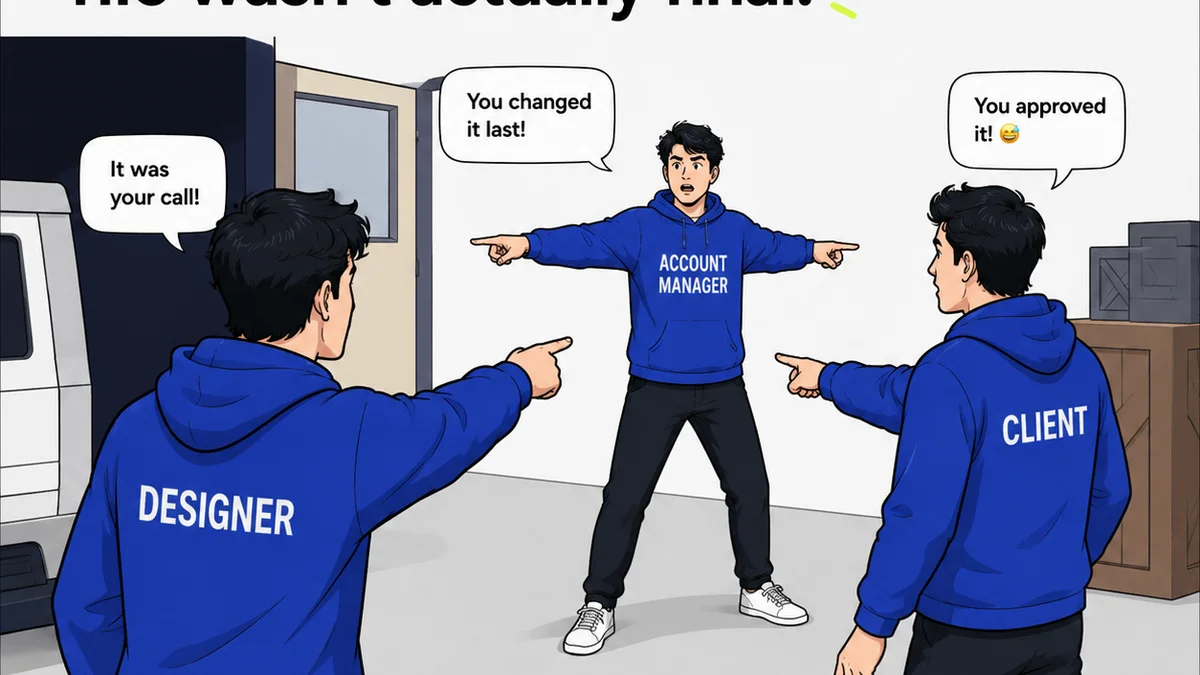
Even the most robust digital checks can fail if the human element is broken. Miscommunication between designers, production artists, account managers, and clients is a huge source of error.
This is where workflow management tools become critical. How are comments tracked? Who is responsible for approving what? Where is the single source of truth for feedback?
Common Communication Breakdowns
- Scattered feedback across emails, Slack messages, and ad-hoc calls.
- Lack of clarity on who gave what feedback and why.
- Difficulty tracking revisions and ensuring all feedback was addressed.
- Clients approving things they didn’t fully understand because the context was lost.
- Team members working off outdated file versions.
A structured communication flow prevents these issues. It ensures everyone is on the same page, with visibility into the entire review and approval cycle.
5. Where Revue Fits In
Print production QA is a multi-stage process. It requires meticulous attention to detail at every step, clear communication, and robust tracking.
Revue helps centralize this entire workflow.
Imagine uploading your design files – whether they’re final print-ready PDFs or earlier-stage mockups. You can then:
- Centralize Feedback: Gather all stakeholder comments directly on the design asset, eliminating scattered emails and messages.
- Manage Revisions: Track every version and revision, ensuring everyone is reviewing the latest iteration and that all feedback is accounted for.
- Streamline Approvals: Clearly define who needs to approve what, and when. Get explicit sign-offs, creating an auditable trail.
- Maintain Visibility: Provide a clear overview of the project status, including review cycles, outstanding feedback, and approval status, for both your internal team and the client.
This structured approach ensures that your print files are not just 'checked', but rigorously validated against project requirements and brand standards throughout the entire production lifecycle.
6. Final Thought
Print production QA is often viewed as a necessary evil, a gatekeeper that slows things down. But what if we reframed it?
What if it’s not a bottleneck, but a quality engine? An engine that drives confidence, protects brand integrity, and ultimately saves you time and money?
The real question is: Are you building an engine, or just a speed bump?
Frequently asked questions
What is the difference between a soft proof and a hard proof?
A soft proof is a digital representation of your design viewed on a calibrated monitor, useful for checking layout and content. A hard proof, often called a contract proof, is a physical print created using professional printing technology to simulate the final output, making it essential for accurate color assessment.
When should I use a press check?
A press check is recommended for high-volume, critical, or color-sensitive print jobs. It's the final opportunity to catch any issues on the actual printing press before the full run begins. For less critical or smaller print runs, hard proofs might suffice.
How can I prevent color issues in print production?
Prevent color issues by ensuring designs are created in the correct color space (usually CMYK for print), using embedded color profiles, defining spot colors accurately, and utilizing calibrated monitors for soft proofs. Always rely on hard proofs or press checks for critical color matching.
What are the most common print production errors?
Common errors include incorrect color modes (RGB instead of CMYK), missing or incorrect fonts, resolution issues, improper bleed settings, typos, incorrect dimensions, and problems with spot colors or special finishes like foil stamping.