Everyone thinks print and publishing is about Adobe InDesign. And sure, it’s a piece of the puzzle. But it’s not the whole picture.
You might have the best designers, the sharpest editors, and the most experienced production managers. But without the right supporting tools, your print and publishing workflow will still stumble.
The hard truth? Great print and publishing output relies on a robust, integrated toolkit that goes far beyond design software. It’s about managing the entire lifecycle: from concept and collaboration to final output and archival.
1. The Core Design & Layout Stack
This is the non-negotiable foundation. If you’re not fluent here, you’re already behind.
Desktop Publishing (DTP) Software
InDesign is the industry standard for a reason. For complex layouts, multi-page documents, and precise typographic control, nothing else comes close.
Vector Graphics Software
Illustrator is essential for logos, icons, and any vector-based illustrations that need to scale without losing quality. Think brand assets, infographics, and custom typography.
Image Editing Software
Photoshop is king for retouching photos, creating complex image composites, and preparing raster graphics for print. Understanding color profiles and resolution is critical here.
Asset Management
Even small teams generate a lot of assets: logos, photos, fonts, templates. Keeping them organized and accessible prevents wasted time and costly errors. Think shared cloud storage, but better.
2. Collaboration & Communication Hubs
Print and publishing isn't a solo sport. It’s a symphony of feedback, revisions, and approvals.
Centralized Feedback Platforms
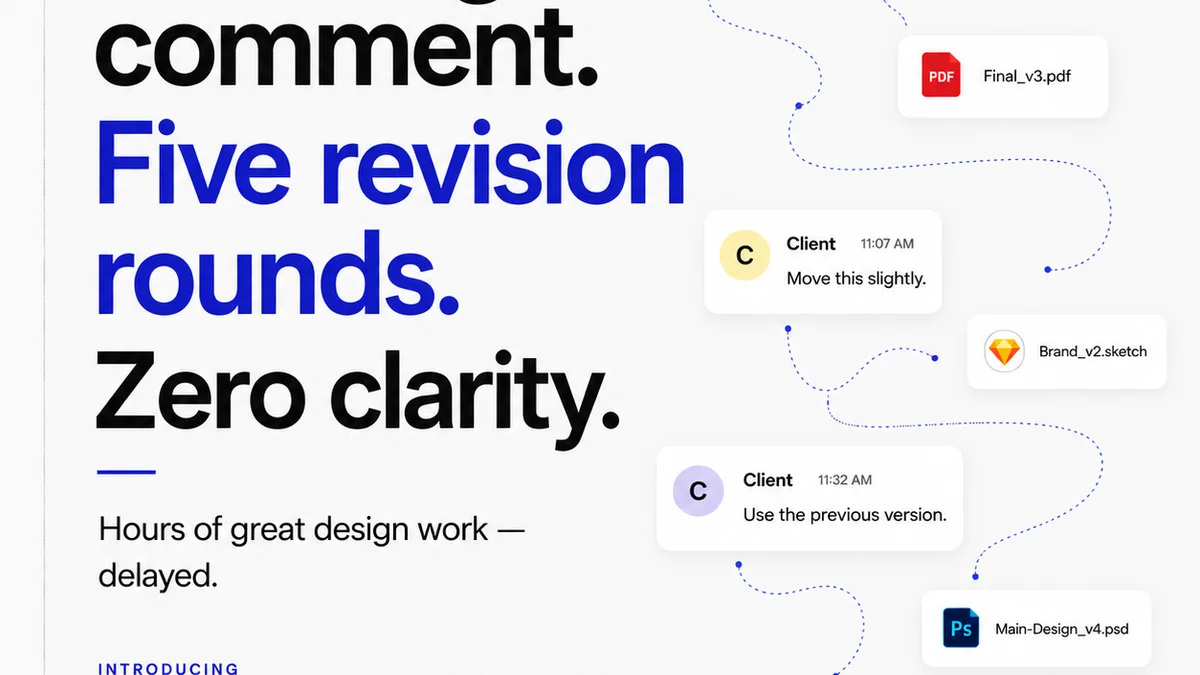
Email chains and scattered Slack messages are the enemy of clarity. You need a single source of truth where stakeholders can see the latest version and leave contextual feedback directly on the artwork or layout.
This eliminates confusion about which version is current.
Project Management Software
Beyond just design tasks, you need to track timelines, assign responsibilities, manage budgets, and monitor progress across multiple projects. Think Asana, Trello, Jira, or more specialized agency PM tools.
Version Control Systems
For code-based publishing or complex design systems, robust version control is vital. Git, for example, allows teams to track changes, revert to previous states, and manage contributions efficiently. While less common for pure print DTP, it’s invaluable for digital-first publishing workflows that might have print components.
3. Pre-Press & Quality Assurance
This is where many projects falter. A beautiful design means nothing if it prints incorrectly.
Preflight Tools
These are non-negotiable for print. They automatically check documents for common printing errors like missing fonts, incorrect color modes, low-resolution images, and incorrect bleed settings. Adobe Acrobat Pro has robust preflight capabilities, and many DTP applications have built-in checks.
Color Management Tools
Ensuring consistent color across screens and print is a dark art. Understanding and implementing ICC profiles, calibrating monitors, and knowing the difference between CMYK and RGB is crucial. Software like Adobe Color or specialized hardware calibrators help maintain consistency.
Proofing Systems
Digital proofs are standard, but understanding their limitations is key. For critical projects, hard proofs or calibrated soft proofs are essential. This ensures the client sees what they're approving, and what will actually be printed.
4. Archival & Asset Management (The Long Game)
What happens after the project ships? Too often, nothing. And that’s a mistake.
Digital Asset Management (DAM) Systems
Beyond simple file storage, a DAM system allows for metadata tagging, advanced search capabilities, rights management, and controlled access. This makes finding past projects or reusable assets incredibly efficient.
Cloud Storage & Backup Solutions
Robust, secure cloud storage is essential for accessibility and disaster recovery. Regular, automated backups are non-negotiable. Think Dropbox Business, Google Workspace, or specialized archival solutions.
Font Management Software
Creative projects live and die by typography. Manually managing hundreds of fonts across multiple projects and operating systems is a recipe for disaster. Dedicated font managers (like Suitcase Fusion or FontBase) streamline activation, organization, and licensing.
Where Revue Fits In
You’ve got the design software. You’ve got your PM tool. But how do you bridge the gap between creative output and actionable client feedback, especially for print and publishing workflows?
This is where Revue shines. It’s built for the messy middle of client collaboration.
Instead of relying on endless email threads or confusing PDF annotations, Revue provides a single, streamlined environment for reviewing creative work. Upload your InDesign exports, your Illustrator mockups, your final press-ready PDFs.
Stakeholders can leave precise, contextual comments directly on the visual. You get a clear, organized history of every feedback round.
Revision tracking means you always know what’s changed and what’s been approved. This visibility is critical for print projects where miscommunication can lead to costly reprints.
Revue helps ensure that the final output matches the approved vision, streamlining the entire revision and approval process.
Final Thought
The tools of print and publishing are evolving. While the core creative software remains, the surrounding ecosystem of collaboration, quality control, and asset management is where true efficiency is found.
Are you investing enough in the tools that manage the *process*, or just the tools that create the pixels?
Frequently asked questions
What is the most important software for print design?
While a suite of tools is necessary, Adobe InDesign is the industry standard for page layout and desktop publishing. It provides the precise control needed for complex print documents.
How do I ensure color consistency in print projects?
Consistent color requires understanding ICC profiles, calibrating monitors, and knowing the difference between color modes like RGB (for screen) and CMYK (for print). Using color management tools and obtaining accurate proofs are also key.
What are preflight tools and why are they important?
Preflight tools automatically check your documents for common printing errors before they go to the press. This includes issues like missing fonts, incorrect image resolutions, improper bleed settings, and wrong color modes, saving time and preventing costly mistakes.
How can teams manage feedback on print projects effectively?
Effective feedback management requires a centralized platform where stakeholders can leave contextual comments directly on the design. This avoids confusion from scattered emails or messages and creates a clear revision history.