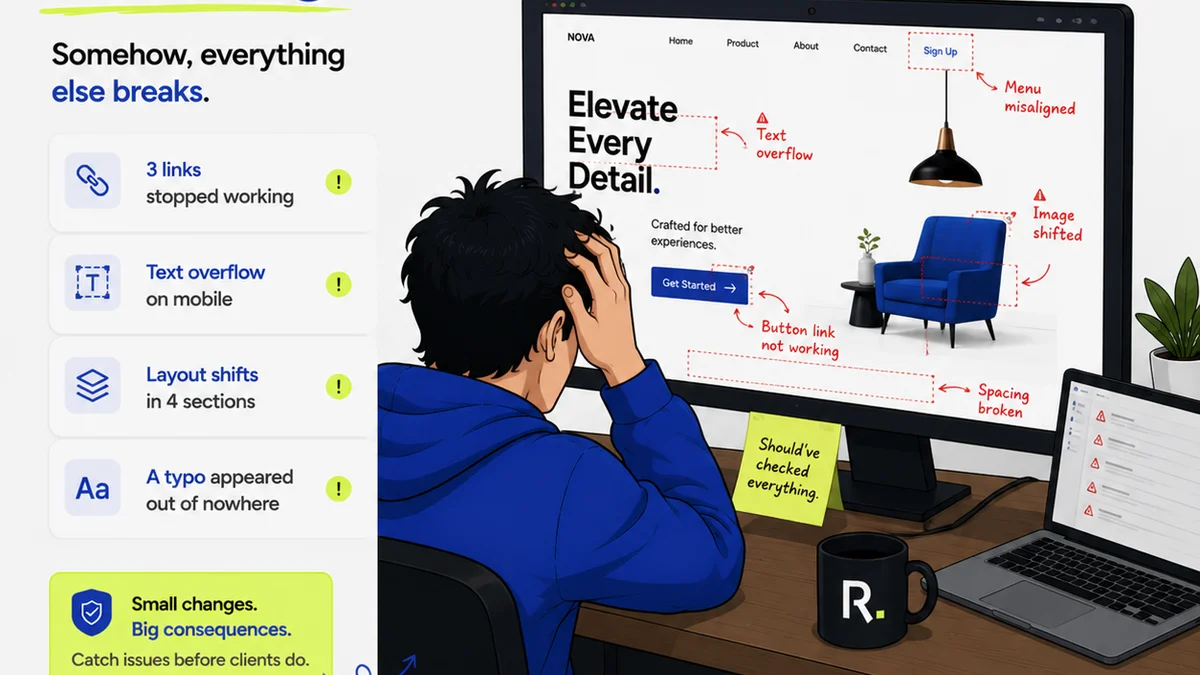
Everyone knows print quality assurance (QA) means proofreading for typos and grammatical errors. That’s the baseline. It’s table stakes.
But for creative agencies, this narrow view of print QA is a massive blind spot. It’s where projects go sideways, clients get frustrated, and agency reputations take a hit.
The hard truth is that effective print QA is far more than just editorial checks. It’s a critical operational process that impacts budget, timeline, client relationships, and brand consistency.
1. Beyond the Proof: What Print QA Really Is
Most agencies treat print QA as an afterthought, a quick read-through before hitting 'send' to the printer. This is a mistake.
True print QA is a systematic verification of the entire production process, from final artwork sign-off to the physical output. It’s about ensuring the final printed piece accurately reflects the creative vision and meets all technical and brand requirements.
This involves multiple layers:
- Technical accuracy: Correct color profiles, bleed, trim marks, resolution, file format.
- Brand compliance: Logo usage, color consistency, typography, messaging alignment.
- Production integrity: Paper stock, finishes, binding, folding accuracy, print run quality.
- Logistical correctness: Delivery addresses, quantities, shipping methods.
Skipping any of these steps isn’t just a minor oversight; it’s an operational risk.
2. The Hidden Costs of Inadequate Print QA
When print QA is limited to a quick spell-check, the real costs start to mount. And they don't always show up on the initial project estimate.
These costs are often hidden in:
- Rework and reprints: Incorrect colors, bad folds, or misspellings discovered post-print mean starting over. This eats into margins and delays launches.
- Client dissatisfaction: A subpar printed piece reflects poorly on the agency’s professionalism and attention to detail. This erodes trust and can lead to lost business.
- Brand damage: Inconsistent brand application across print materials can dilute brand identity and confuse customers.
- Missed deadlines: Production delays due to QA failures cascade through project timelines, impacting launch dates and marketing campaigns.
- Wasted materials and shipping: Incorrect quantities or shipping errors lead to unnecessary expenses and logistical headaches.
This isn't about blaming designers or production managers. It's about having a process that catches these issues *before* they become expensive problems.
3. Establishing a Robust Print QA Checklist
A comprehensive print QA process needs structure. A checklist is your best friend here, ensuring consistency and thoroughness across all projects.
Your checklist should go beyond editorial and cover these critical areas:
3.1. Pre-Press File Checks
This is where many issues originate. Ensure:
- Color Mode: Files are in CMYK for print, not RGB.
- Resolution: Images are at least 300 DPI at the intended print size.
- Bleed and Trim: Sufficient bleed is included (typically 3mm or 1/8 inch), and critical elements are within the safe zone, away from trim edges.
- Font Embedding: All fonts are embedded or outlined.
- Spot Colors: Any spot colors are correctly defined and named.
- File Format: Files are delivered in the correct format (e.g., PDF/X-1a, PDF/X-4).
3.2. Design and Content Verification
This goes deeper than typos:
- Brand Guidelines: Strict adherence to logo usage, color palettes (using correct CMYK or Pantone values), typography, and spacing.
- Content Accuracy: Verify all text, pricing, dates, contact information, and URLs against the approved brief.
- Image Quality: Ensure images are sharp, correctly placed, and not distorted.
- Layout Integrity: Check for proper alignment, consistency across pages, and correct pagination.
3.3. Print Production Oversight
This is where you verify the physical output:
- Paper Stock: Confirm the correct weight, type, and finish of the paper.
- Color Accuracy: Compare a physical proof (e.g., a contract proof or first press sheet) against the digital file and brand standards. This is non-negotiable for critical brand colors.
- Finishes: Verify any special finishes like spot UV, foiling, embossing, or lamination are applied correctly.
- Binding and Folding: Check that binding is secure and folds are crisp and accurate.
- Cut Accuracy: Ensure the final trim is clean and consistent.
3.4. Post-Production and Delivery
The final checks:
- Quantity Verification: Confirm the delivered quantity matches the order.
- Packaging: Ensure items are packed safely to prevent damage during transit.
- Shipping Information: Double-check delivery addresses and shipping methods.
A detailed checklist, shared and used by everyone involved, prevents critical errors from slipping through.
4. The Role of Technology in Print QA
Manual proofing is prone to human error. Technology can significantly enhance your print QA process.
Consider tools that offer:
- Automated Pre-flighting: Software that automatically checks PDF files for common pre-press errors like low resolution, incorrect color space, or missing fonts. Tools like Adobe Acrobat Pro or dedicated pre-press software have these capabilities.
- Color Management Systems: Ensuring consistent color reproduction across different devices and print runs is crucial.
- Digital Proofing Platforms: While not a replacement for physical proofs, digital proofing can streamline initial review cycles and catch layout or content errors early.
- Project Management Software: Centralizing all project assets, feedback, and approvals ensures a clear audit trail and reduces the risk of using outdated files.
Technology isn't a magic bullet, but it automates repetitive checks and frees up human reviewers for more complex tasks.
5. Where Revue Fits In
Managing the complexities of print production, especially across multiple clients and projects, requires a centralized system for feedback and approvals. This is where Revue excels.
Revue helps agencies streamline their print QA process by:
- Centralizing Client Feedback: All comments, markups, and approvals on design files are captured in one place. This eliminates scattered email threads and ensures everyone is working from the latest version.
- Providing Clear Revision History: Track every iteration of a design, making it easy to see what changed and when. This is invaluable for accountability and troubleshooting.
- Streamlining Approval Workflows: Define clear steps for client and internal approvals, ensuring that critical sign-offs happen before files go to print. Automated notifications prevent delays.
- Maintaining a Single Source of Truth: All final approved artwork and associated metadata are stored and accessible, reducing the risk of using incorrect or outdated files for print production.
By integrating Revue into your workflow, you create a more transparent and controlled environment for your creative assets, directly supporting a more rigorous print QA process.
6. Final Thought
Is your agency truly prepared for the operational realities of print production, or are you relying on a hopeful assumption that
Frequently asked questions
What is the most common mistake agencies make with print QA?
The most common mistake is limiting print QA to just proofreading for typos. This overlooks critical technical, brand, and production elements that can lead to costly errors and delays.
How can I ensure color accuracy in print?
Color accuracy requires using correct CMYK or Pantone color profiles in your design files, calibrating your monitors, and critically reviewing physical proofs (like contract proofs or first press sheets) against digital references and brand standards.
What are bleed and trim, and why are they important?
Bleed is the extra margin of artwork that extends beyond the trim edge of a page. Trim is the final size of the page after cutting. They are crucial to ensure that no unprinted white edges appear after the paper is cut, especially if the design extends to the edge.
Can technology replace human proofreaders for print QA?
Technology, such as automated pre-flighting software, can catch many technical errors efficiently. However, it cannot replace human judgment for verifying brand consistency, content accuracy, or the subtle nuances of visual design and final print quality.