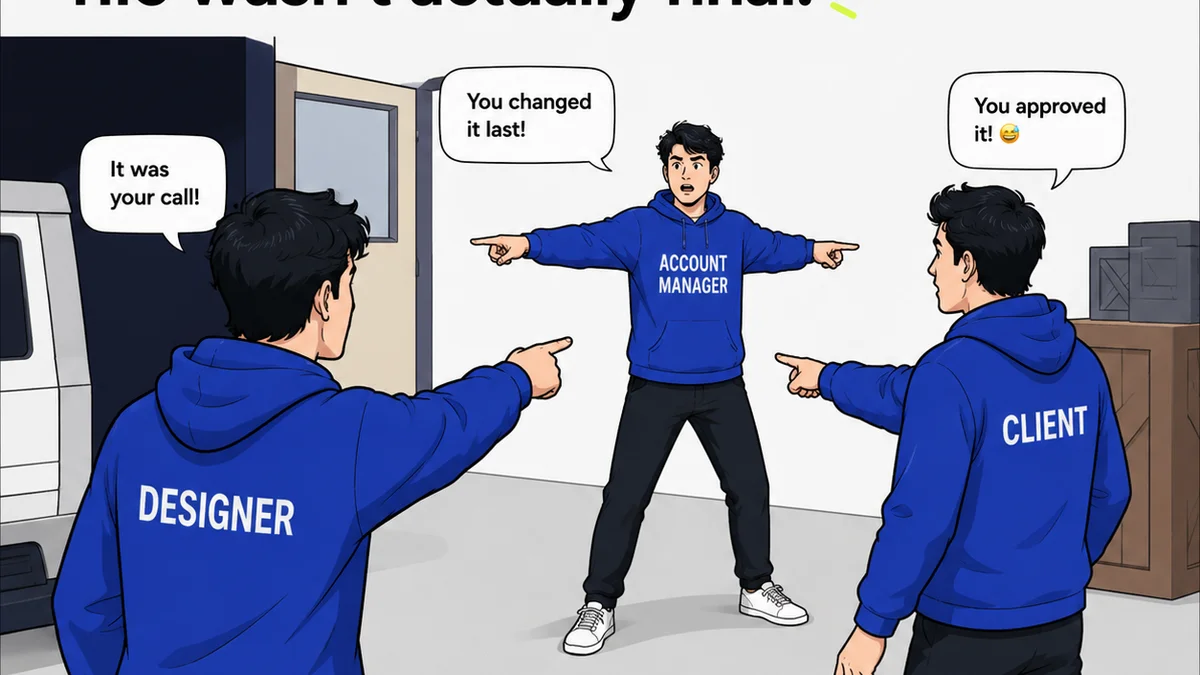
Everyone assumes that a robust project management (PM) tool can handle everything. Client feedback, revisions, approvals – it all lives in one place, right? None of that is wrong. But it’s incomplete.
The hard truth? Trying to shoehorn complex creative review into a general-purpose PM system creates bottlenecks, leads to lost feedback, and erodes client trust. They are fundamentally different tools built for different jobs.
1. The Illusion of Centralization in Project Management Tools
Project management software is built for tasks, timelines, and resource allocation. Think Asana, Monday.com, Trello. They excel at tracking progress against deadlines.
But creative work isn’t just a task to be checked off. It’s iterative. It’s visual. It requires nuanced feedback that gets lost in a sea of generic task comments.
The Symptoms of Using PM Tools for Creative Review
- Feedback buried in endless comment threads, making it hard to track specific version changes.
- Clients pasting feedback into task descriptions instead of a dedicated space.
- No clear audit trail for who said what, when, and on which version of the creative.
- Misinterpretation of feedback due to lack of visual context.
- Endless email chains trying to clarify feedback that should have been on the asset itself.
These aren't minor annoyances. They are workflow killers. They slow down your team and frustrate your clients.
2. Why Creative Review Demands a Specialized Approach
Creative review software is purpose-built for the unique demands of visual collaboration. It’s about providing contextual, actionable feedback directly on the creative asset.
Think of the difference between a general contractor’s toolbelt and a surgeon’s scalpel. Both are tools, but their precision and application are vastly different.
Key Differentiators of Creative Review Platforms
- Visual Annotation: The ability to draw, comment, and highlight directly on images, videos, PDFs, and web pages.
- Version Control: Clear tracking of revisions, showing what changed from one version to the next.
- Centralized Feedback Hub: All comments and decisions for a specific asset are in one place, linked to that asset.
- Streamlined Approvals: Formal sign-off workflows that provide clear documentation.
- Client-Friendly Interface: Designed for external stakeholders who may not be tech-savvy.
These features aren't just nice-to-haves. They are essential for efficient creative iteration.
3. The Hidden Costs of Misaligned Tools
When you force creative review into a PM tool, you’re not saving time or money. You’re incurring hidden costs.
These Costs Add Up:
- Rework: Misunderstood feedback leads to wasted design and development hours.
- Delays: Back-and-forth clarification eats into project timelines.
- Client Dissatisfaction: A clunky, confusing feedback process damages client relationships.
- Team Burnout: Creative teams spending more time managing feedback than creating.
- Lack of Accountability: Ambiguous feedback makes it hard to assign responsibility for errors.
Your project management tool is your project’s engine. Your creative review tool is its navigation system. You need both working in sync.
4. Bridging the Gap: Integrating PM and Creative Review
The goal isn’t to choose one over the other. It’s to understand their distinct roles and how they can complement each other.
Your PM tool manages the *what*, *when*, and *who* of the project. Your creative review tool manages the *how* and *why* of the creative iteration.
Achieving Synergy
- Use your PM tool to define the brief, set deadlines, assign tasks, and track overall project status.
- Use your creative review tool for all client feedback, internal reviews, revision tracking, and final approvals on creative assets.
- Integrate them where possible (e.g., a link to the review project in your PM task) so information flows without manual duplication.
This separation of concerns creates clarity and efficiency. Your team knows exactly where to go for what type of information.
Where Revue Fits In
Revue is built from the ground up to solve the unique challenges of creative feedback and approvals. It’s not a project management tool; it’s your dedicated creative collaboration hub.
We understand that creative work lives and dies by clear, contextual feedback. That’s why Revue offers:
- Visual Annotation Tools: Pinpoint feedback directly on mockups, videos, and more.
- Version Comparison: Easily see what’s changed between revisions.
- Centralized Commenting: All feedback, decisions, and discussions in one organized place, tied to specific assets.
- Clear Approval Workflows: Formalize sign-offs and build an irrefutable audit trail.
- Client-Friendly Experience: Make it simple and intuitive for clients to provide input.
By centralizing your creative review process in Revue, you eliminate the ambiguity and chaos that plague general PM tools. You ensure that feedback is seen, understood, and acted upon, accelerating your creative cycles and delighting your clients.
Final Thought
Is your agency’s success being held back by tools that promise too much and deliver too little? Or are you leveraging specialized software to streamline your most critical creative workflows?
The distinction between project management and creative review is more than semantics. It’s the difference between operational efficiency and creative chaos.
Frequently asked questions
Can I use project management software for creative feedback?
While you can technically leave comments in PM tools, they are not designed for visual, contextual feedback. This often leads to lost feedback, misinterpretations, and inefficient revision cycles, costing agencies time and money.
What is the main difference between PM and creative review software?
Project management software tracks tasks, timelines, and resources. Creative review software is built for visual collaboration, enabling precise annotation, version comparison, and streamlined approval workflows directly on creative assets.
Why is specialized creative review software important for agencies?
It ensures feedback is clear, actionable, and easily tracked, reducing rework and delays. It also provides a professional, client-friendly experience, building trust and improving client relationships.
How do project management and creative review tools work together?
They work best when complementary. Use PM tools for overall project planning and tracking, and dedicated creative review tools for all feedback, revisions, and approvals on visual assets, creating a clear separation of concerns.