Everyone talks about publishing software. They talk about features, integrations, and fancy dashboards. It’s easy to get lost in the noise, thinking the ‘best’ software is the one with the most buttons.
None of that is wrong. But it’s incomplete.
The hard truth is, the right publishing software isn't about the individual tools. It's about how they connect to form a cohesive workflow. It’s about enabling your team to do their best work, not just adding more complexity.
1. What is Publishing Software, Really?
At its core, publishing software is any tool that helps you create, manage, and distribute content. This sounds broad, and it is. It spans everything from word processors and design suites to project management platforms and client feedback tools.
For creative agencies and in-house teams, this definition gets more specific. We’re talking about the entire ecosystem that takes a creative brief from concept to final delivery.
Think about the journey:
- Initial concepting and brainstorming
- Asset creation (design, copy, video)
- Internal reviews and revisions
- Client feedback and approvals
- Final asset preparation and export
- Distribution and deployment
Each step requires different kinds of tools. The challenge isn't finding *a* tool, but finding the *right* tools and making them talk to each other.
2. The Myth of the All-in-One Solution
The holy grail for many operations teams is the single, magical platform that does it all. We see ads for them. We hear whispers about them. The promise is seductive: one login, one system, zero friction.
But the reality? It rarely lives up to the hype.
Most ‘all-in-one’ solutions are good at a few things and mediocre at many others. They force you into their way of working, which might not align with your team’s strengths or your clients’ preferences.
Trying to force a design tool to manage complex client approvals often leads to frustration. Using a project management tool for granular visual feedback can be clunky and inefficient.
The truth is, a best-of-breed approach often wins. Using specialized tools for specialized tasks, and then finding ways to integrate them, is usually more effective.
3. Key Categories of Publishing Software for Creatives
Let’s break down the essential categories of software that make up a modern creative workflow:
3.1. Creative Production Tools
This is the obvious stuff: the software where the actual creative work happens.
- Design: Adobe Creative Cloud (Photoshop, Illustrator, InDesign), Figma, Sketch
- Video: Adobe Premiere Pro, Final Cut Pro, DaVinci Resolve
- Copywriting/Editing: Google Docs, Microsoft Word, Scrivener
- Prototyping: Figma, Adobe XD, InVision
These are the engines. Without them, there’s no output.
3.2. Project & Workflow Management
Once you have a brief, you need to manage the process. This is where project management software shines.
- Task Tracking: Asana, Trello, Monday.com
- Kanban Boards: Jira, Trello
- Gantt Charts: Smartsheet, Microsoft Project
These tools keep the trains running on time. They assign tasks, set deadlines, and provide visibility into project progress.
3.3. Asset Management & Storage
Where do all those files live? You need a robust system.
- Cloud Storage: Google Drive, Dropbox, OneDrive
- Digital Asset Management (DAM): Bynder, Canto, Brandfolder (often more enterprise-level)
Version control and easy retrieval are critical here. Losing assets or struggling to find the latest version is a workflow killer.
3.4. Client Communication & Feedback
This is often the biggest bottleneck. How do you get clear, actionable feedback without endless email chains?
- Email: The default, but rarely the most efficient
- Messaging Apps: Slack, Microsoft Teams (can get messy for feedback)
- Dedicated Feedback Tools: Revue, Frame.io (for video), Filestage
Centralized feedback reduces miscommunication and speeds up approvals. It’s about creating a single source of truth for feedback.
3.5. Proofing & Approval Software
Closely related to feedback, this is about formalizing the sign-off process.
- Version Tracking: Ensuring everyone sees the *latest* version
- Annotation Tools: Marking up designs or copy directly
- Approval Workflows: Automated notifications and sign-off tracking
This layer provides accountability and a clear audit trail.
4. The Hidden Cost of Disconnected Workflows
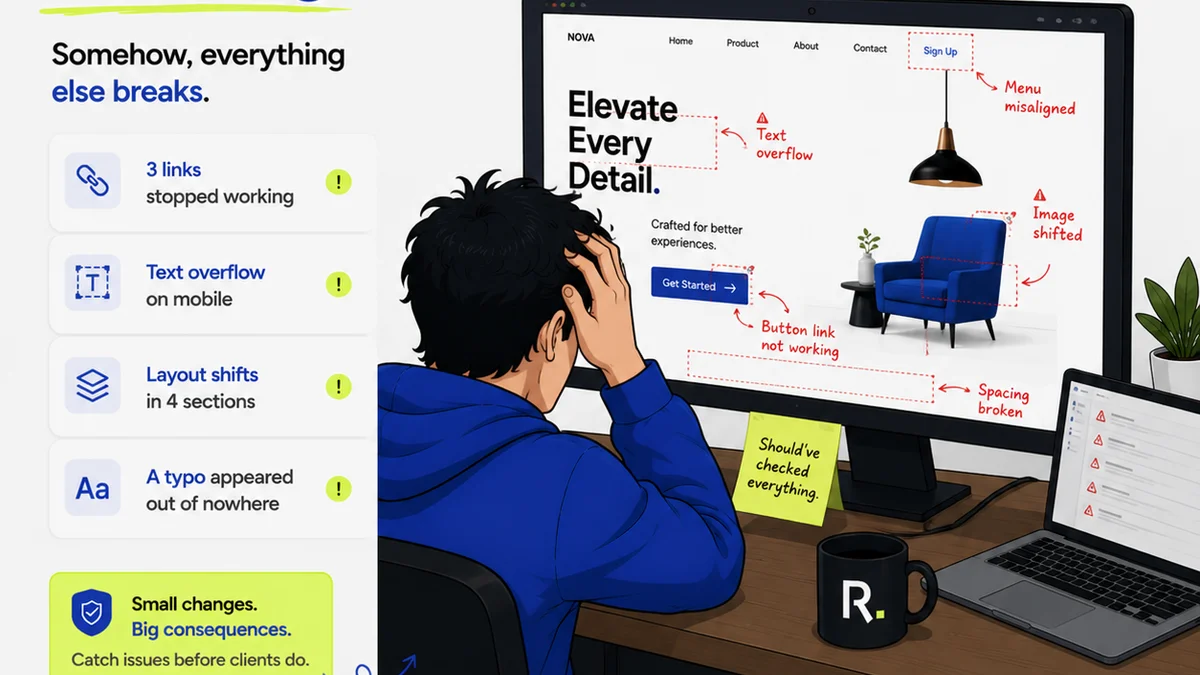
When these categories of software don't talk to each other, the cracks start to show.
A designer finishes a mockup in Figma. They export a PDF and email it to the account manager.
The account manager forwards it to the client, adding their own notes. The client replies with feedback, but they missed a crucial point the AM added.
The AM has to consolidate feedback, maybe add it to a spreadsheet, and then send it back to the designer. The designer has to find the right file, make changes, re-export, and restart the cycle.
This process is:
- Slow: Every handoff introduces delay.
- Error-Prone: Information gets lost, misinterpreted, or duplicated.
- Frustrating: For both the internal team and the client.
- Costly: Wasted time is wasted money.
This is where the operational truth lies. The best publishing software isn't just about features; it's about seamless integration and workflow efficiency.
5. Where Revue Fits In
This is why tools like Revue exist. We bridge the gap between creative production and client approval, streamlining a critical part of the publishing workflow.
Instead of juggling endless email threads or messy spreadsheets for client feedback, Revue provides a centralized platform.
Designers and creatives can share work-in-progress directly within Revue. Clients can leave precise, contextual comments right on the visual or document.
This means:
- Clearer Feedback: Comments are tied directly to the asset.
- Faster Revisions: No more deciphering ambiguous emails.
- Visible Approvals: Track sign-offs and version history easily.
- Reduced Errors: Everyone works from the same, up-to-date information.
Revue helps ensure your creative output is managed efficiently, from concept to client sign-off, reducing friction and accelerating delivery.
6. Choosing the Right Publishing Software Stack
So, how do you build your ideal workflow?
6.1. Audit Your Current Process
Map out your typical project lifecycle. Where are the bottlenecks? What tools are causing friction? Talk to your team. They know where the pain points are.
6.2. Identify Core Needs
What are your non-negotiables? Do you need robust video proofing? Deep integration with Figma? A specific type of task management?
6.3. Prioritize Integration
Look for tools that play well together. Does your feedback tool integrate with your project management system? Can your design software export to a format easily reviewed in your chosen platform?
APIs and Zapier integrations are your friends here. They allow disparate tools to communicate.
6.4. Consider Scalability
Will the software grow with your agency? Can it handle more users, more projects, and more complex workflows down the line?
6.5. Trial and Test
Most software offers free trials. Use them. Run a pilot project with a new tool or workflow before committing fully.
7. Final Thought
The tools you use to publish creative work are critical. But they are only as effective as the workflow they enable.
Stop chasing the feature list. Start focusing on how your software stack facilitates clear communication, efficient revisions, and timely approvals.
Is your publishing software empowering your team, or is it just another layer of complexity?
Frequently asked questions
What are the essential categories of publishing software for creative agencies?
Essential categories include Creative Production Tools (design, video, copy), Project & Workflow Management, Asset Management & Storage, Client Communication & Feedback, and Proofing & Approval Software.
Is an all-in-one publishing solution always the best choice?
Not necessarily. While appealing, all-in-one solutions often compromise on specialized features. A best-of-breed approach, using specialized tools and integrating them, can often be more effective.
How can client feedback software improve agency workflows?
Dedicated client feedback software centralizes communication, provides contextual comments directly on assets, tracks approvals, and reduces miscommunication, leading to faster revisions and fewer errors.
What's the biggest mistake agencies make when choosing publishing software?
Focusing too much on individual features rather than how the software integrates into a cohesive workflow. Disconnected tools create bottlenecks, increase errors, and waste time and money.