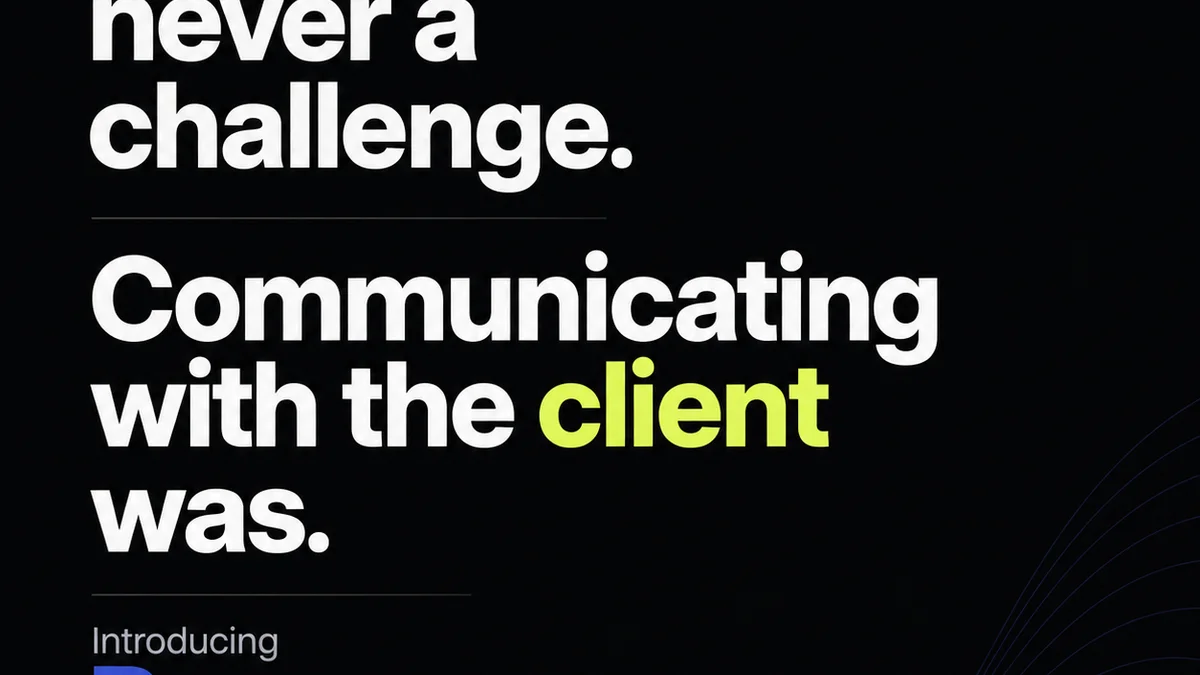
The prevailing wisdom for running a remote design team in 2026? More video calls. Better virtual whiteboards. Maybe a VR headset for that 'in-office' feel.
None of that is wrong. But it’s incomplete.
The hard truth is that the future of remote design work hinges on mastering asynchronous communication and radical clarity. It’s not about replicating the office online; it’s about building a fundamentally different, more efficient workflow.
1. The Myth of Synchronous Collaboration
We’re addicted to real-time. It feels productive. A quick Slack message, a spontaneous video huddle. It seems efficient.
But for creative work, constant interruptions kill deep focus. Design requires sustained concentration. It needs time for iteration, for exploration, for the quiet contemplation that leads to breakthrough ideas.
The Cost of Constant Connection
Every unscheduled meeting, every instant message demanding immediate attention, pulls designers out of their flow state. This isn't just annoying; it's a productivity killer.
- Context switching is expensive. Re-engaging with a complex design problem after an interruption takes significant mental energy.
- Decisions made in rushed, synchronous meetings can be less considered.
- It disproportionately disadvantages introverted or neurodivergent team members who may struggle to think on the spot.
The goal isn't to eliminate all synchronous communication. It's to make it intentional and reserve it for truly collaborative, brainstorming, or critical decision-making moments.
2. Embracing Asynchronous Fundamentals
The real superpower for remote design teams is asynchronous communication. This means communicating in a way that doesn't require everyone to be present at the same time.
This isn't just about sending emails. It's a structured approach to information sharing, feedback, and decision-making.
Documentation is King
If it’s not documented, it didn’t happen. This is especially true for remote teams. Every brief, every client request, every stakeholder decision needs to be captured and accessible.
- Project Briefs: Detailed, unambiguous briefs that outline goals, target audience, scope, and deliverables.
- Client Feedback: A clear, centralized system for collecting and responding to client input.
- Design Decisions: A log of significant choices, the rationale behind them, and who made them.
- Meeting Summaries: Even for synchronous meetings, detailed notes and action items are crucial.
This documentation becomes the single source of truth, reducing the need for constant clarification and preventing misinterpretations.
Asynchronous Feedback Loops
The traditional critique session, where a team gathers around a screen, is a relic. Effective asynchronous feedback is structured and actionable.
- Annotated Comments: Using tools that allow direct annotation on designs (like Figma or InVision) with clear, concise feedback.
- Contextual Rationale: Feedback should include *why* a change is suggested, not just *what* should change.
- Defined Response Times: Set expectations for when feedback will be given and when responses to feedback are due.
This allows designers to process feedback thoughtfully, without the pressure of an immediate verbal response.
3. Building Clarity into Every Process
Ambiguity is the enemy of remote work. Without the casual hallway chats or quick desk check-ins, every instruction, every expectation, must be crystal clear.
Ruthless Briefing
This starts with the project brief. A vague brief leads to wasted time and frustrated clients. Designers need to know precisely what success looks like.
- Define clear objectives and key performance indicators (KPIs).
- Specify the target audience and their needs.
- Outline all deliverables and their formats.
- Set clear timelines and milestones.
If a brief is unclear, the default action should be to seek clarification asynchronously, not to guess.
Clear Roles and Responsibilities
In a remote setting, ‘I thought someone else was doing it’ is a common pitfall. Clearly defined roles prevent this.
- Who is the primary point of contact for this project?
- Who is responsible for approving designs?
- Who owns the final QA process?
Use RACI charts or similar frameworks if necessary, but ensure everyone understands their part.
Onboarding and Knowledge Sharing
New team members need a structured, documented onboarding process. They can’t just shadow someone.
- Provide access to all necessary documentation, style guides, and project histories.
- Assign a buddy or mentor for Q&A.
- Schedule introductory calls, but ensure key information is also documented.
A well-documented knowledge base becomes invaluable.
4. The Right Tools for the Job
Technology is an enabler, not a solution. But the right tools streamline asynchronous workflows.
Communication Platforms
Slack, Microsoft Teams, or Discord are essential, but their use must be governed by clear guidelines. Channel organization, notification etiquette, and when to use DMs vs. public channels are critical.
Project Management
Tools like Asana, Trello, or Jira help track tasks, deadlines, and progress. They provide a visual overview of project status that everyone can access.
Design Collaboration & Feedback
Platforms like Figma, Adobe XD, or InVision are crucial for design creation and review. They facilitate commenting and version control directly on the designs.
Documentation Hubs
A central repository for all project information. This could be a wiki, a shared drive with a clear folder structure, or a dedicated knowledge management tool.
The key is integration and accessibility. Information should flow smoothly between tools, and all essential documents should be easy to find.
5. Where Revue Fits In
Managing feedback and approvals is a perennial challenge, amplified in remote environments. This is where a tool like Revue becomes indispensable for creative agencies and in-house teams.
Revue provides a centralized hub for all client feedback. Instead of sifting through endless email threads or Slack messages, all comments, revisions, and approvals are tracked in one place.
- Centralized Feedback: Consolidate all stakeholder input, eliminating confusion and the risk of missed comments.
- Revision Visibility: Clearly track the history of revisions, understanding what changed, why, and who requested it.
- Streamlined Approvals: Formalize the approval process, ensuring all necessary sign-offs are obtained before moving forward.
- Quality Assurance: Use the documented feedback and approval trail to conduct thorough quality checks, ensuring all requirements have been met.
By bringing structure to the often-chaotic feedback loop, Revue allows teams to focus on the creative work, not on managing the communication surrounding it.
6. Building Trust and Culture Remotely
Culture isn't built in a virtual break room. It's built through consistent, reliable execution and mutual respect.
Trust Through Transparency
When work is well-documented and processes are clear, trust builds naturally. Team members know what’s expected and can see that others are holding up their end.
Intentional Connection
While daily syncs might be out, intentional social connection is still important. Schedule virtual coffee breaks, team-building activities, or non-work-related chat channels. Keep them optional and low-pressure.
Focus on Outcomes, Not Hours
Remote work thrives when performance is measured by results, not by perceived 'time at desk'. Empower your team to manage their own time effectively, as long as deliverables are met.
Final Thought
The shift to remote work for design teams isn't a temporary adjustment; it's a fundamental evolution. The agencies and teams that will thrive in 2026 and beyond are those that move beyond replicating office dynamics online.
They are embracing asynchronous workflows, prioritizing radical clarity, and leveraging technology to enhance, not complicate, their creative process.
Are you building for the future, or just trying to survive the present?
Frequently asked questions
What are the biggest challenges for remote design teams?
The biggest challenges include maintaining focus amidst distractions, ensuring clear communication and feedback loops, managing project scope creep, and fostering team culture and connection without physical proximity. Over-reliance on synchronous meetings can also hinder deep work.
How can I improve asynchronous communication for my design team?
Improve asynchronous communication by establishing clear documentation standards for briefs, feedback, and decisions. Utilize tools that allow for detailed, annotated comments directly on designs. Set clear expectations for response times and ensure all relevant information is accessible in a central location.
What tools are essential for a remote design team?
Essential tools include a robust communication platform (e.g., Slack, Teams), project management software (e.g., Asana, Trello), design collaboration and feedback tools (e.g., Figma, InVision), and a centralized documentation hub or knowledge base. A platform for managing client feedback and approvals, like Revue, is also critical.
How do I build trust with a remote design team?
Build trust through transparency in processes and expectations, empowering team members to manage their own time, and focusing on outcomes rather than hours worked. Consistent, reliable delivery and clear communication also foster a high-trust environment.